
Micro-interactions transform everyday user interactions into enjoyable experiences. To create micro interactions, it is crucial to understand user needs and goals, as these small interactions can provide feedback, simplify decisions, and create an intuitive, engaging experience.
Updated for 2026: This article reflects the latest UX and web design practices shaping micro-interactions today.
What are micro-interactions?
Definition
Micro-interactions refer to subtle, task-based animations or responses that serve to guide, inform, or delight users during their interactions with a product. These small design elements enhance the user experience by providing visual or auditory feedback, making tasks feel more intuitive and engaging. Following best practices for creating effective micro interactions is crucial to maximize their positive impact on user experience.
Examples
- A button lighting up when clicked.
- A "typing..." indicator in chat applications.
- A progress bar filling up during a file upload.
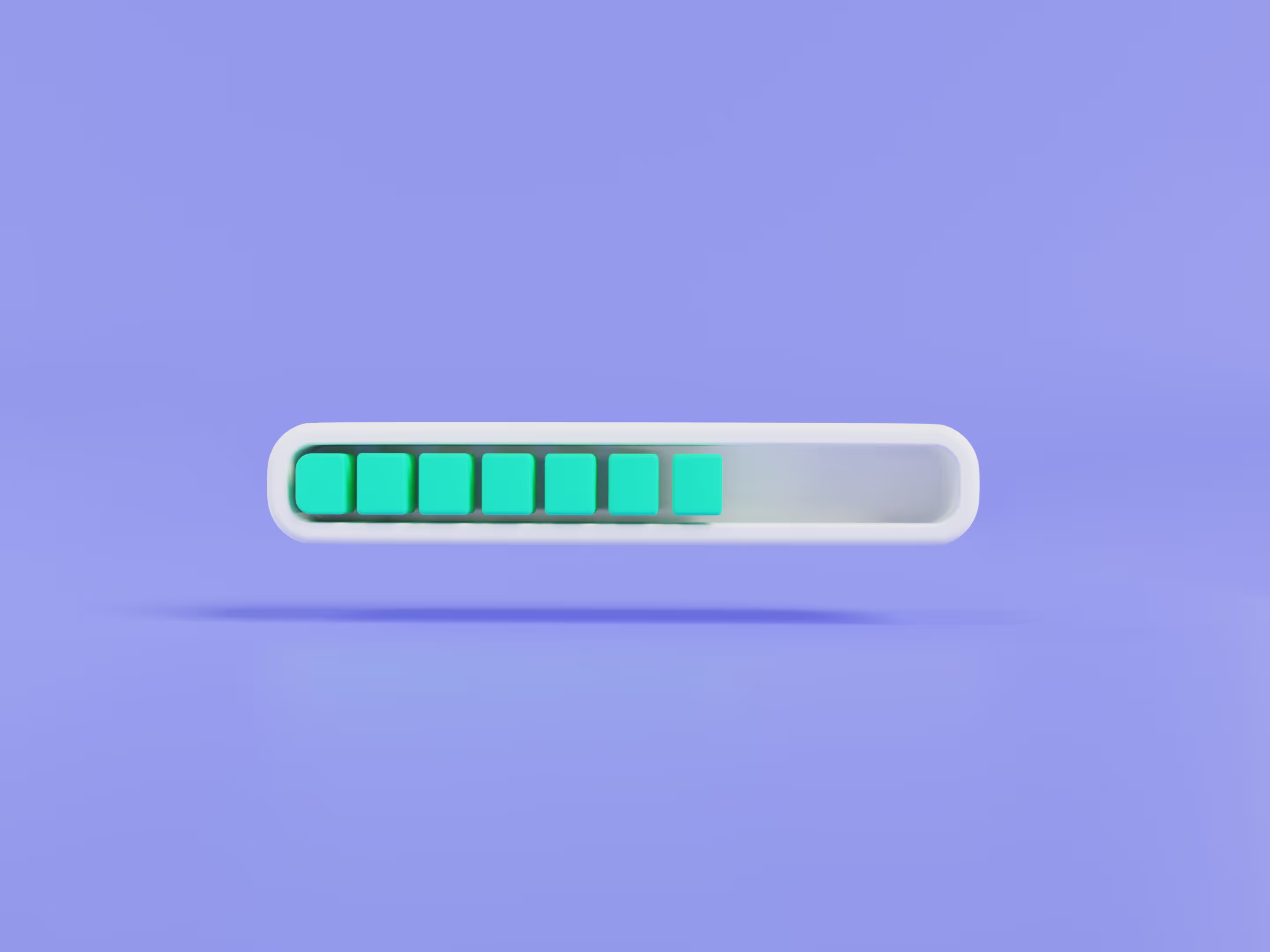
As designer Dan Saffer puts it, “Microinteractions are an exercise in restraint, in doing as much as possible with as little as possible.” These minimal yet effective interactions play a crucial role in creating seamless, user-friendly experiences.
The Psychology Behind Micro-Interactions
Micro-interactions aren’t just visual details; they rely on basic psychological cues to guide how users react and respond. Understanding these subtle elements allows designers to create more intuitive and engaging websites that resonate with users on a deeper level.

One key aspect is emotion and user engagement. Micro-interactions evoke feelings that make the experience more enjoyable and memorable. Animations, sounds, and subtle feedback can create excitement, satisfaction, and a sense of connection. This aligns with emotional design principles, where feedback and motion influence how users feel during an interaction. By responding to user behavior over time, micro-interactions can feel more relevant and less generic, without adding complexity.
Why are micro-interactions essential in web design?
1. Showcase system status
Users need to know what’s happening when they interact with a website. Micro-interactions, like progress bars, spinners, or checkmarks, provide real-time feedback, reducing uncertainty and improving the user experience.
Example: Dropbox’s upload progress bar reassures users that their file is being uploaded, eliminating confusion about the status of their action.
2. Improve user engagement
Small animations and interactive elements encourage users to engage more deeply by making interactions more enjoyable and rewarding. Engaging in micro-interactions can turn mundane actions into delightful moments, encouraging users to stay longer on a platform. Example: Facebook’s tap-and-hold emojis allow users to express emotions beyond a simple “like,” making engagement more interactive and personal.

3. Prevent errors
Real-time feedback helps users avoid mistakes before they occur, reducing user frustration. Micro-interactions, by providing clear visual cues and guidance, improve usability and reduce frustration. Example: A password field that displays checkmarks as users meet security requirements ensures they know what’s needed before submitting.
4. Enhance navigation and intuitiveness
Micro-interactions make interfaces easier to navigate by providing subtle hints about available actions, contributing to an engaging user experience. Visual feedback, like hover effects or animated transitions, guides users naturally through a website. Example: A menu item changing color or animating on hover signals that it is clickable, making navigation more intuitive.
5. Communicate brand personality
Micro interactions create a sense of interactivity that helps reinforce a brand’s identity and tone, making the experience feel more personal and memorable. Thoughtful animations and feedback make interactions feel intentional rather than mechanical. Example: Asana’s celebratory animations when tasks are completed inject fun into productivity, reflecting the brand’s friendly and engaging approach.
Key components of micro-interactions
1. The Trigger is the initial action or event that starts the micro-interaction.
- User triggers: These are actions initiated by the user, such as clicking a button, swiping, or tapping on a screen.
- System triggers: These are events initiated by the system, like notifications, alerts, or automated responses.
2. The rules define what happens once the trigger is activated.
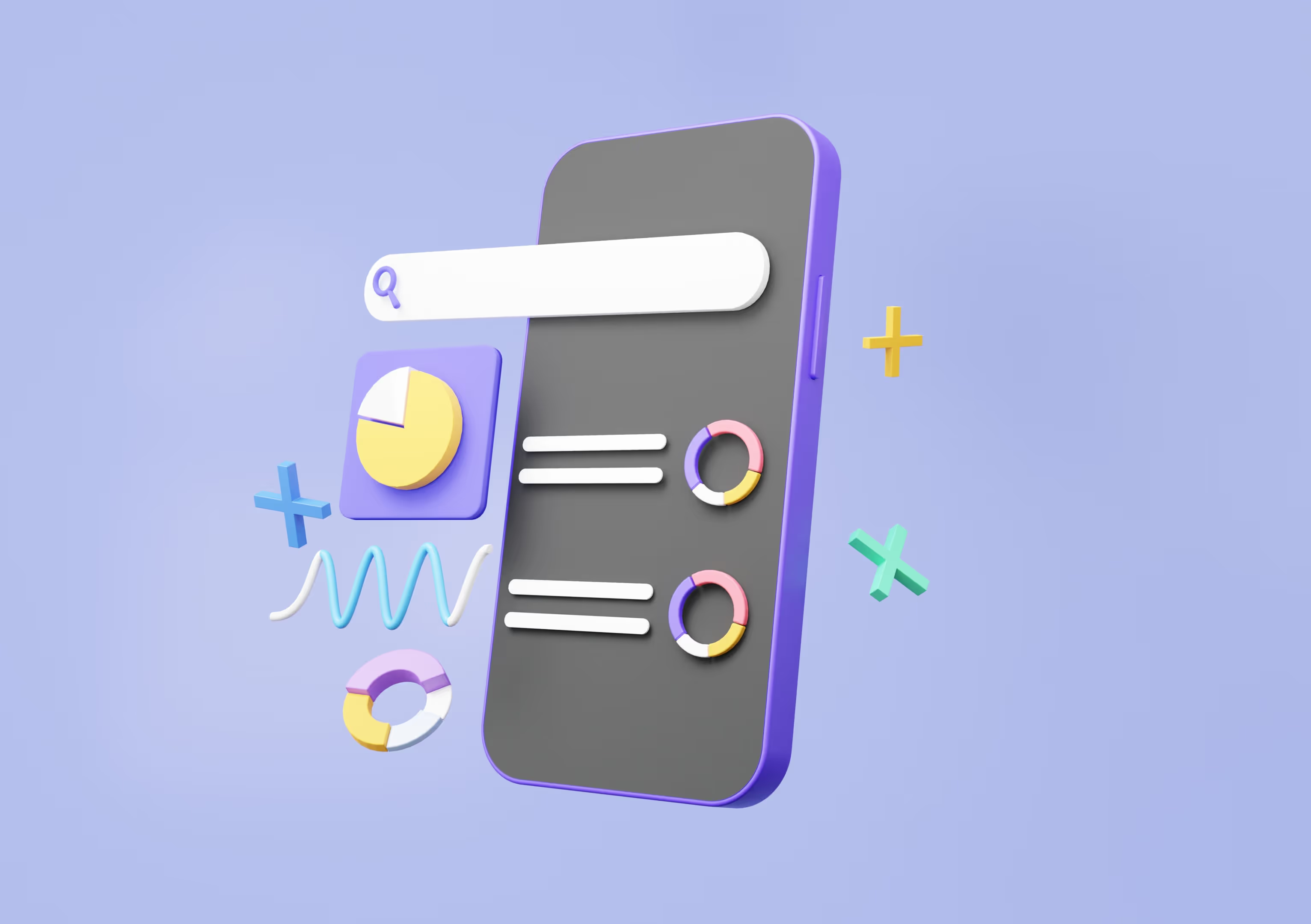
For example, clicking a download button might initiate a progress bar that shows the download status.
3. Feedback provides users with immediate visual or auditory cues to indicate that the action has been recognized and understood.
For instance, a checkmark appearing after a form submission indicates successful completion.
4. Loops and modes determine how long the micro-interaction persists or whether it repeats.
For example, a loading spinner may continue until the requested process (like data loading) is completed or show a looping animation until the action is cancelled or timed out.
Best practices for designing micro-interactions
1. Understand user needs
Micro-interactions should align with user expectations and address specific needs, whether it’s providing clear feedback, guidance, or a sense of accomplishment. When users interact with a system, they should feel supported and informed.
Example: Mailchimp’s password checklist provides real-time guidance, ensuring users meet security requirements without unnecessary frustration.
2. Provide immediate feedback
Users need to know their actions have been recognized right away. Immediate feedback reassures them that the system is responsive and working as expected, preventing confusion or repeated actions.
Example: Google’s search autocomplete suggests words in real-time, helping users refine their search efficiently.
3. Keep it simple
Overcomplicated micro-interactions can be distracting or frustrating. A clean and minimal design ensures the interaction remains intuitive and enhances usability without overwhelming the user.
Example: YouTube’s like and dislike buttons are simple and instantly recognizable, making engagement effortless.

4. Maintain consistency
Micro-interactions should follow a uniform design language across the platform to create a cohesive user experience. Consistency helps users predict interactions and navigate the interface smoothly.
Example: Gmail’s swipe-to-delete feature operates the same way across all emails, ensuring users don’t have to relearn interactions.
5. Add a human touch
Subtle animations, playful elements, or friendly copy can make interactions feel more engaging and enjoyable. Personal touches help create a connection between the user and the product.
Example: Asana’s celebratory creatures appear when users complete tasks, adding a moment of delight to the workflow.
Micro-interactions vs. micro-animations: what’s the difference?
Examples of micro-interactions
Micro-interactions play a crucial role in enhancing user experience by providing instant feedback, guiding actions, and making interactions feel more engaging. For example, on Instagram, when a user double-taps a post, a heart animation appears, creating a satisfying visual cue that confirms the action. Similarly, Apple’s iPhone employs subtle vibrations when users type on the virtual keyboard, offering tactile feedback that mimics a physical keyboard and improves typing accuracy. By integrating thoughtful micro-interactions, designers can significantly enhance the user journey, making each touchpoint more engaging and responsive to user needs.

Beyond visual and tactile responses, micro-interactions also help reassure users that their actions have been completed successfully. LinkedIn, for instance, sends a subtle notification after a user sends a connection request, confirming that the invitation has been sent. This eliminates uncertainty and enhances user confidence in the platform’s responsiveness.
Micro-interactions can also boost engagement and satisfaction by adding playful or rewarding elements to the experience. Nike’s mobile app, for example, celebrates user achievements with animations after workout milestones, reinforcing positive behavior and encouraging continued use. Additionally, well-designed loading animations keep users engaged while content is being fetched, preventing frustration and making wait times feel shorter.
Micro-interactions in SaaS and product UIs
In SaaS products, micro-interactions help users understand what’s happening, especially in complex dashboards and workflows. Small UI responses show what changed, confirm actions, and prevent users from second-guessing what just happened.
For example, in analytics dashboards, filters often trigger subtle loading states or skeleton screens instead of full page reloads. This reassures users that data is updating in real time, reducing confusion during short delays. In onboarding flows, step indicators and inline validation guide users through setup, reducing drop-off without interrupting momentum.
Another common SaaS pattern is action confirmation. When a user saves a setting or updates permissions, a brief success animation or inline status message confirms the change instantly, avoiding uncertainty and repeated actions. These micro-interactions don’t draw attention to themselves, but they quietly improve usability, trust, and perceived performance.
Design tools for creating the best micro-interactions
To craft seamless and engaging micro-interactions, designers rely on specialized tools that streamline the process of ideation, prototyping, and animation. They provide intuitive interfaces, robust animation capabilities, and prototyping functions, allowing designers to visualize interactions before implementation. By enabling quick iterations and real-time previews, they help refine micro-interactions efficiently while ensuring a smooth user experience.
Using such tools also enhances collaboration between designers and developers, aligning visual elements with functional requirements. They optimize time management by simplifying workflows, reducing development bottlenecks, and ensuring that micro-interactions remain consistent with the overall design strategy.
Examples of popular design tools
- Lottie – A tool that allows designers to create and export lightweight animations that can be integrated into mobile and web applications.
- Principle – Focuses on UI animation and interaction design, making it ideal for creating fluid transitions and engaging micro-interactions.
- ProtoPie – Enables designers to build advanced micro-interactions without coding, allowing for detailed motion design.
- Figma – A cloud-based design tool that supports interactive prototyping, allowing designers to create and test micro-interactions seamlessly.
- Framer – A powerful tool for designing highly interactive prototypes with smooth animations and real-time feedback.
By incorporating these tools into the design process, designers can efficiently create dynamic, engaging, and functional micro-interactions that elevate the overall user experience.
The role of micro-interactions in modern web design
Today, micro-interactions are becoming even more integral to modern web design:
- AI integration: Predictive micro-interactions that anticipate user needs.
- Voice and gesture controls: Expanding triggers beyond traditional clicks.
- Increased personalization: Custom micro-interactions based on user behavior.
Frequently asked questions

Raya Chicheva
Raya is a content strategist and UX researcher at StanVision, with a background in media production and editorial work. She turns dense product and research material into writing people actually finish.
Her process starts with user behavior and market data, not adjectives. Blog posts, UX copy, long-form research: whatever the format, the test is the same. If a reader can't act on it, it gets rewritten.

.svg)