
Key takeaways
- The best Webflow templates in 2026 pass four structural checks: clean class naming, a CMS that scales past ten posts, interactions that add polish instead of load time, and responsive behavior that survives real content.
- Price tracks page count and CMS depth, not quality. Some free templates are better built than paid ones; the free-vs-paid decision is about your hours, not the price tag.
- Match the template's structure to your buyer, not its style to your taste. How your buyers evaluate you matters more than how the demo looks.
- Templates are for launching, not differentiating. When you find yourself fighting the template instead of editing it, that's the signal to go custom.
The best Webflow templates in 2026 are the ones that survive contact with a real project: clean class naming, a CMS structure that scales, interactions that add polish without load time, and responsive behavior that holds up when real content replaces the placeholder copy. The marketplace has over 7,000 templates now, which is its own problem. Most look great on the product page and fall apart the moment you swap in your real, longer headlines. So we did the filtering for you: 19 templates that survive contact with an actual project, organized by what you're building.
Webflow itself makes this worth doing. With its visual interface, clean code output, and CMS features, you can build a high-performing website without a full dev team whispering in your ear. Starting from a blank canvas is the hard part; a well-built template removes it.
How we picked these
We're not a template shop. We're a Webflow agency that builds custom sites for SaaS and fintech companies, so we judged these templates the way we'd review a junior designer's build: we opened them up and looked under the hood.
Every template here passed four checks: clean class naming (because "Div Block 47" becomes your problem six months in), a CMS structure that scales past ten blog posts, interactions that add polish instead of load time, and responsive behavior that holds up when real content replaces the placeholder copy.
Last updated: July 2026. We re-review this list quarterly; the marketplace ships new templates every week, and some of last year's favorites haven't aged well.
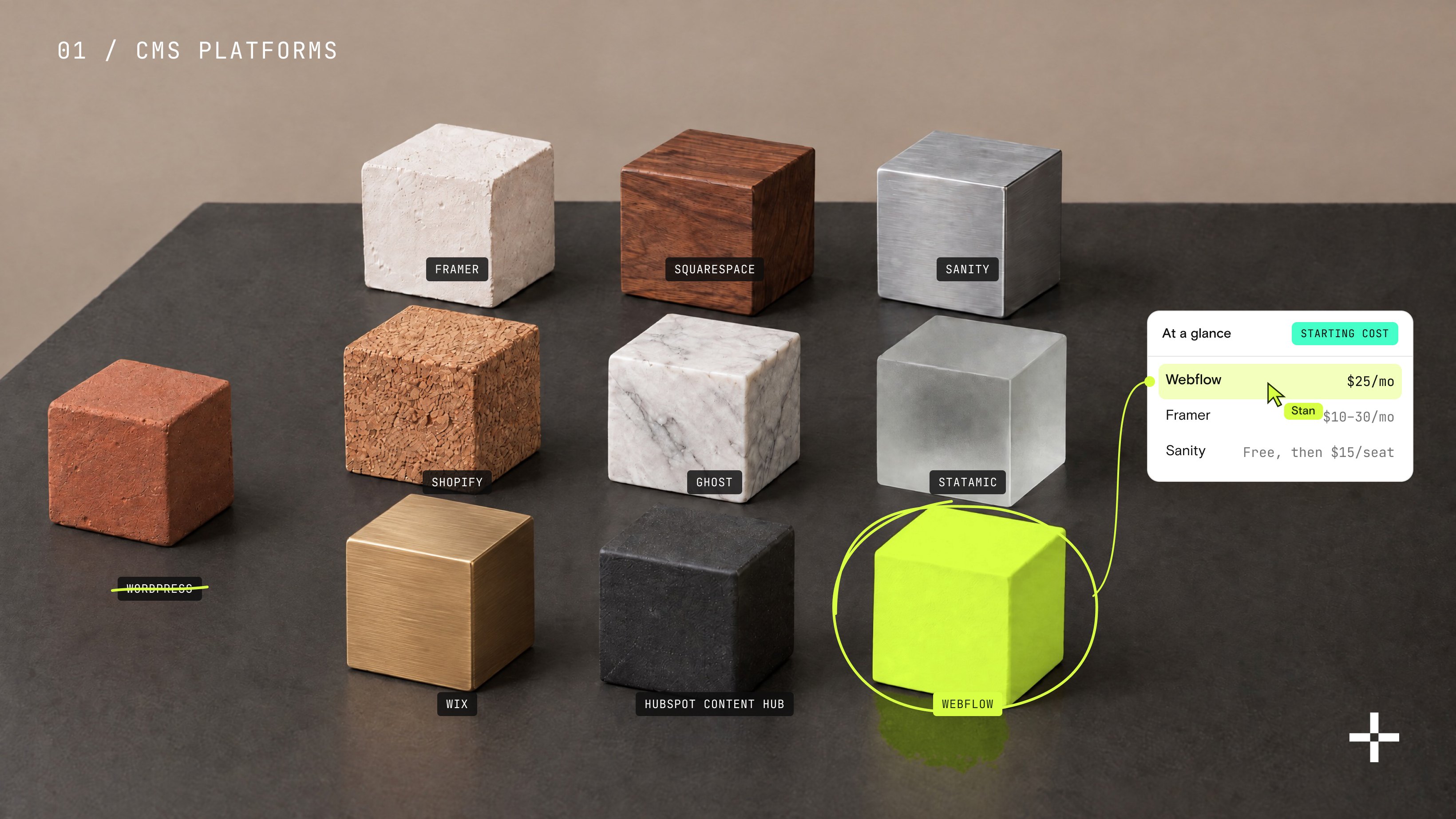
Every template in this guide, at a glance
Prices checked July 2026; marketplace pricing can change.
Free Webflow templates
Zeal consult
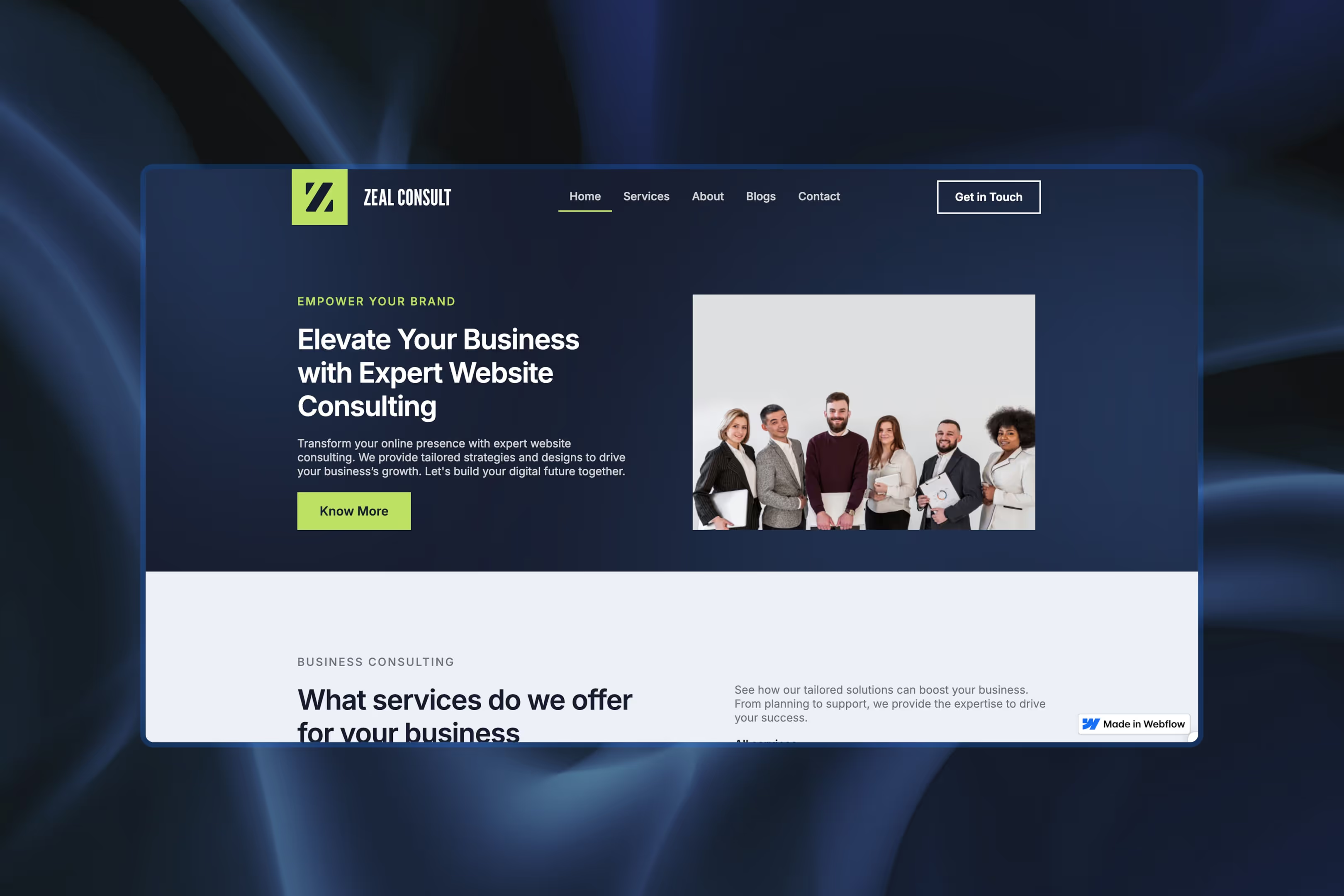
Perfect for: Freelancers, consultants, and new businesses
Simple, clean, and refreshingly unpretentious, Zeal Consult is ideal if you want to get up and running fast without sacrificing a professional look. It includes ready-to-edit sections for services, testimonials, and contact forms, everything a new business needs to start generating leads. It even ships with a style guide detailing typography and color schemes, which is more branding discipline than most paid templates bother with.
Fitnesso
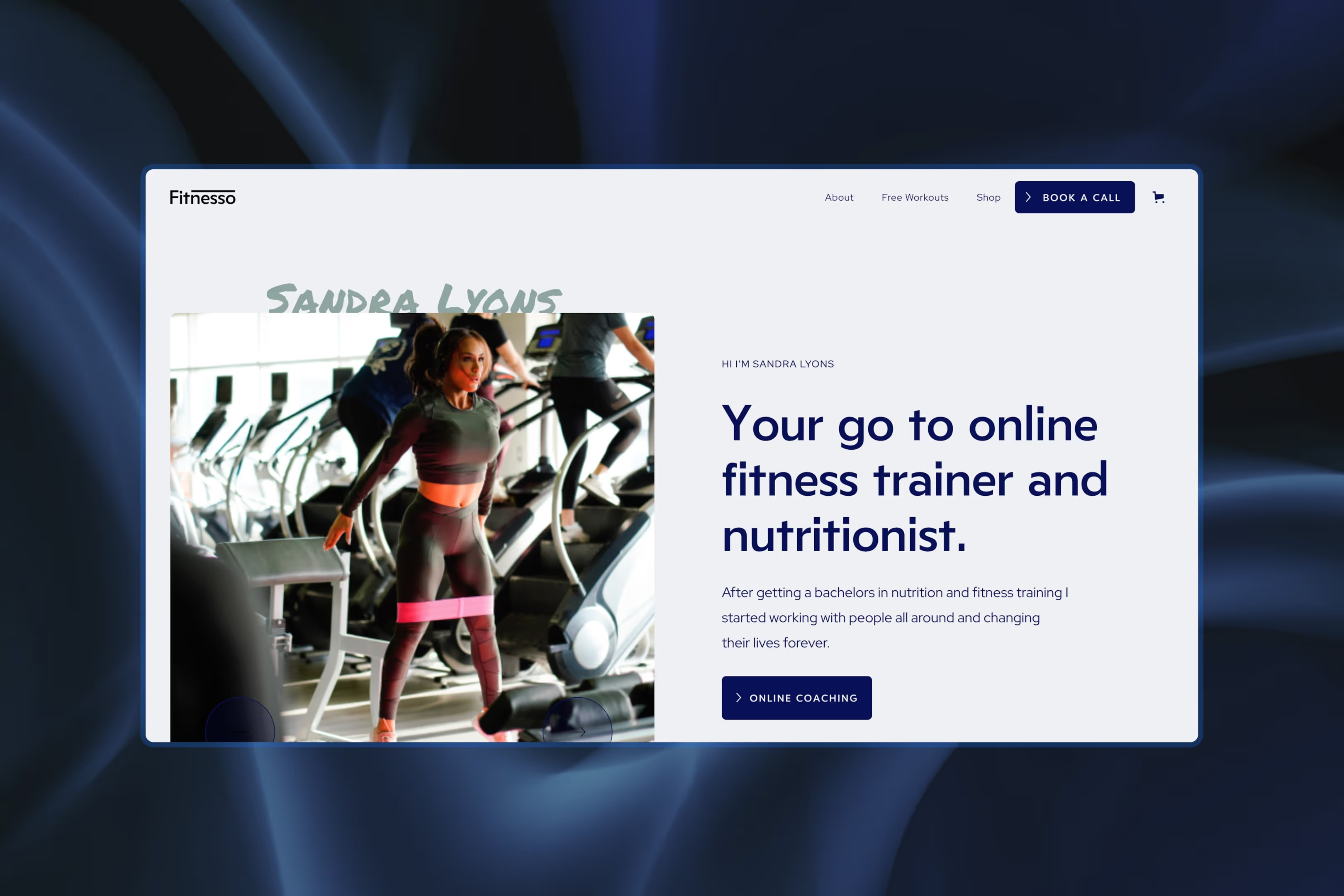
Perfect for: Gyms, wellness brands, or any business with strong visuals
Don't let the name fool you: Fitnesso goes way beyond dumbbells and protein shakes. Its bold layout and dynamic visuals work for any business with a visual edge, and it includes both CMS and e-commerce functionality, which is genuinely rare on a free template.
Designer's note: The homepage repeats the same image style and section pattern several times, so it's quick to customize visually. Swap in your own assets early, though, or the site starts to feel repetitive.
Momentum
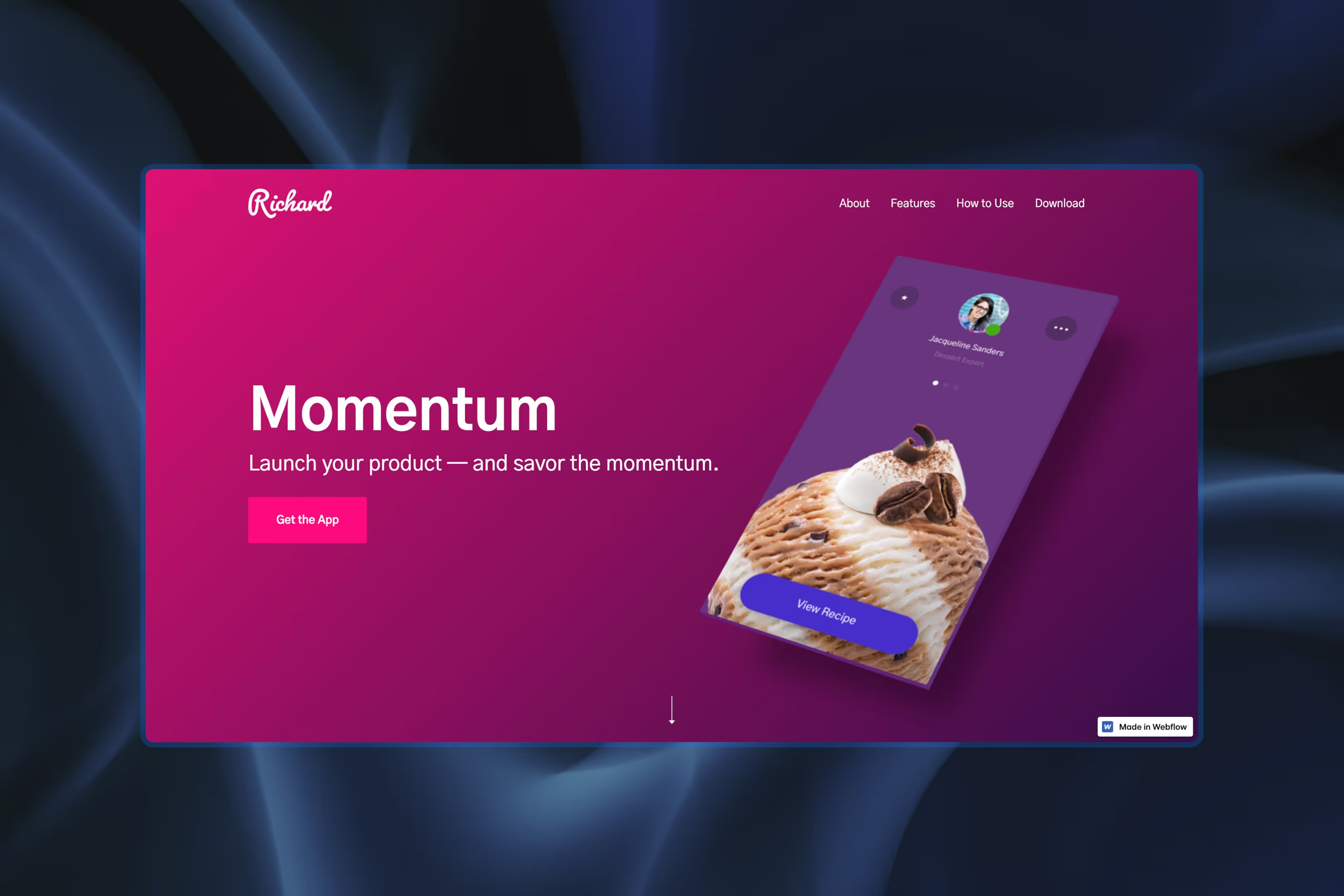
Perfect for: Product-based businesses or digital service providers
Momentum is sleek, interactive, and packed with subtle animations that make your content shine. With features built to showcase products or services in a dynamic way, this template helps you look like a brand that has it together, even if you're still figuring things out behind the scenes.
Designer's note: The navigation is anchored to page sections from the start, which makes Momentum better suited to a true landing page than a multi-page site.
E-commerce Webflow templates
NOVAIRE
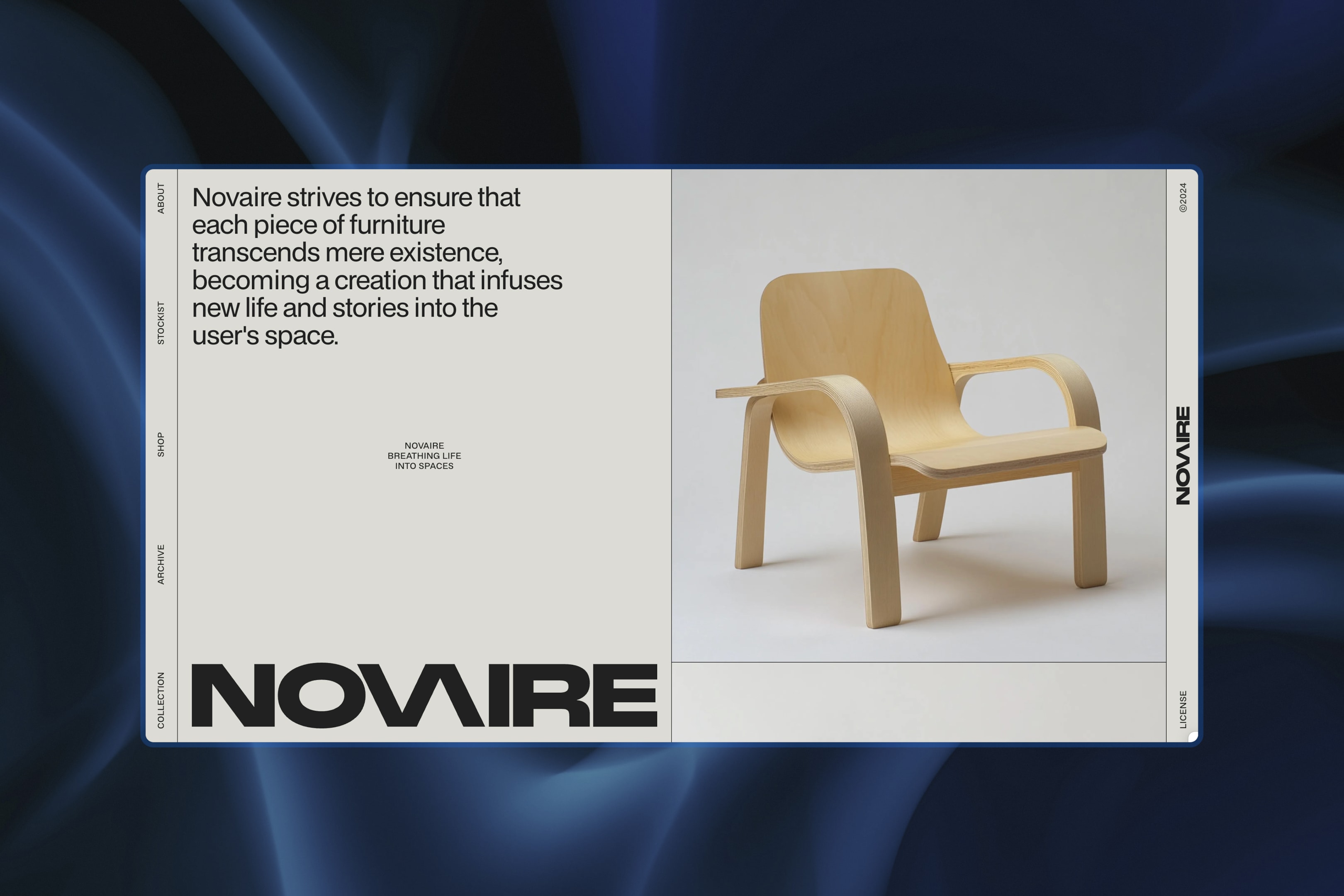
Perfect for: High-end furniture, interior design brands, or minimalist e-stores
NOVAIRE is an e-commerce template all about whitespace and elegance. Its clean layout keeps the spotlight on your products, not on flashy design gimmicks. Built-in CMS makes inventory management easy, and it's fully customizable without writing a single line of code.
Designer's note: The fixed side navigation works beautifully for editorial brands. Just keep your menu labels short, or the clean layout starts to feel cramped.
Zaibizu
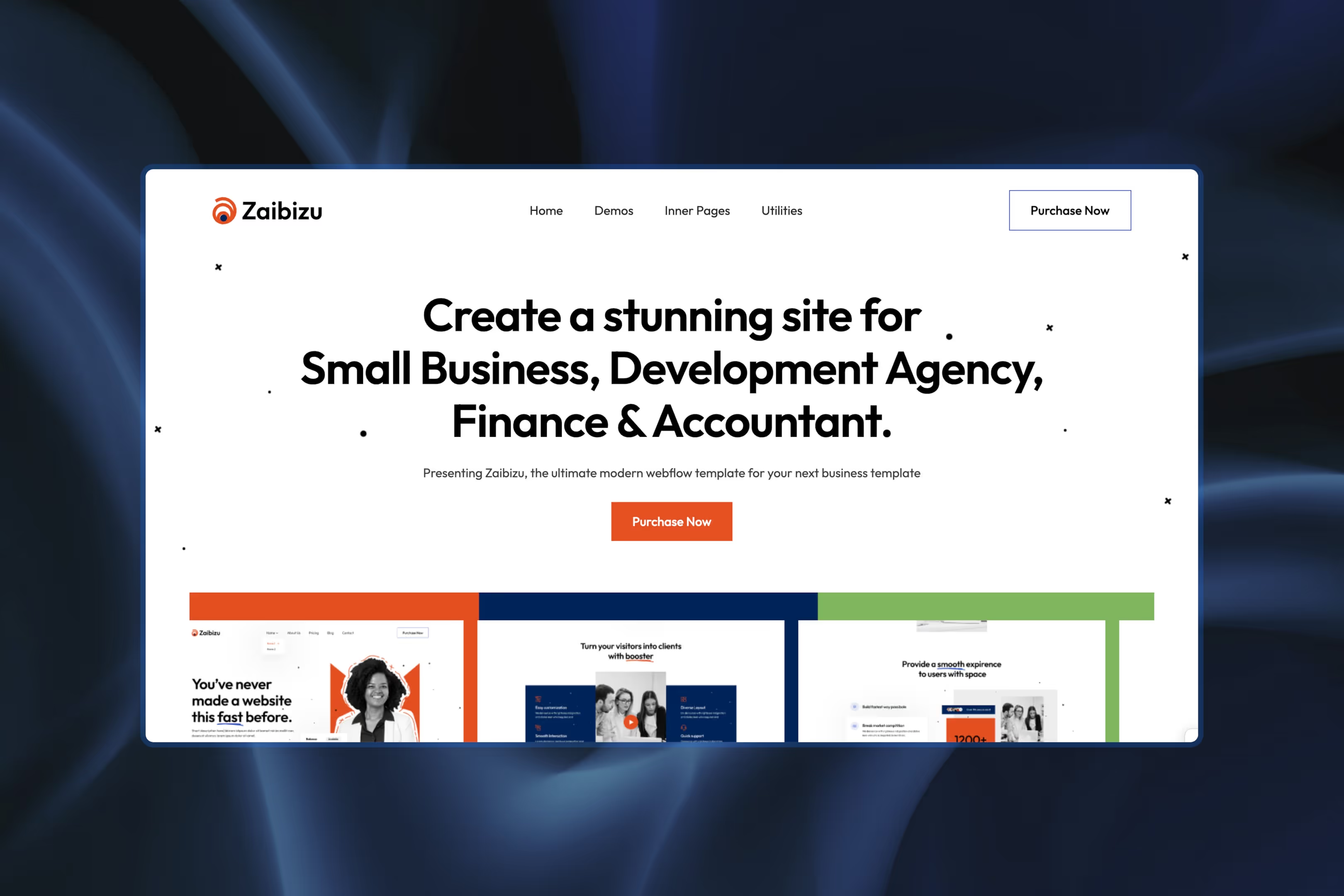
Perfect for: Versatile online shops
Zaibizu comes with built-in SEO tools and a solid e-commerce backend, built for anyone looking to scale a digital storefront quickly. Pick the layout that matches your catalog, not the other way around.
Designer's note: The template ships with three complete homepage variants, so you can switch creative direction without rebuilding your core pages.
CoffeeStyle
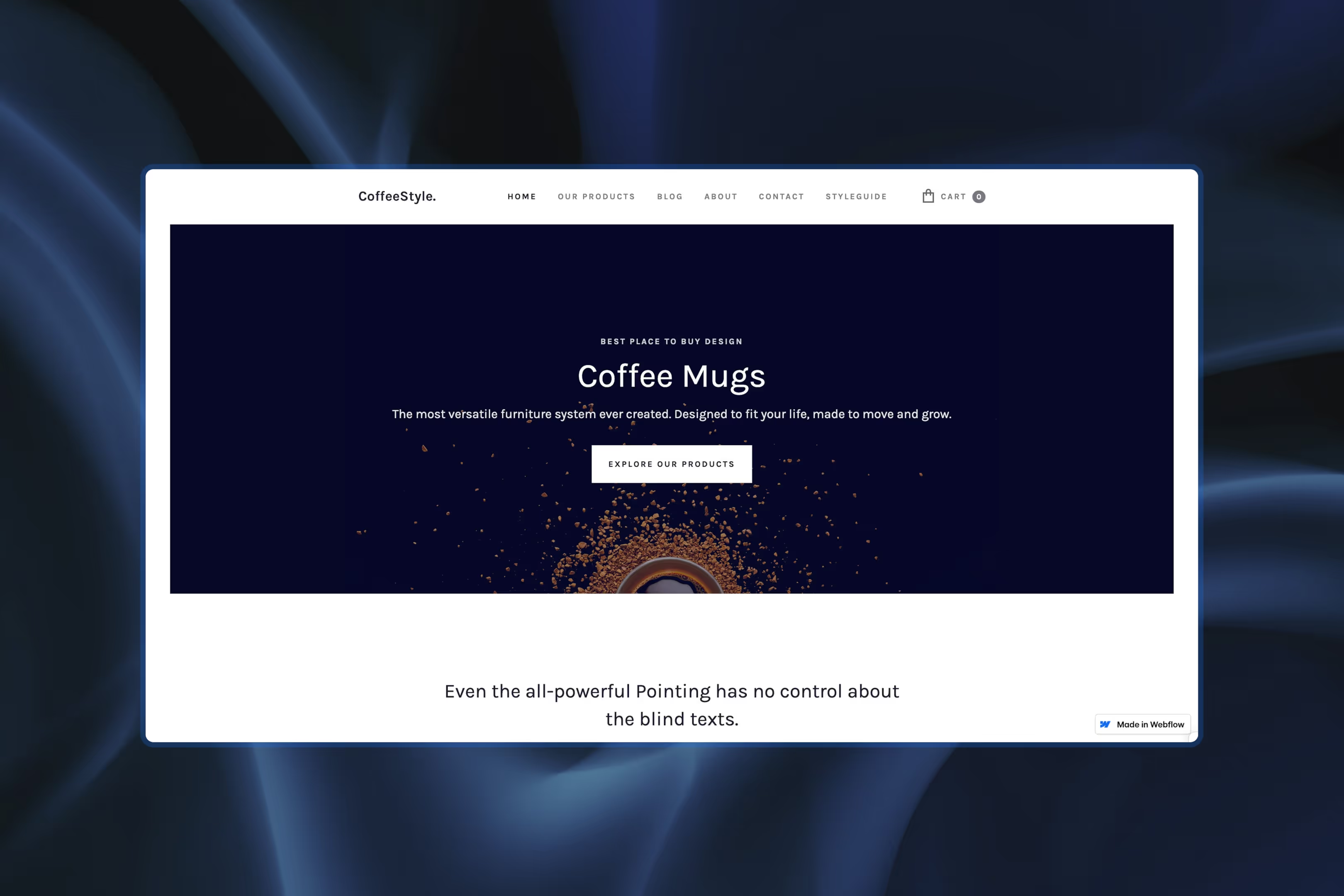
Perfect for: Photography-forward brands, boutique coffee sellers, or artists
With bold visuals and a grid-style product page, CoffeeStyle delivers both function and aesthetic. It's mobile-friendly, CMS-equipped, and built around large imagery. If your product photography is your best salesperson, this template gives it the floor.
Designer's note: The built-in blog isn't an afterthought; it's woven into the shopping journey, so you can support content marketing without redesigning the homepage.
Niche-specific Webflow templates
ShineSmile
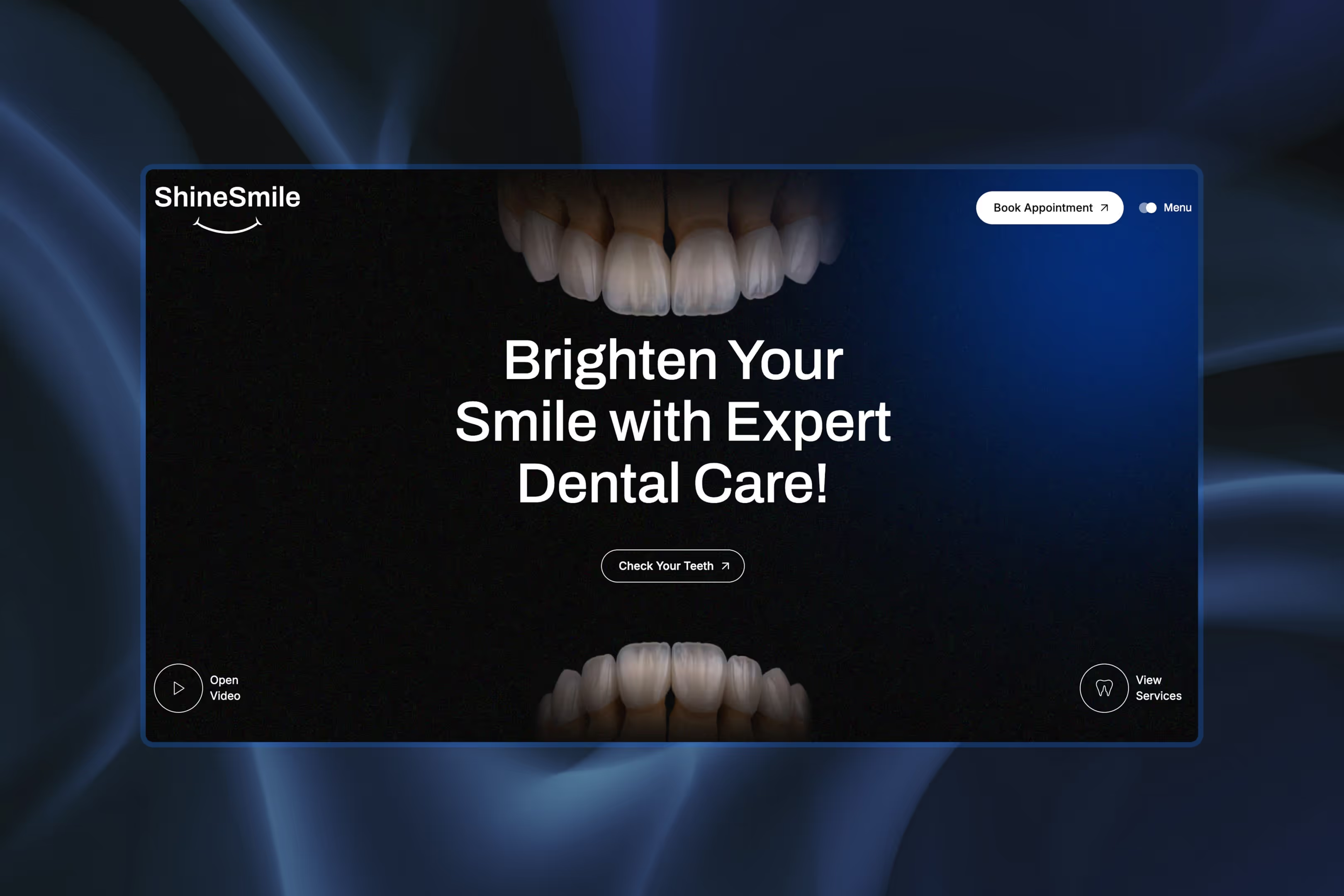
Perfect for: Clinics, dental practices, or healthcare startups
This is the Webflow template equivalent of a clean bill of health. ShineSmile includes booking integration, patient testimonial sections, and before/after galleries. It's a breeze to customize and adds polish to any healthcare brand looking to gain trust at first glance.
Designer's note: Services, doctors, testimonials, and blog all use dedicated CMS collections, so expanding the site later won't mean duplicating layouts.
Hahawhat

Perfect for: Podcasters, video platforms, or subscription-based content
Hahawhat is all about performance and accessibility. With video embedding, categorized content sections, and subscription management tools, this template is built for media brands that want to own their platform, not just rent space on YouTube.
Designer's note: The episode CMS is clearly the core of the template; new episodes automatically feed the hero, archive, and listings with zero extra layout work.
Zaindis
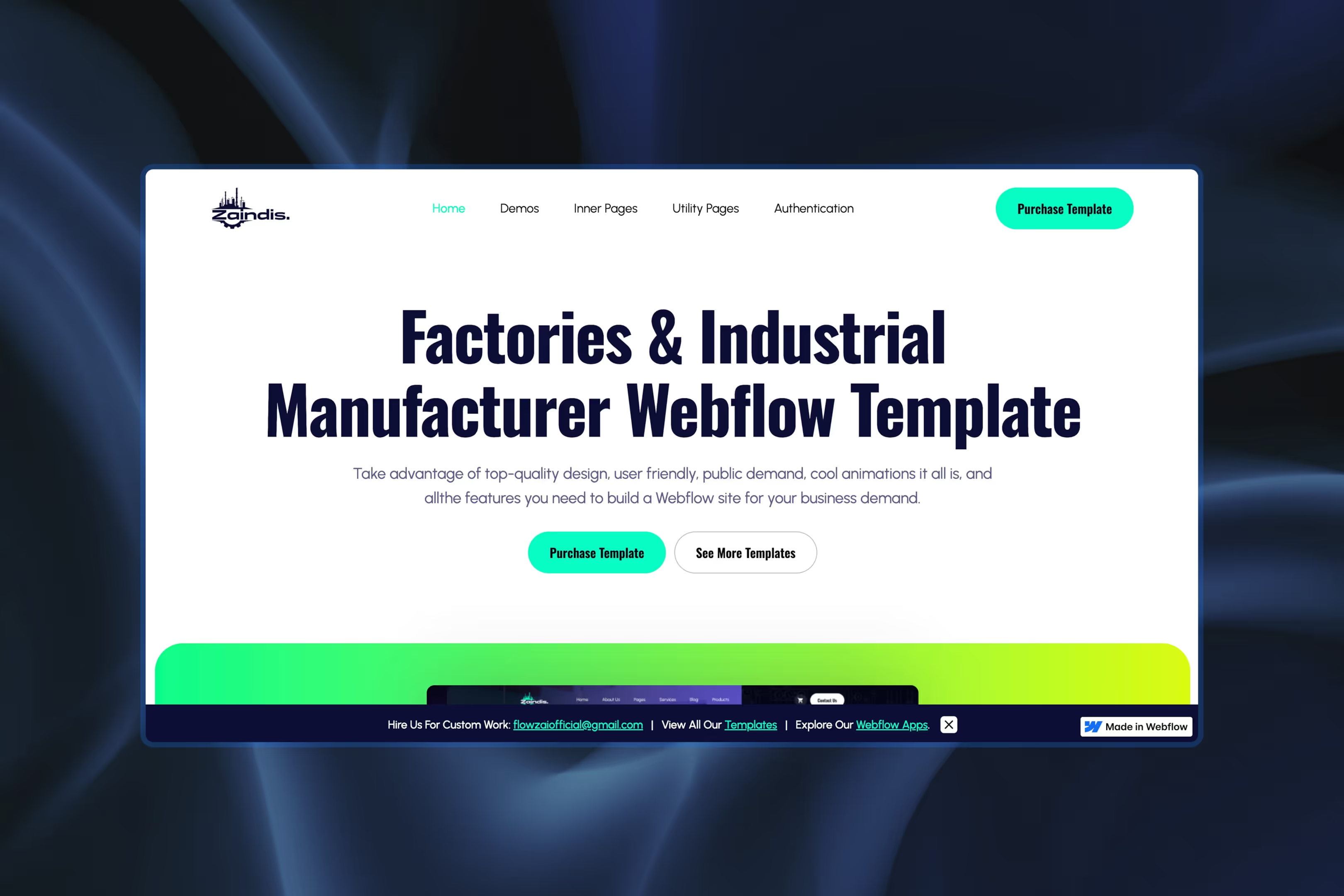
Perfect for: Realtors and property developers
Zaindis comes with pre-built property listing grids, integrated lead capture forms, and even virtual tour capabilities. If you're in real estate, this template will make you look like the agency people actually want to call back.
Designer's note: With product, service, team, blog, and auth pages included, it's better suited to a larger industrial or property site than a simple brochure build.
Blog and content-focused templates
Proof
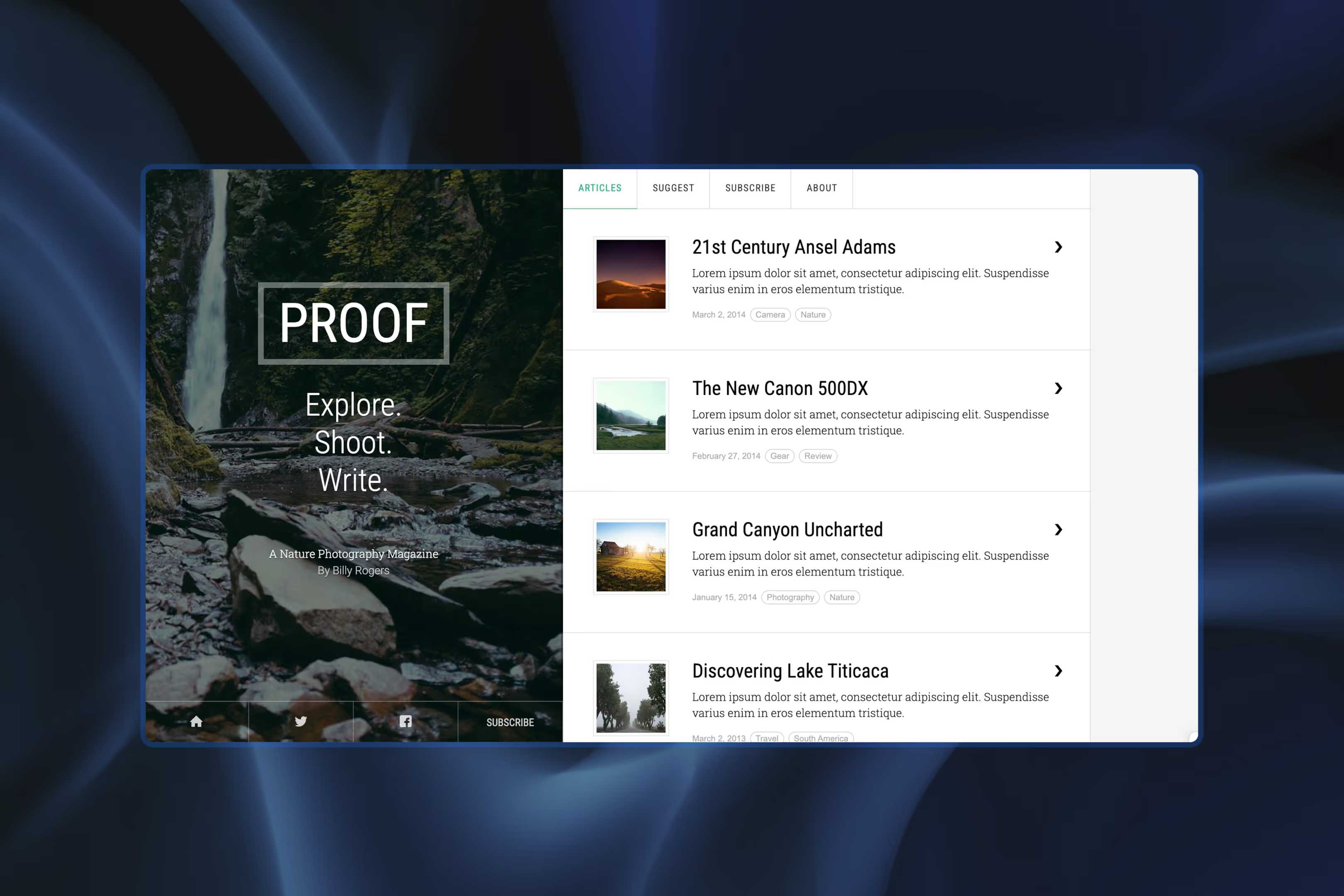
Perfect for: Journalists, bloggers, and editorial content creators
Proof features a modern blog layout with a scrollable post list, crisp typography, and optimized blog pages. It's easy to update, responsive across devices, and keeps the reader's attention where it belongs: on the writing.
Designer's note: The article list is fairly barebones, but pagination and category tags are already wired in, a solid base for a lightweight magazine archive.
Writing X
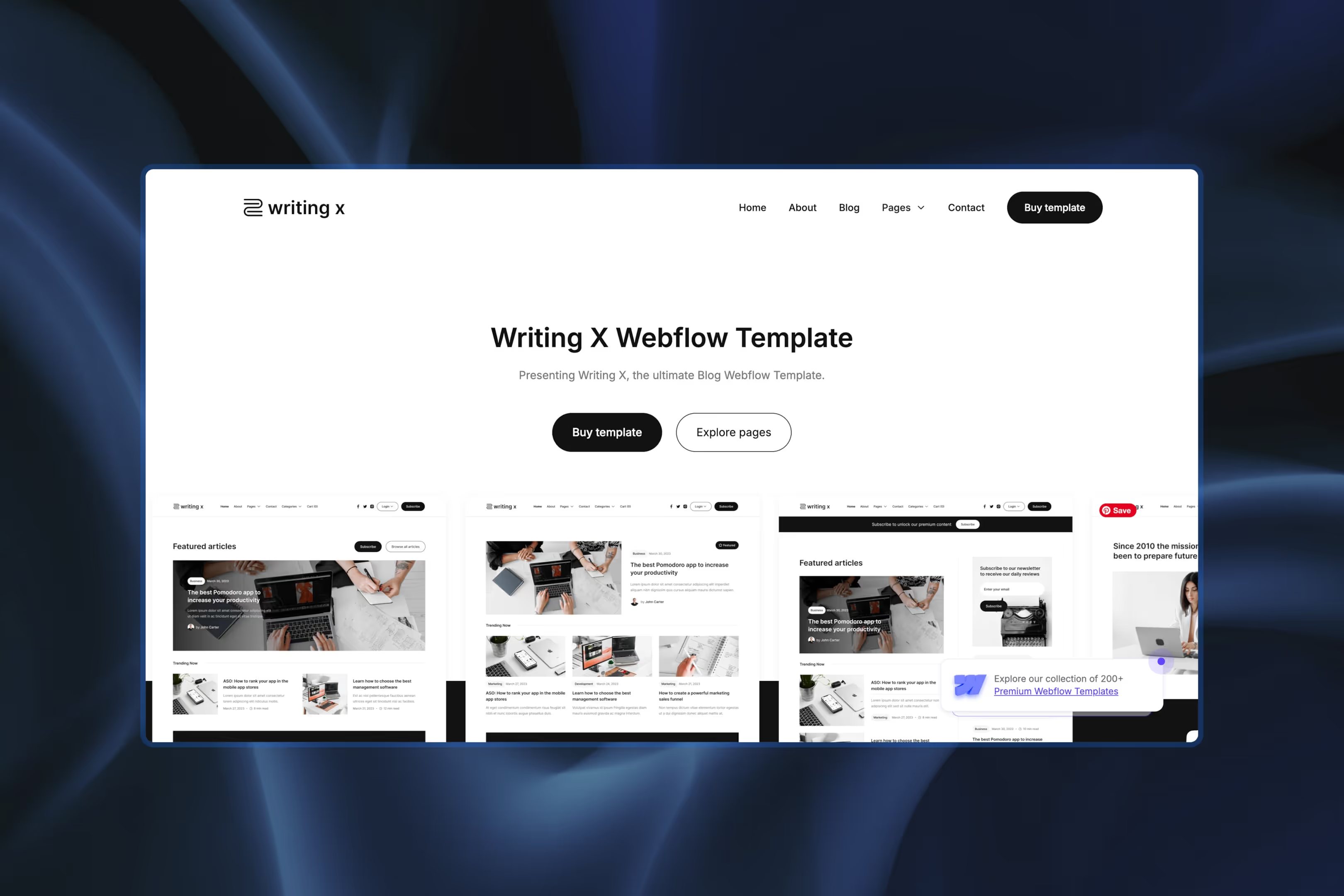
Perfect for: Long-form content writers, authors, and storytellers
Writing X is designed for deep reading. With thoughtful layouts for blog posts, customizable sections for bios, and SEO-optimized structure, it's a great pick for writers who want their content to take center stage.
Designer's note: Premium articles, author pages, categories, and member authentication are all built in; it's ready for a subscription publication without any extra CMS architecture.
The best SaaS Webflow templates for 2026
Full disclosure: this is the category we're pickiest about. We design SaaS and fintech websites for a living, so we judged these the way we'd judge our own work. Does the hero communicate value in three seconds, does the pricing page reduce anxiety or create it, and will the CMS survive a content team that publishes twice a week? One more rule we hold ourselves to: no more than two picks from any single template studio, so this list reflects the marketplace, not one designer's catalog.
Zaivolt
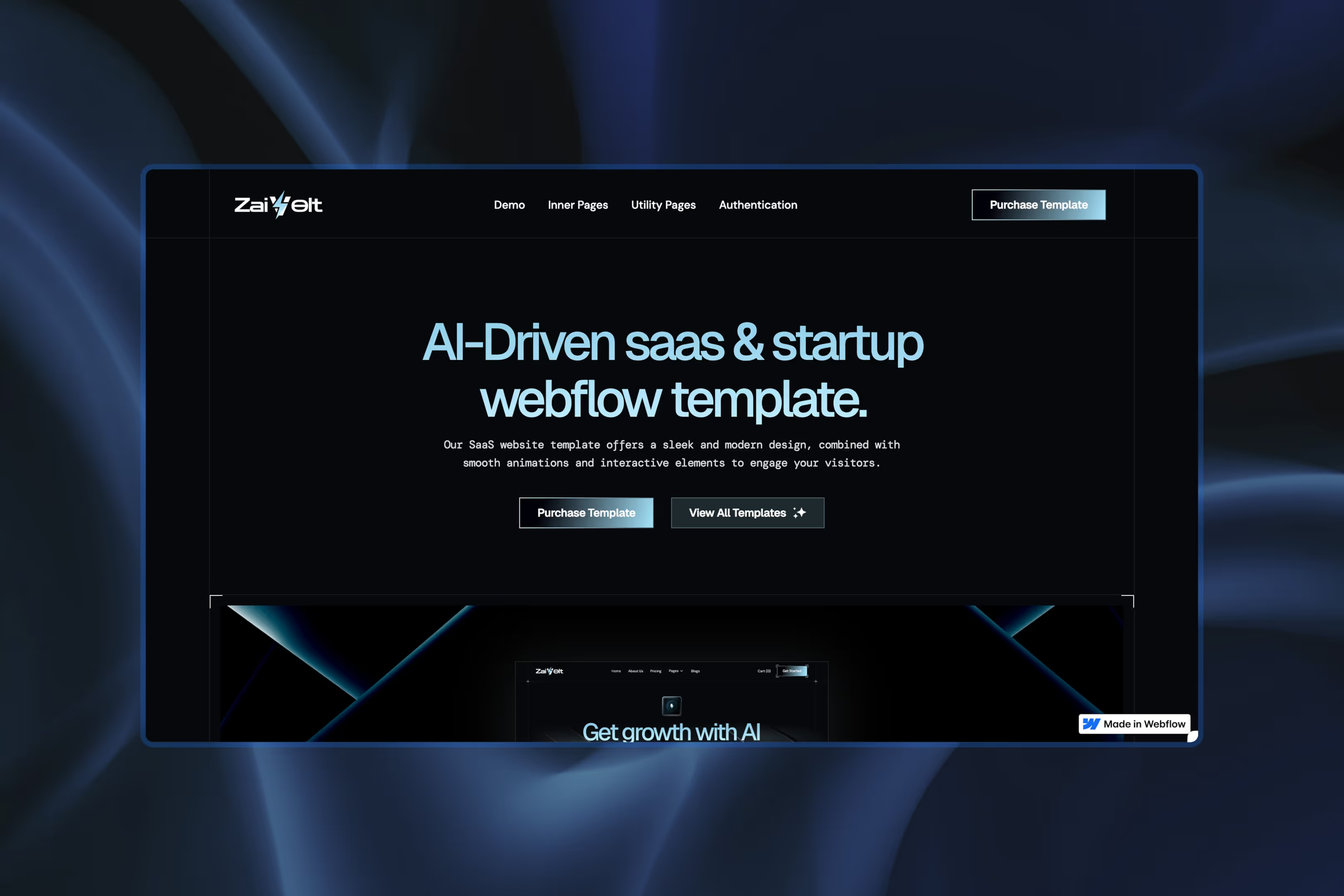
Perfect for: SaaS companies, AI startups, or anything "techy"
Zaivolt is a conversion-focused template designed to turn visitors into leads. With modular sections for product features, pricing, FAQs, and CTAs, it's ideal for early-stage startups trying to look enterprise-ready from day one.
Designer's note: Integrations, careers, pricing, blog, and authentication pages are already mapped out; this is closer to a full SaaS site system than a single landing page.
Type AI
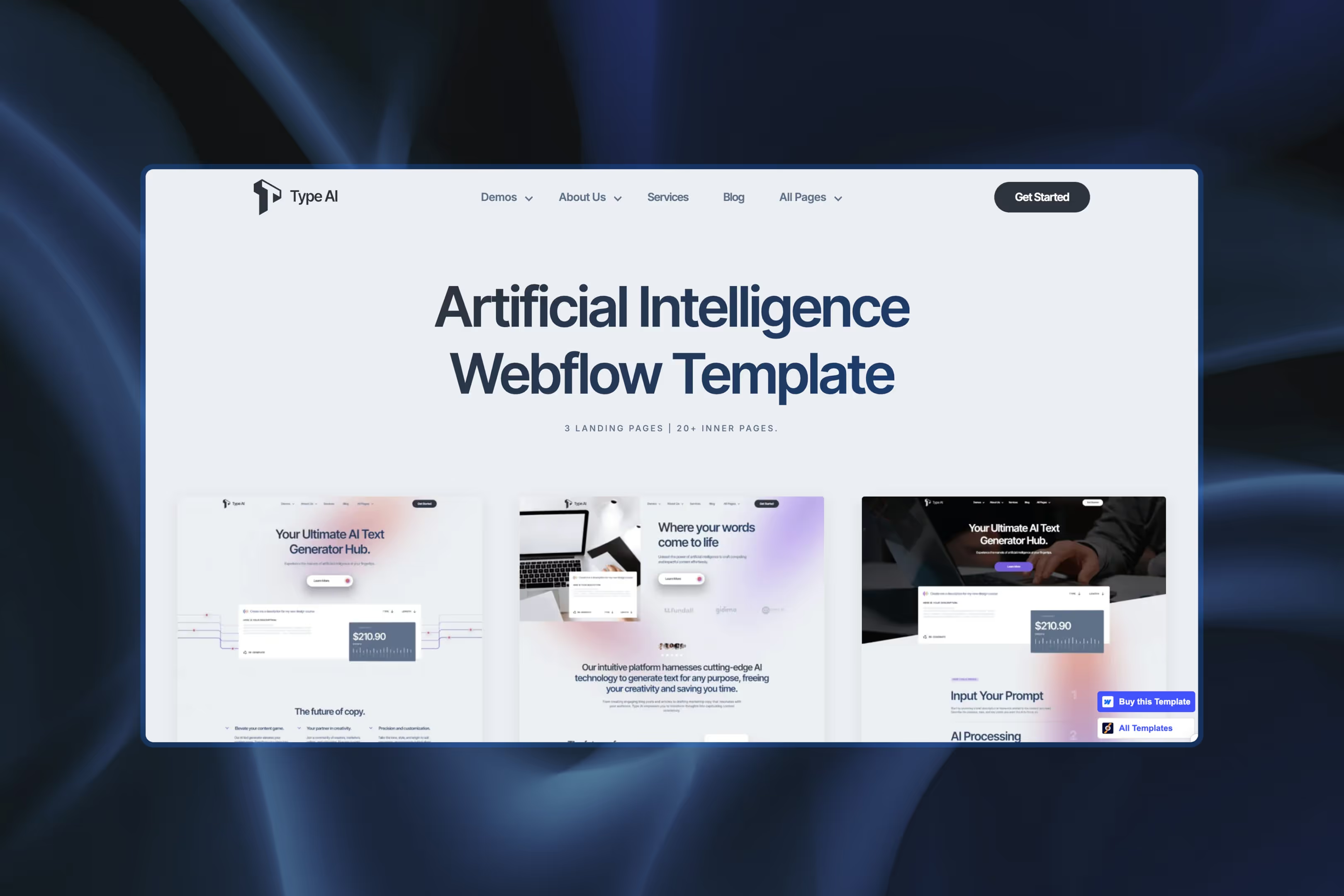
Perfect for: Startups with bold ideas and clean branding
Type AI features a minimalist, tech-forward layout, CMS support, and microinteractions that add polish without overcomplicating the UX. It's a solid option for AI tools, no-code platforms, or any startup that wants to look like it's already raised Series A.
Designer's note: Three homepage variations plus multiple About and Services layouts make it easy to refresh the site's look later without rebuilding the underlying content structure.
Omgent
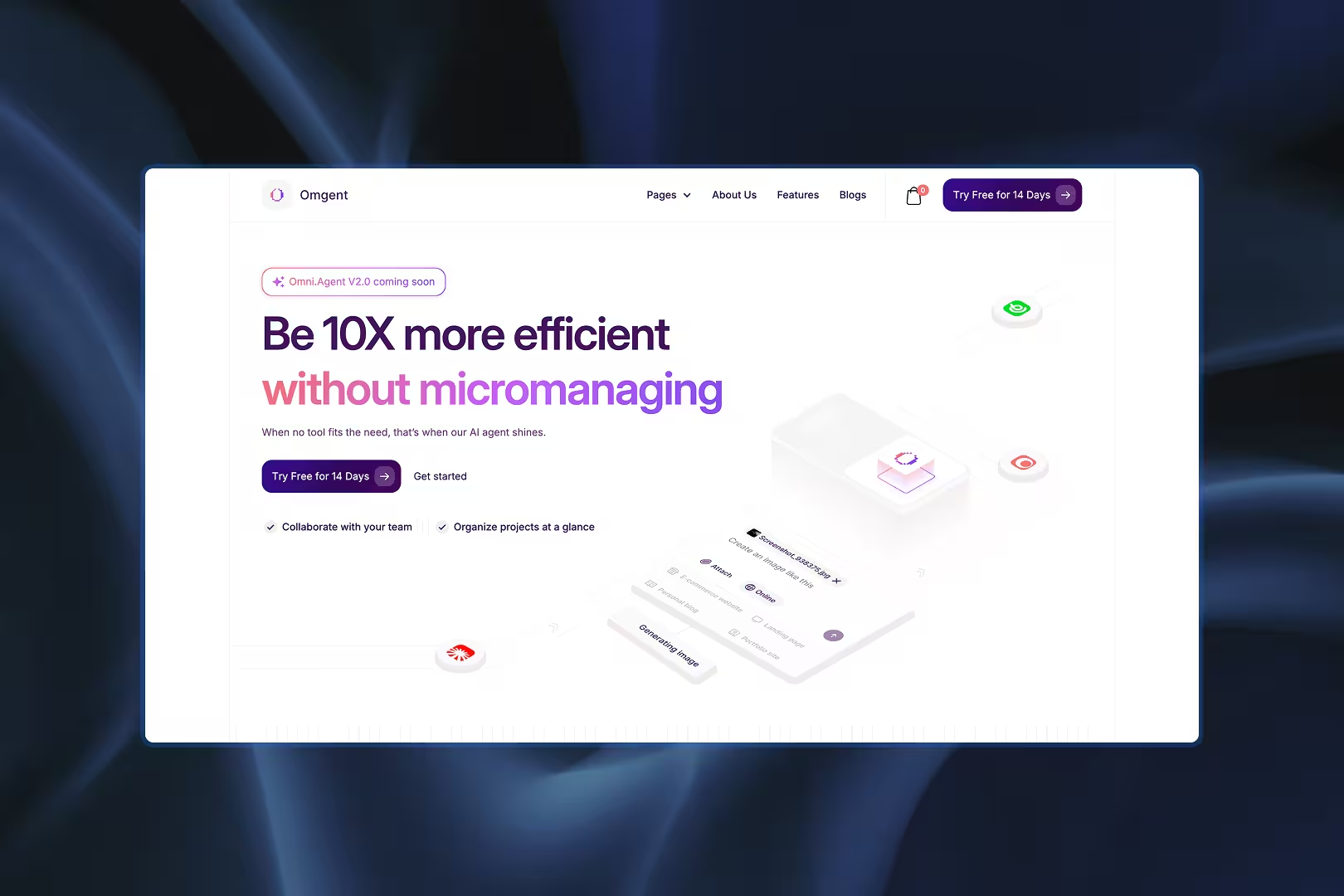
Perfect for: Bootstrapped launches, MVPs, validating before you invest
A free, multi-page SaaS template by TemplateFlow, and free multi-page is the rare combination, since most free templates are one-pagers. For a team validating a product, it covers the pages that matter without the invoice. As with any free template, expect to restyle more than you would on a premium build.
Designer's note: The hero animation is clean, but the decorative UI lines fade into the background on large screens. If you're swapping the illustration, check the contrast before publishing.
Workhorse
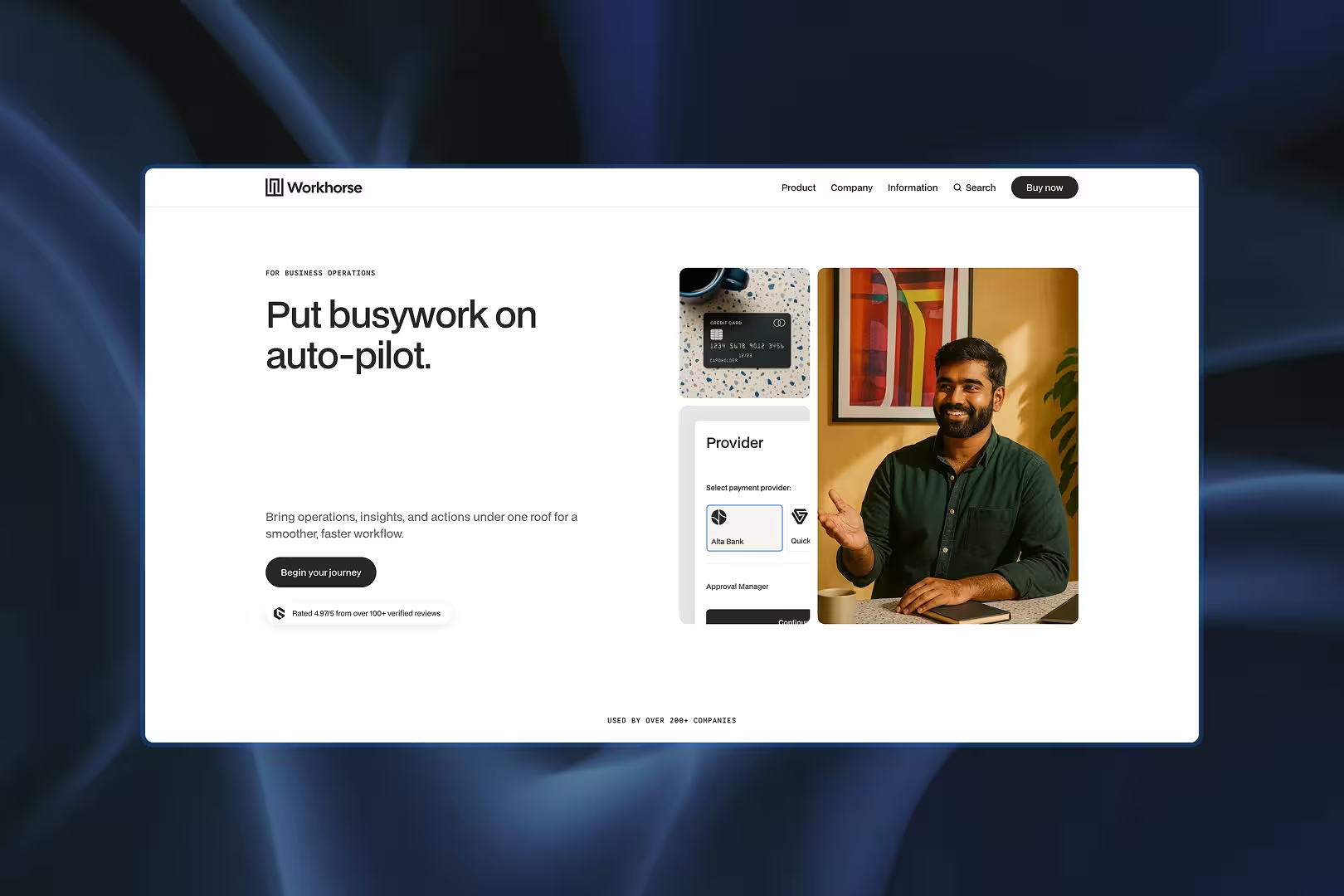
Perfect for: Enterprise-facing B2B, corporate SaaS, buyers in procurement mode
Built by Medium Rare, one of the most respected template studios on the marketplace, and it shows in the discipline of their builds. Workhorse is a multi-layout corporate template made for products that sell to serious companies: restrained, structured, credibility-first. If your buyers are procurement teams rather than founders, this is the register to hit.
Designer's note: The mock dashboard cards are built as layered UI components rather than flat screenshots, so they're much easier to restyle or repurpose without breaking the overall composition.
Focuslab
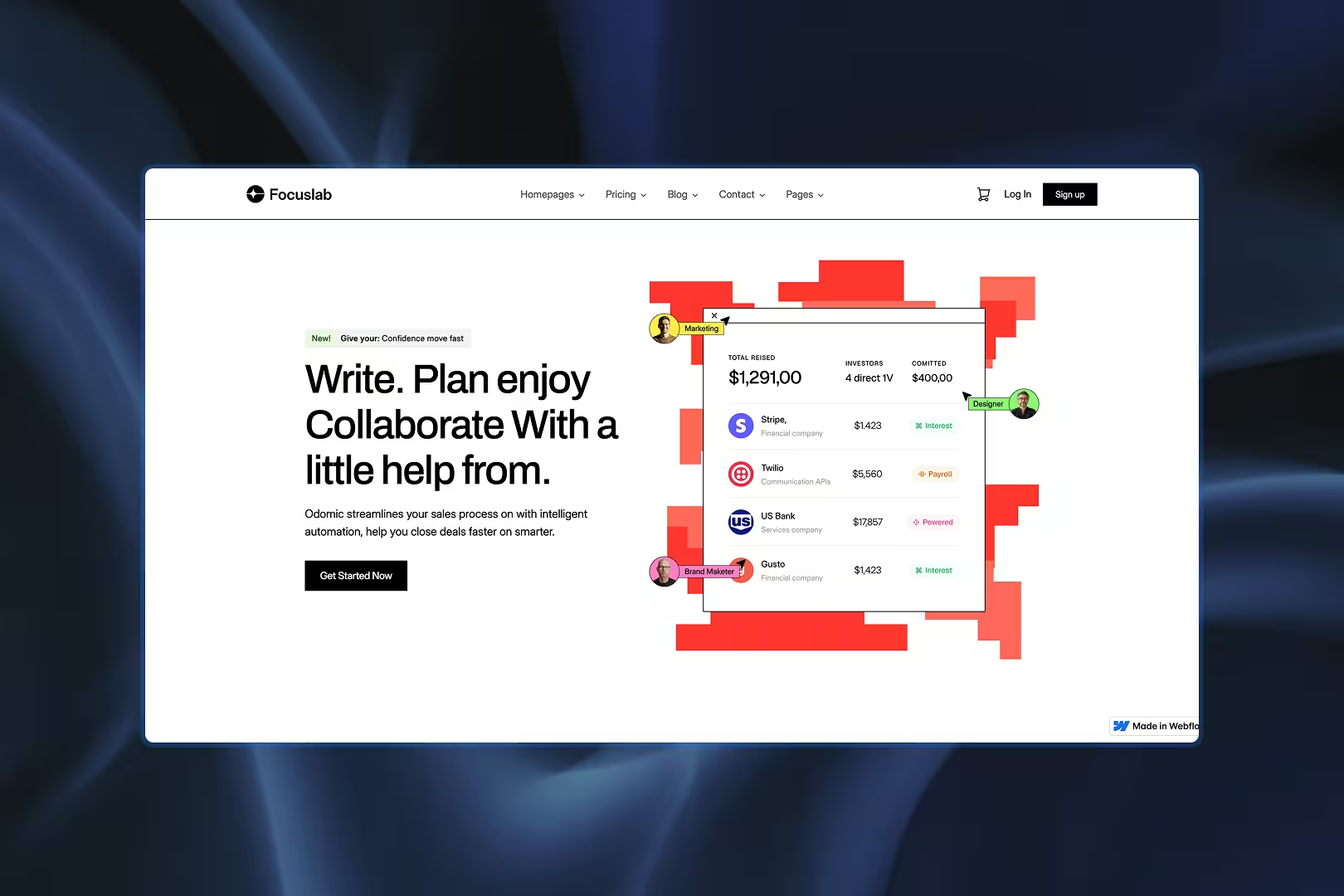
Perfect for: Modern SaaS launches, teams that want current design language out of the box
The newest premium SaaS template in this list (January 2026, by Basecom): a minimal, modern multi-layout build. Recency matters more than people admit with templates. Design language ages fast, and a 2026 build won't need the visual updating a 2023 one will. Multiple layouts mean you can shift direction without rebuilding.
Designer's note: Rather than one static mockup, the hero is assembled from separate floating UI components; swapping an individual card is far easier than redesigning the whole composition.
Kloudexa

Perfect for: Product launches, dev tools, products with growing integration ecosystems
A dark-themed SaaS template built for product launches, where your screenshots do the selling. UI pops against the dark background, and the CTA placement is genuinely conversion-minded rather than decorative. Dark themes are unforgiving: cheap ones look muddy fast. This one doesn't.
Designer's note: Integration pages get their own dedicated templates rather than being folded into the Features page, which makes a product ecosystem much easier to expand as new integrations ship.
Finjex

Perfect for: Financial apps, fintech startups, anything where trust is the product
Fintech is our home turf, so believe us when we say most "finance" templates are a blue gradient and a stock photo of a handshake. Finjex is better than that: multi-layout homepages, a pricing page built for transparency, and information architecture that respects how carefully people evaluate financial products.
Designer's note: The three homepage variants share the same visual system, so swapping between them won't force you to rebuild your inner pages later.
Banquee

Perfect for: Banks, established fintechs, startups pitching enterprise clients
A long-running favorite for banks and fintech startups, and it's aged well: elegant, minimal, with interactions that add polish without adding load time. If Finjex is the launch template, Banquee is the one you grow into: more restrained, more institutional. And at $49, it's quietly the best value in this category.
Designer's note: The compare section is unusually polished for a template, structured more like a real product decision tool than a typical pricing table, and easy to adapt for feature comparisons well beyond banking.
Free vs paid: an honest take
Free templates are real. Webflow's marketplace has solid ones, and several made this list. But "free" measures the price tag, not the project.
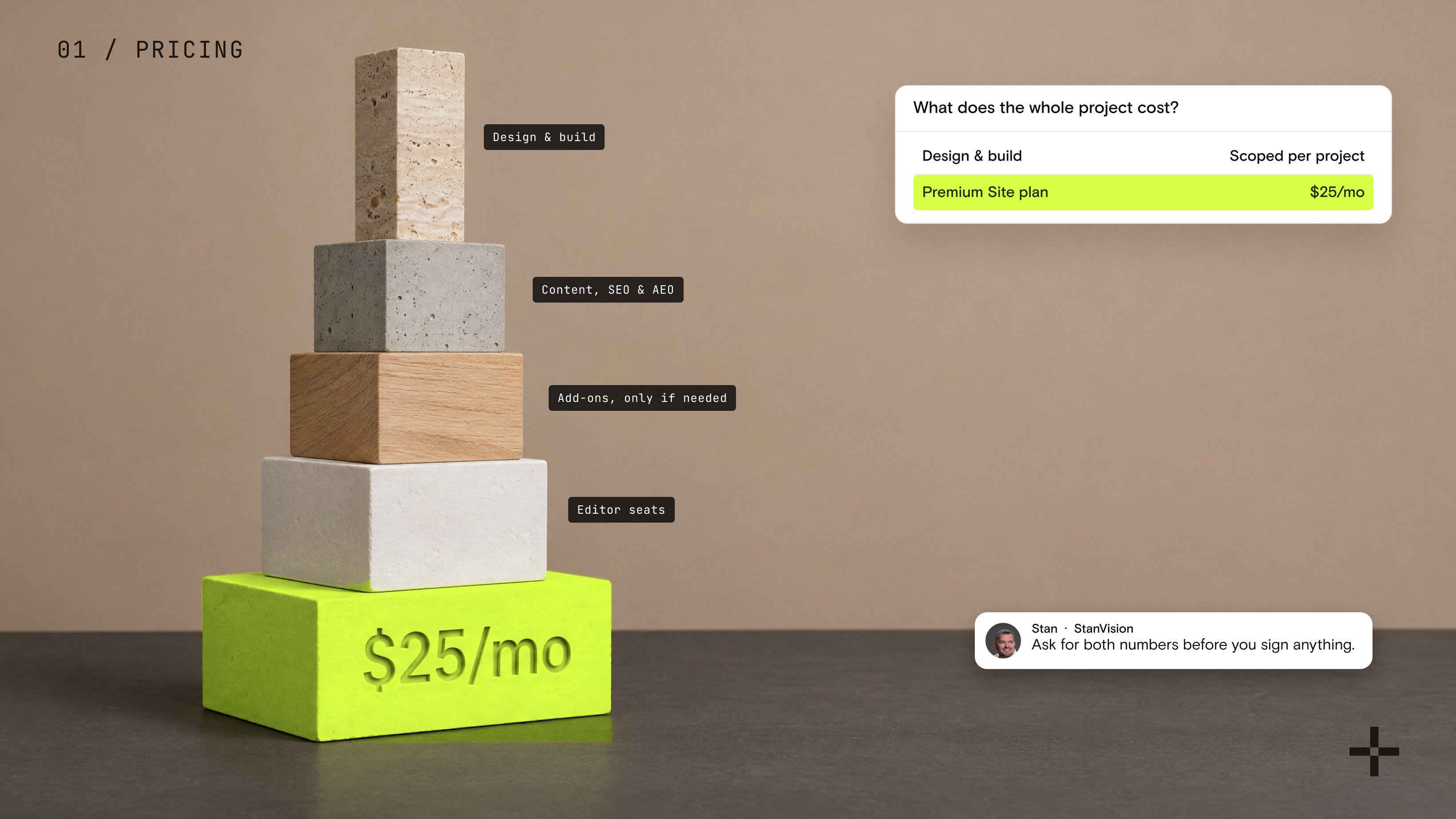
Paid templates ($49 to $149, typically) buy you more pre-built pages, deeper CMS wiring, and a designer who answers support emails. Free templates buy you a starting point, plus the hours to build everything that isn't there. If your time bills at anything above zero, a $79 template that ships with a pricing page, a blog, and working interactions is usually the cheaper option by Tuesday.
The honest math: a free template plus 30 hours of your evenings, or a paid template plus 10. Pick the number, not the price. And if you're weighing templates against building from scratch entirely, we've written up the real trade-offs of Webflow versus custom development separately.
Choosing the right template
With 7,000+ options, how do you narrow it down? Answer three questions before you fall in love with a homepage:
- What industry are you in, and does the template's structure (not just its style) match how your buyers evaluate you?
- What features are non-negotiable (e-commerce, CMS depth, booking, gated content)?
- How much will you customize? Be honest. If the answer is "a lot," build quality matters far more than the demo design.
And don't underestimate mobile responsiveness and built-in SEO structure. Those aren't nice-to-haves; they're essential if you want your site to perform and rank. Once you've picked, take the time to customize design, content, and interactions to match your brand. No one wants a site that still screams "stock."
When a template isn't enough
Templates are a brilliant way to launch. They're a terrible way to differentiate.
Here's the pattern we see: a startup launches on a template, grows, and somewhere around the Series A the cracks show. The CMS structure fights the content team. The design system drifts: three shades of the brand blue, four button styles, nobody remembers why. The site looks like a template because it is one, and so do three competitors' sites, because they bought the same one.
None of that means templates were the wrong call. It means they did their job: they got you to the stage where your website has to carry the brand, not just describe the product.
That's the point where customization stops making sense and rebuilding starts to. A custom Webflow design agency builds the things no template can ship: a design system that's actually yours, CMS architecture shaped around how your team publishes, and interactions that exist because your story needs them, not because they came in the box. (And if you're shopping for that kind of partner, we've ranked the best Webflow agencies in 2026 too, ourselves included.)
If you're not sure which side of that line you're on: if you're editing a template, keep the template. If you're fighting it, let's talk.
Pick the template, then make it yours
Whether you're bootstrapping a startup, launching a blog, or revamping your online presence, there's a Webflow template that fits your exact needs and makes you look like you've had a design team on payroll for months. From SaaS sites to e-commerce storefronts to niche layouts, the range in 2026 is vast and impressively flexible.
So explore, experiment, and don't be afraid to remix a template into something uniquely yours. Free templates are a no-commitment way to test the waters; paid ones buy back your evenings. And when your product outgrows all of them, that's not a failure. That's traction.
Because building a beautiful, functional site shouldn't feel like pulling teeth. Unless, of course, you're using a dental Webflow template.
Frequently asked questions
What is the best Webflow template for SaaS?
It depends on your stage. Early-stage products need a strong landing page and pricing section; growth-stage companies need deeper CMS structure for content marketing. Our SaaS picks above are sorted by exactly that. If you're between stages, choose the template with the better CMS. Pages are easy to add; architecture isn't.
Are Webflow templates customizable?
Yes, fully. Every template opens in the Webflow Designer, where you can change layout, typography, colors, interactions, and CMS structure. The practical limit isn't the tool, it's the template's build quality: cleanly named classes customize in hours, messy ones fight you at every step. It's the first thing we check.
How much do Webflow templates cost in 2026?
Free to $169, with most premium templates between $49 and $149. Price roughly tracks page count and CMS depth, not design quality; some free templates are better built than paid ones. You'll also need a Webflow site plan to publish, which is a separate cost from the template itself.
Can you change a Webflow template after buying?
Yes, without restriction. Once purchased, the template is a normal Webflow project you can modify however you like. Two caveats: you can't apply a template to an existing project (you start a new one from it), and you can't resell or redistribute the template itself.
Should I use a Webflow template or hire an agency?
Use a template when speed matters more than differentiation: MVPs, early launches, validating an idea. Go custom when your website has to win deals, when brand, conversion architecture, and a scalable design system justify the investment. Many of our clients did both, in that order. The template gets you to the game; custom design wins it.

Stan Kirilov
Stan has led design for over 20 years, first as a hands-on designer, now as Experience Director at StanVision. He works with SaaS and fintech companies, from first-time founders to global brands, on products and websites built to convert, not just to look good.
He serves on the Awwwards jury and still reviews every project that ships. His standard is simple: if a design doesn't perform, it isn't finished.
.svg)