Here's the short answer. Webflow wins when your website is a marketing asset: it's faster to launch, cheaper to run, and your marketing team can operate it without filing engineering tickets. Custom development wins when your website is the product: server-side logic, complex user accounts, unusual integrations, or scale that breaks platform limits. Everything else in this comparison is detail on where that line sits.
We should be upfront about our seat at this table. We're a Webflow Premium Partner, and custom Webflow development is a large part of what we do. That's a bias, but it's an earned one, and it cuts both ways: we've built enough sites on the platform to know exactly where it stops being the right answer. We turn down projects that belong in custom code, and we'll tell you below which ones those are.
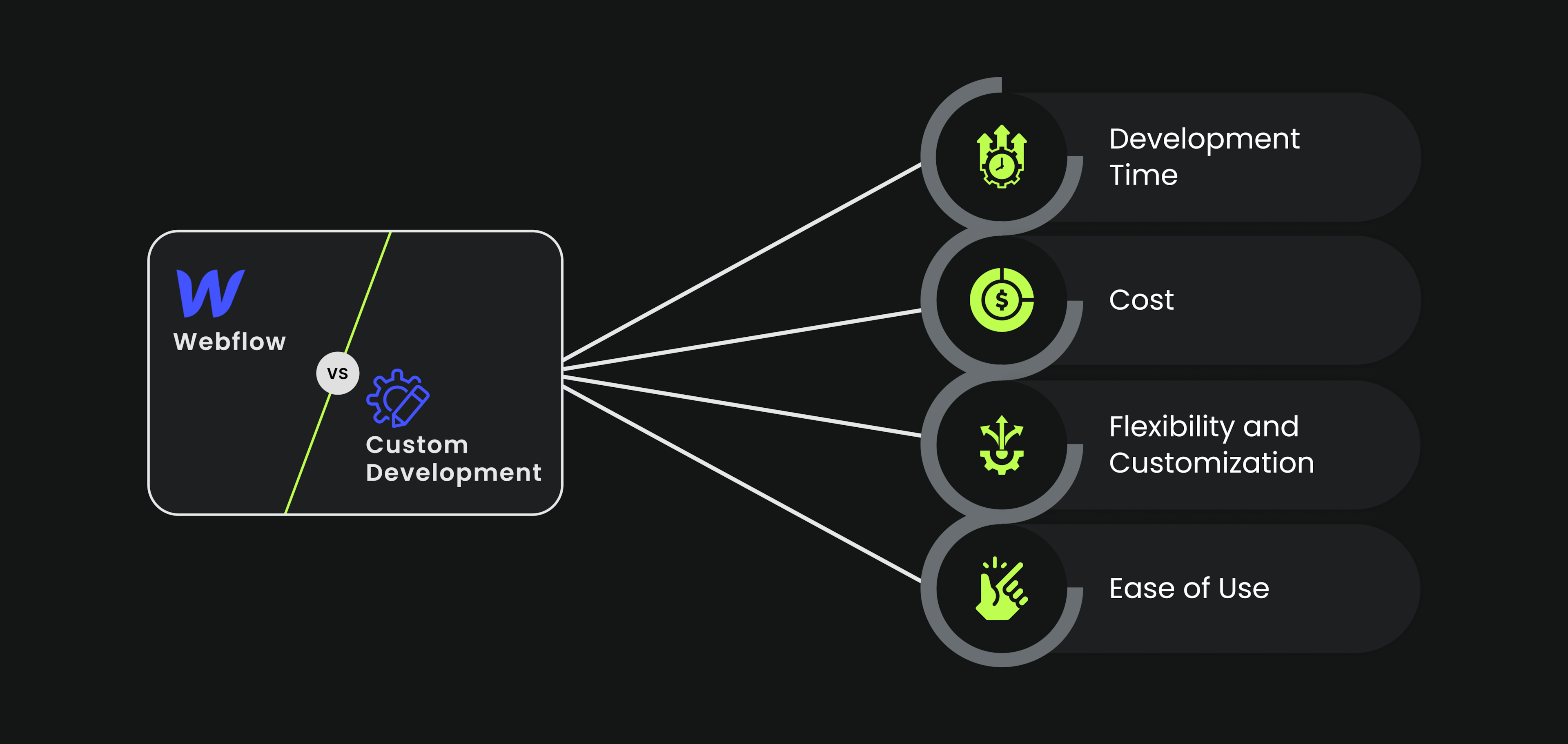
Webflow vs custom development at a glance
| Webflow | Custom development | |
|---|---|---|
| Time to launch | Weeks; visual development, no backend setup | Months; design, code, test, deploy from scratch |
| Upfront cost | Lower; platform does hosting, CMS, and infrastructure | Higher; you’re paying for engineering time on all of it |
| Ongoing cost | Predictable subscription plus maintenance | Developer retainer or in-house time for every change |
| Who runs it day to day | Marketing and content teams, no code needed | Developers, or a CMS bolted on separately |
| Design flexibility | Near-total for front-end; pixel-level control | Total, including things no platform allows |
| Backend and logic | Front-end platform; server-side logic needs external tools | Anything you can build |
| Performance | Fast by default; clean generated code, global CDN | As fast as your team makes it, or as slow |
| SEO control | Full on-page control, clean URLs, auto sitemaps | Full control, but every feature is built by hand |
| Scaling limits | CMS item caps, e-commerce depth, plan-based ceilings | Whatever your architecture supports |
What Webflow actually is
Webflow is a visual development platform: you design in the browser with real HTML and CSS semantics, and the platform generates clean production code, hosts it on a global CDN, and wraps it in a CMS that non-technical people can use. That last part matters more than the design tooling. The practical difference between Webflow and a hand-coded site usually shows up three months after launch, when marketing wants to change a headline, add a landing page, or publish a post, and either does it in ten minutes or opens a ticket.
The platform splits into two working surfaces. The Designer is where structure, style, and interactions get built; it's a professional tool with a professional learning curve, closer to a development environment than a drag-and-drop toybox. The Editor is the simple layer on top, where content teams edit text, swap images, and publish CMS items without any ability to break the design. That separation is Webflow's quiet superpower: designers get control, content teams get safety, and neither blocks the other.

The pros of Webflow
The advantages that hold up across the hundreds of builds we've shipped, not the ones from the sales page:
- Speed to launch. A full marketing site ships in weeks, not months, because there's no backend to stand up, no hosting to configure, and no handoff between design and development. Design decisions become live pages the same day.
- Clean code without writing it. Webflow's generated HTML and CSS is consistently lean, which is why well-built Webflow sites score strongly on Core Web Vitals out of the box. Speed is a ranking factor and a conversion factor; getting it by default is worth real money.
- A CMS your team will actually use. Content structures are custom-built per project, and the Editor makes them impossible to break. The conversion lift we measured on Gridwise's redesign, 24% more visitors converting, came partly from how fast their team could iterate on landing pages after launch without waiting on anyone.
- Iteration without engineers. A/B testing headlines, spinning up campaign pages, restructuring the pricing page: all of it happens at marketing speed. For growth-stage companies, that learning velocity compounds. Primer's site ran on Webflow through the years they raised $175M; the site kept pace with the company because changing it never required a sprint.
- Hosting, security, and maintenance disappear. No plugins to update, no servers to patch, no 3 a.m. downtime calls. The total cost of ownership conversation is very different when maintenance is a subscription line item instead of a retainer.
The cons and limitations of Webflow
The honest list, because pretending these don't exist is how projects end up on the wrong platform:
- It's a front-end platform. Server-side logic, custom databases, user authentication systems, and complex APIs are not what Webflow is for. You can connect external tools for a lot of it, but if your core product logic lives in the website, you're fighting the platform.
- E-commerce has a ceiling. Webflow's e-commerce handles small, design-forward stores well. Large catalogs, complex discount logic, multi-currency at scale, or intricate checkout customization belong on Shopify or a custom build. We say this as people who build Webflow e-commerce sites: know the ceiling before you commit.
- CMS item limits are real. Plans cap CMS items, and very large content operations (thousands upon thousands of records, programmatic page generation at scale) can hit them. Most marketing sites never get close; content-heavy platforms sometimes do.
- Support is thin below enterprise. Standard plans get email support with a waiting period, in English only. Webflow University and the community forum fill most gaps, but if hand-holding matters to you, factor it in.
- The Designer is not beginner software. Webflow without HTML and CSS mental models is frustrating. That's fine for agencies and professional designers; it's a real cost if you expected a Squarespace experience.

The pros and cons of custom development
Custom development's advantage is simple: there is no ceiling. Anything your engineers can architect, you can have: bespoke backend systems, unusual integrations, product-grade user experiences, performance tuned to the millisecond. Companies like Airbnb and Uber are custom-built because their websites are their products, and no platform could contain them.
The costs are equally simple. Everything is built by hand, so everything takes longer and costs more: the first version, and every change after it. The site's day-to-day operation depends on developers, which means marketing velocity is bounded by engineering capacity. And quality varies enormously with the team; a mediocre custom build is slower, less secure, and harder to maintain than a good Webflow site, while costing several times more.
When each one wins
Webflow is the right call when:
- The website's job is marketing: explaining the product, converting visitors, publishing content
- Speed matters; you need to launch or relaunch in weeks
- Your content and marketing teams need to run the site without engineering
- The budget rewards spending on design and conversion rather than infrastructure
- Your e-commerce needs are real but not complex
Custom development is the right call when:
- The website is the product, or deeply fused with it: dashboards, accounts, transactions
- You need server-side logic, custom databases, or integrations no platform supports
- Content scale or programmatic page generation exceeds platform limits
- You have (and will keep) the engineering capacity to build and maintain it
The pattern that beats both: hybrid
For SaaS companies, this usually isn't an either/or decision, and the strongest teams stopped treating it as one. The pattern we see working over and over: marketing site on Webflow, product in custom code, connected by consistent branding and a clean handoff at the login button. The marketing site iterates at marketing speed; the product gets the engineering depth it needs; neither team blocks the other.
This is how most of our SaaS clients run, and it's why the "Webflow vs custom" framing undersells the real decision, which is: where exactly does your marketing site end and your product begin? Draw that line well and both sides get the right tool. If you're starting from a template rather than a fully custom design, the same logic applies one level down; we've reviewed the Webflow templates actually worth building on separately.
What custom Webflow development means
One more distinction worth naming, because the phrase confuses people: custom Webflow development is not a contradiction. It means a fully bespoke site (custom design system, custom CMS architecture, custom interactions, custom code where needed) built and hosted on Webflow rather than hand-coded from zero. You get the design depth of a custom build with the operating model of a platform. That's the work our Webflow development team does, and it's a different product from buying a template, which is why agencies like ours exist in the gap between the two. If you're evaluating partners for it, we've also ranked the best Webflow agencies working right now, ourselves included.

Alternatives worth knowing
If neither Webflow nor full custom fits, the field looks like this. WordPress remains the flexibility king through plugins and themes, at the cost of maintenance overhead, plugin security, and a heavier editing experience; many teams migrate from WordPress to Webflow precisely to shed that overhead. Wix and Squarespace are simpler builders: faster to learn than Webflow, far shallower in design control, fine for small sites where pixel-level branding doesn't matter. Drupal and Joomla are open-source CMS platforms for large, complex content operations with development teams attached; comparing Webflow and Drupal is really comparing a design-led platform to an infrastructure-led one, and the deciding factor is whether you have engineers on staff.
Our take
Most B2B and SaaS marketing sites have no business being custom-coded. The engineering time is better spent on the product, the marketing team deserves a site it can operate, and the performance argument for custom code evaporated years ago when platform-generated code got clean. We've watched companies burn quarters rebuilding hand-coded marketing sites that a Webflow design team would have shipped in a month, and we've watched others try to force product-grade functionality into Webflow and resent every workaround.
The tool isn't the decision. The line between your marketing surface and your product is. Get that right and the platform choice mostly makes itself.