"Webflow or WordPress" is the question I hear most from marketing leads sitting on a website their team has quietly stopped touching.
Short answer: the platform matters less than who is going to run the site once it launches. Here is the honest version, from someone who has shipped both.
When I started this agency, every project we built ran on WordPress. I know that platform well, what it does brilliantly and what it quietly costs you six months after launch. We eventually moved our own studio work to Webflow, and the switch changed the quality of what we shipped and what it cost our clients to get there.
When we moved Gridwise off WordPress, their conversion rate went up 24% after relaunch.
That is the reason Webflow is our default recommendation today, and it is also the reason I can tell you honestly when WordPress is still the right call.
Webflow vs WordPress at a glance
Before the long version, here is the short one. This is the comparison I would send a marketing lead who has five minutes before a meeting.
| Factor | WordPress | Webflow |
|---|---|---|
| Best for | Complex, product like sites with a developer team behind them | B2B marketing sites, the majority of teams reading this |
| Setup cost | Low to start, theme and plugins add up fast | Higher to start, but cheaper overall once you subtract the plugin licenses, hosting add-ons, and developer hours WordPress requires that Webflow doesn't |
| Ongoing cost | Hosting, plugin renewals, and developer hours stack up over time | One subscription, few surprise costs |
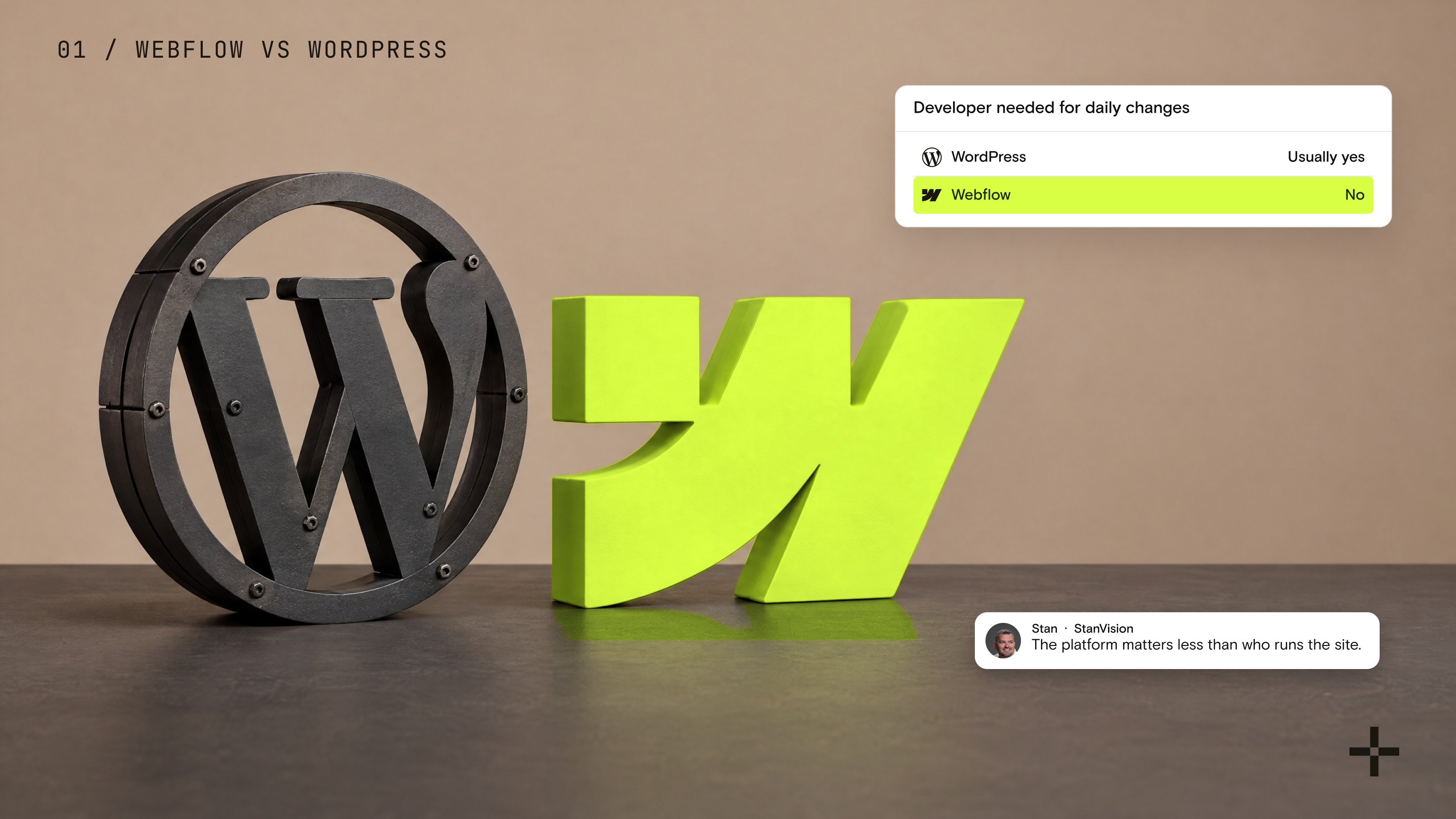
| Requires a developer for daily changes | Usually yes | No |
| Design freedom for a marketing team | Limited without a developer on hand | High, a marketer can build it directly |
| Security | On your team to manage, plugin by plugin | Managed at the platform level |
| Page speed out of the box | Depends entirely on hosting, theme, and plugin discipline | Fast by default on Webflow's CDN |
| SEO and AEO basics | Plugin dependent, one more system to maintain | Native, no plugin required |
| Migration risk | N/A | Real, but fully manageable with a proper redirect plan |
That table settles most of the decision on its own. WordPress still wins for a site that behaves like software. For everything else, a marketing site trying to ship without a developer bottleneck, Webflow is the one built for the job.
What's actually different between Webflow and WordPress?
Most comparisons of Webflow vs WordPress turn into a feature checklist: page builder versus plugin, hosting versus hosting, SEO tool versus SEO tool. That misses the question a marketing team actually needs answered, which is who does the work after launch.
WordPress splits a website into layers: the core software, a theme, and a stack of plugins that each need their own updates.
Someone has to own that stack, and in practice that someone is usually a developer, whether in house or on retainer. Webflow collapses those layers into one product. Design, content, hosting, and most of what used to require a plugin now live inside the same editor a marketer already has access to.
That difference sounds small until you count the tickets. A WordPress site with a developer available behind it can do almost anything WordPress does well. A WordPress site without one tends to stall on exactly the changes a marketing team needs to make weekly: a new landing page, a pricing update, a section rewrite that has been sitting in a backlog for a month. Webflow was built to remove that dependency.
Not to be prettier, though it usually is, but to put ownership of the site back with the people running the marketing.
If that description sounds like your team, moving over is usually simpler than it looks, and a properly scoped Webflow migration keeps the switch from costing you the rankings you already have.
When should you stay on WordPress?
Stay on WordPress when your website is closer to an application than a marketing site. I've recommended it to a client whose site was tied deeply into their product, with custom backend logic and integrations running through it.
WordPress gave them what that project needed: full control over the code, the backend and the server, and the freedom to build integrations themselves. When a site behaves like software, that control matters more than marketing team independence.
Which platform needs less developer support?
If the team has no dedicated developer, Webflow. That's the whole answer.
It lets a primarily marketing team handle everyday website management without relying on development resources.
If there is a developer working as part of the marketing team, either platform can work. Having development resources available gives the team more flexibility to manage and customize the website regardless of which CMS they choose.
What if a marketer breaks the site?
In Webflow you control what marketers can touch. They get content, existing components, and new pages built from those components. They do not get the rest of the site.
In the rare cases where we have had someone break something in Webflow, it was usually because they were working directly in the Designer and attempting to make design changes. Even then, these issues are generally straightforward to reverse. We investigate what was changed, identify the problem, and fix it.
That is one of the advantages of setting up the right permissions and structure from the beginning. Marketers can manage the website without unrestricted access to the areas where they could potentially cause problems.
Your Marketing Team Shouldn't Need A Developer
Every page update stuck in a ticket queue is a page that isn't live yet. We build Webflow sites your marketers can run without you.
Let's talkHow do Webflow and WordPress compare on security?
Security rarely comes up until something goes wrong, so it is worth answering directly. WordPress powers enough of the web that it is also the most targeted CMS on the internet, and the bulk of the compromises I have seen trace back to the same source: an outdated plugin, a weak login, or a theme nobody patched after the developer who installed it moved on.
Two factor authentication, malware scanning, and firewall protection are all available for WordPress, but on a standard setup, each one is a separate plugin or add-on someone has to choose, install, and keep current. Miss one renewal or one update cycle and that is the gap that gets found.
Webflow handles security at the platform level by default. SSL, DDoS protection, and automatic backups are included in the subscription, not bolted on, and there is no plugin layer to patch because there is no plugin layer. Nobody on your marketing team has to remember to update anything for the site to stay protected.
This is one more place where WordPress asks you to build and maintain the safety net yourself, and Webflow ships with one already in place. For a marketing team without dedicated IT support, that difference is not small.
How do you cut future developer tickets?
We build every website around reusable components so that marketing teams can easily create new pages and modify existing elements without breaking the website.
We also build each website around a design system. This keeps the entire website visually consistent while making it much easier to make changes at a global level. As a result, marketers have much more flexibility to manage the website themselves without needing to rely on developers for every small change.
How fast can a marketer learn Webflow?
If they only need to build new pages and modify existing components, they can usually start the same day. They do not need extensive technical knowledge because the system is designed to be easy to understand and largely self-explanatory.
For clients who want to make design changes themselves, I usually allow about a week. That gives them time to understand how the website is structured, how Webflow works, and how to make those changes confidently.
So if the job is marketing and content changes, they can get started immediately. If they want to make design changes themselves, allow roughly a week for onboarding.
How do Webflow and WordPress compare on design flexibility and page speed?
Design flexibility on WordPress depends on what's building the page. A page builder plugin like Elementor gives a non-developer some flexibility, but true custom design, anything outside a theme's built-in blocks, still runs through a developer and their available time.
Webflow puts that same range of flexibility directly in the hands of a designer, inside the visual builder itself, with no code required for the vast majority of what a marketing site needs to do.
Page speed follows a similar pattern. Webflow hosting runs on a CDN with image compression and lazy loading on by default, which gives a new Webflow site a real head start on Core Web Vitals from the moment it launches.
A WordPress site can get there too, but only through deliberate, ongoing effort: a fast host, a lean theme, and real discipline about which plugins get installed, since every plugin added is another script slowing the page down. That discipline is easy to promise at launch and hard to sustain as a site grows and more plugins get added, which is when most WordPress sites start dragging.
Webflow builds the fast, flexible foundation in from the start. WordPress can get there, but it takes ongoing work to keep it that way.
How do Webflow and WordPress compare on cost over time?
The sticker price comparison is almost never the real comparison. WordPress is free to install, and Webflow charges a subscription, so on a spreadsheet WordPress looks cheaper. That comparison ignores where the actual money goes over a year of running the site.
| Cost factor | WordPress | Webflow |
|---|---|---|
| Hosting | Separate provider, cost scales with traffic and plugin load | Included in the plan, scales with the plan tier |
| Plugins | Ongoing licenses for SEO, forms, security, and page building, each with its own renewal | Most equivalent features are native, no separate licenses |
| Developer time | Needed for most structural changes and every plugin or core update | Needed rarely, mainly for custom code embeds |
| Security | Depends on plugin choice and update discipline | Managed at the platform level, no core or plugin patching |
| Time to publish a new page | Days to weeks if a developer is involved | Hours to a day for a marketer working inside components |
Add up hosting, plugin renewals, and developer hours across a year, and the WordPress total usually lands close to or above a Webflow subscription, before counting the cost of a marketing team waiting on a ticket queue. That waiting cost is the one most comparisons leave out, and it is usually the biggest one.
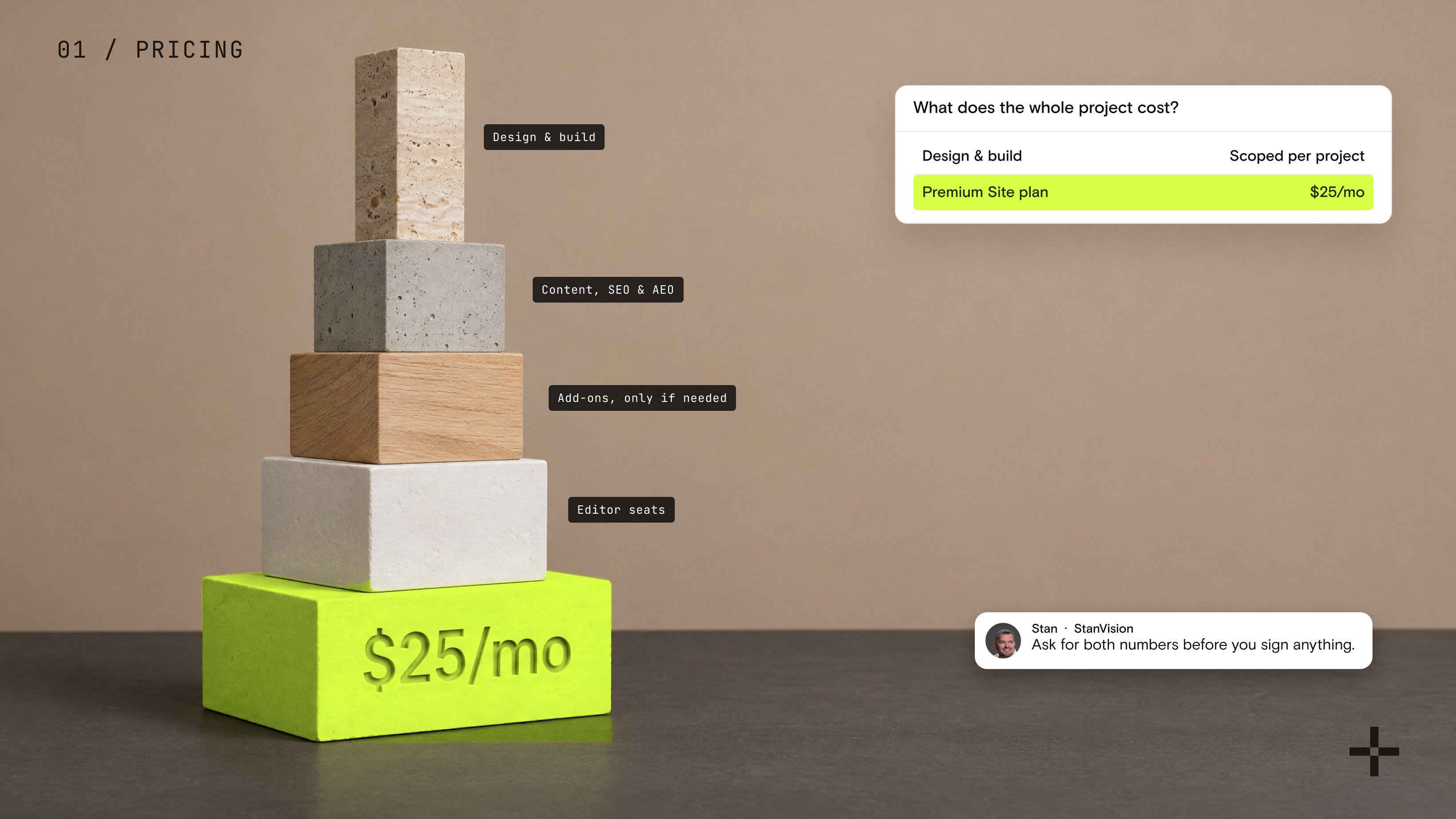
For the plan-by-plan numbers, our breakdown of Webflow pricing in 2026 covers what each tier includes and what a real client site pays.
How do Webflow and WordPress compare for SEO and getting cited by AI?
Neither platform ranks a site by itself. Both handle the technical basics reasonably well today: clean HTML, automatic sitemaps, editable metadata. Webflow ships more of that natively, without a plugin standing between you and your own settings.
WordPress can get close with Yoast or Rank Math, but only by adding a system Webflow ships without: one more plugin to patch, update, and keep compatible.
Where the platforms actually diverge is structured data and scale. Webflow adds schema markup through a custom code embed rather than a visual toggle, which means someone needs to write and validate it. WordPress plugins generate schema visually, which is easier to start with and easier to misconfigure once a site grows past a handful of pages.
For AI visibility specifically, what matters most is not the platform. It is whether your content gives a direct, attributable answer that an AI system can quote with confidence. That is a content and structure problem before it is a CMS problem.
If you want the fuller technical breakdown, our answer on whether Webflow is good for SEO and AEO covers what ships natively and what still needs a strategist.
Webflow's native structure gives it a head start here, but neither platform will do it without the content work behind it, which is exactly what our Webflow SEO team builds into every project.
What we learned moving off WordPress
Designers can build the site themselves, and the work gets better and cheaper when they do. That was the lesson.
When I started the agency, every project ran on WordPress, and every build needed a developer. Moving to Webflow took that step out. Our designers now build the sites they design, the quality went up, and the cost to clients came down.
The clearest example is Gridwise, a gig economy data platform with more than a million users. Their relaunch was a WordPress to Webflow migration, and their conversion rate went up 24% after it went live.
Webflow or WordPress: the honest answer
The honest answer to Webflow vs WordPress is that neither platform wins on its own merits alone. WordPress still makes sense for a site that behaves like a product, with deep backend needs and a developer team ready to support it.
For almost everything else, a B2B marketing site whose job is to explain the product and get out of the visitor's way, Webflow removes the developer dependency that slows WordPress teams down, and it does that without asking your marketers to learn to code.
If your team is weighing a move, the platform choice matters less than how the move itself gets handled. A rushed migration can cost you rankings regardless of which CMS you land on. A properly scoped Webflow migration protects what you already have while it removes the bottleneck that got you here.
Move To Webflow. Keep Every Ranking.
We've mapped enough redirects to know exactly where migrations go wrong. Bring us the site you've outgrown, we'll handle the move without the traffic dip.
Let's talk