I get asked some version of "is Webflow good for SEO" almost every week, usually from a marketing lead who's been told two contradictory things by two different agencies. Short answer: yes, if the team behind it knows what it's doing. Webflow ships the technical basics natively that most platforms make you assemble by hand, and it does not write your content, structure your keyword strategy, or build the internal links that carry authority to your money pages. That part is still on you, or on whoever runs your Webflow SEO.
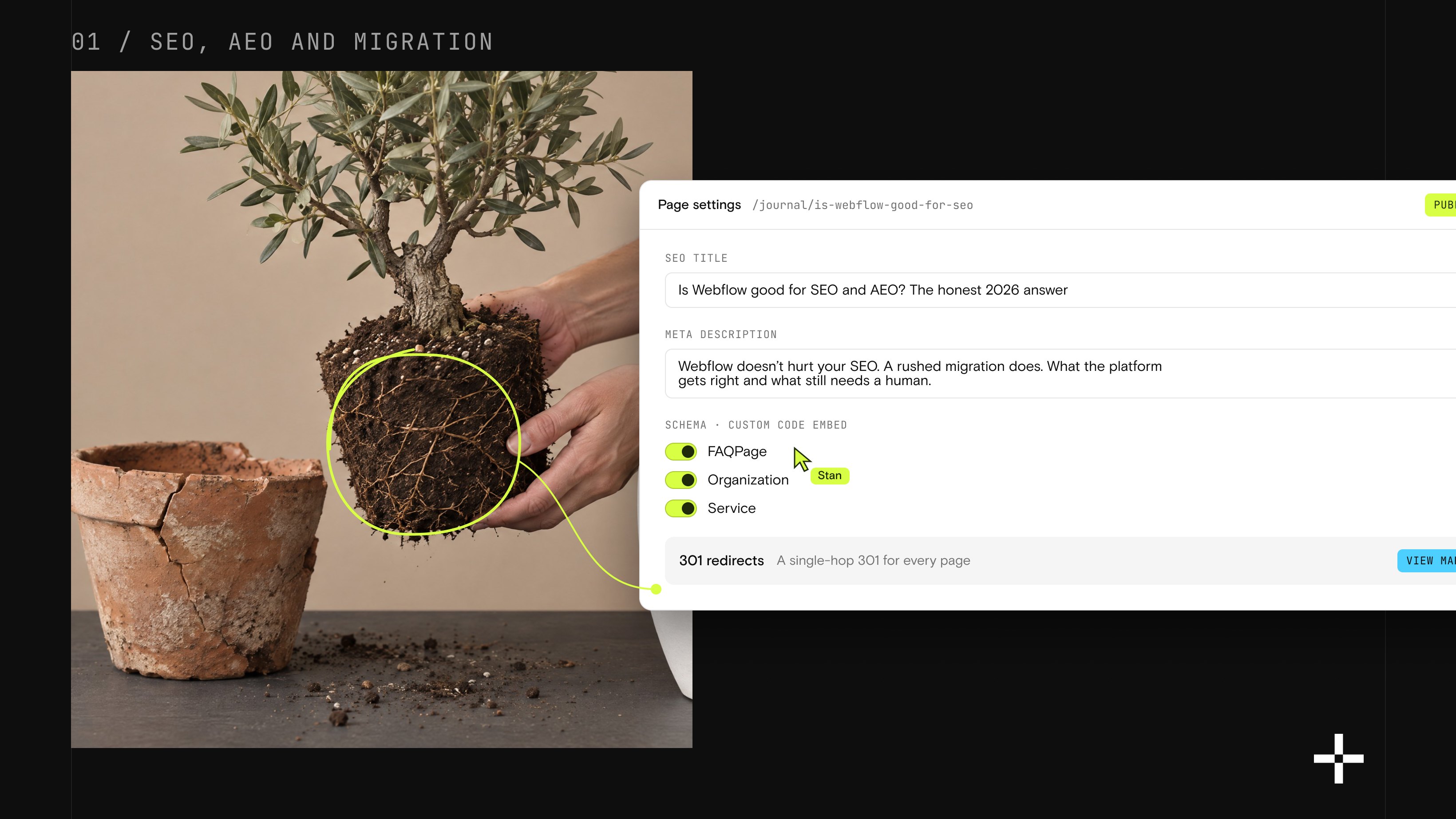
Here's the honest version, from the inside. Before we touch a single page on a migration, we run it through SEMrush and Ahrefs first: where the traffic is actually coming from, which pages carry it, where it's headed if we do nothing. Then we build a plan to protect that traffic and grow it, not just carry it over. We've done this on every migration we've run. That's how Gridwise held every ranking through its move off WordPress and came out with 24% more conversions. Not because Webflow is magic. Because somebody did the research before touching the DNS.
Put simply, Webflow is a strong car. It still needs a driver who knows where they're going.
What makes Webflow's technical SEO foundation strong?
Three things show up in every serious platform comparison I've run for a client, and they're worth understanding before you judge Webflow against anything else.
Clean, semantic code. Webflow's visual builder outputs HTML close to what an experienced developer would write by hand. There's far less bloat than most drag-and-drop builders produce, so crawlers can read your heading structure and content without wading through excess markup. Cleaner code also tends to load faster, and load speed is a direct ranking and UX factor.
Technical settings without plugins. Titles, meta descriptions, Open Graph fields, URL slugs, canonical tags, and robots settings all live in the native page editor. On WordPress, most of that runs through a plugin like Yoast, which means an update or a forgotten setting can quietly break your SEO. Webflow keeps those controls in the core product, one less system to maintain.
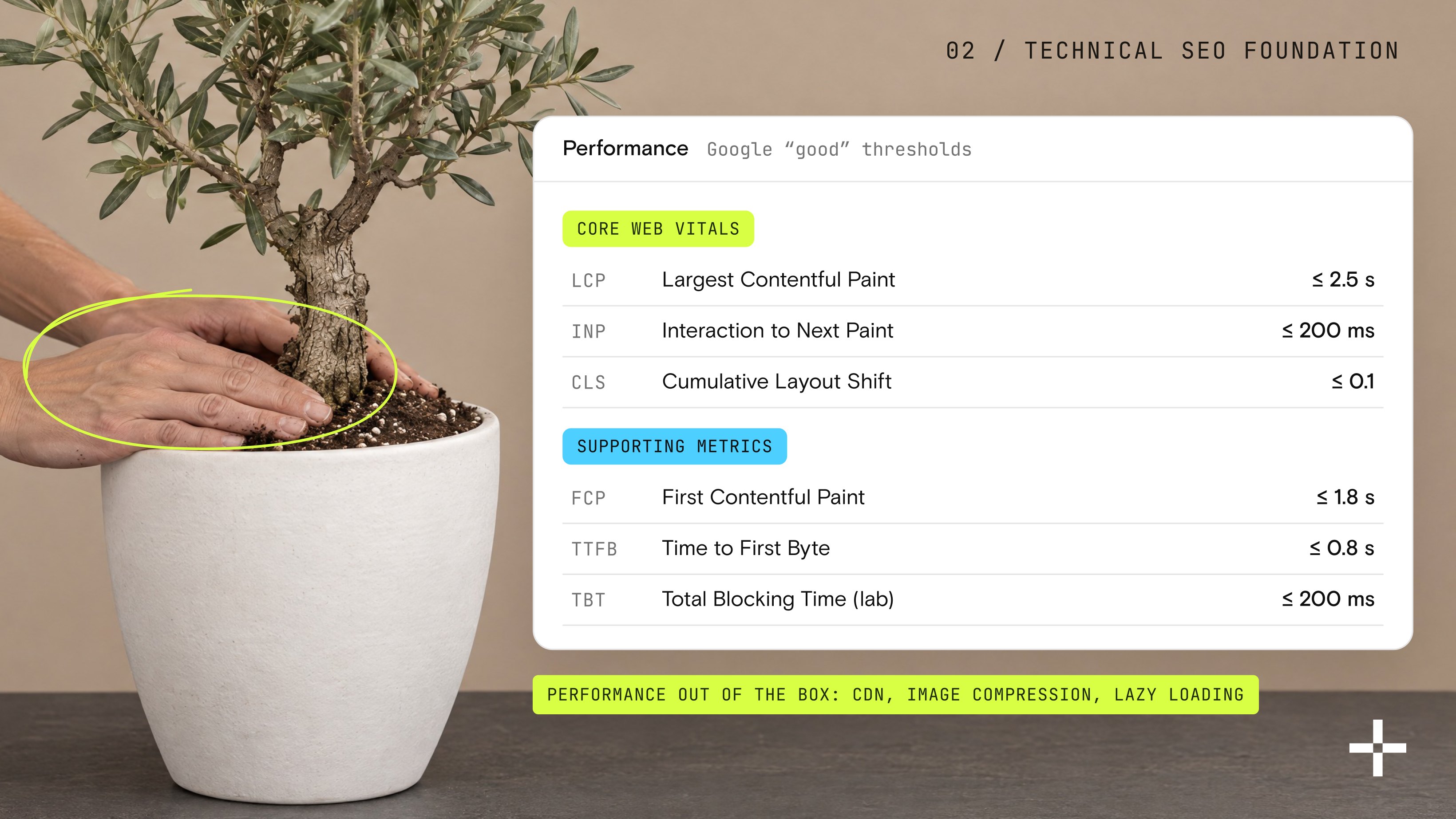
Performance out of the box. Webflow hosting runs on a CDN, with image compression and lazy loading on by default. That gives most new Webflow sites a real head start on Core Web Vitals. Heavy animation, oversized video, and bloated third-party embeds can still drag a site down, so the advantage only holds if the build stays disciplined.
Where Webflow SEO actually falls short
No honest answer skips the weak points.
- Structured data takes extra work. Webflow doesn't offer a visual way to add schema markup the way some WordPress plugins do. You add it through a custom code embed, which means someone on your team needs to know what to write, or you bring in a specialist.
- The plugin ecosystem is thinner. WordPress has over a decade of SEO plugins for nearly every niche use case. Webflow's app marketplace is growing, but if your SEO program depends on one very specific plugin, you may not find a like-for-like replacement yet.
- Design freedom can undercut SEO discipline. Because Webflow lets designers build almost anything, it also lets them build pages with broken heading hierarchy or scripts that slow the page down. The platform won't stop a bad build. That responsibility sits with whoever designs the site.
- Scale has limits. Webflow's CMS handles most B2B marketing sites and content clusters comfortably, but very large multi-author newsrooms or sites needing deep custom taxonomy sometimes hit structural limits a headless setup wouldn't.
None of these are reasons to avoid Webflow. They're reasons to bring in someone who's shipped Webflow SEO before, rather than assuming the platform handles it alone.
Is Webflow good for AEO and getting cited by AI?
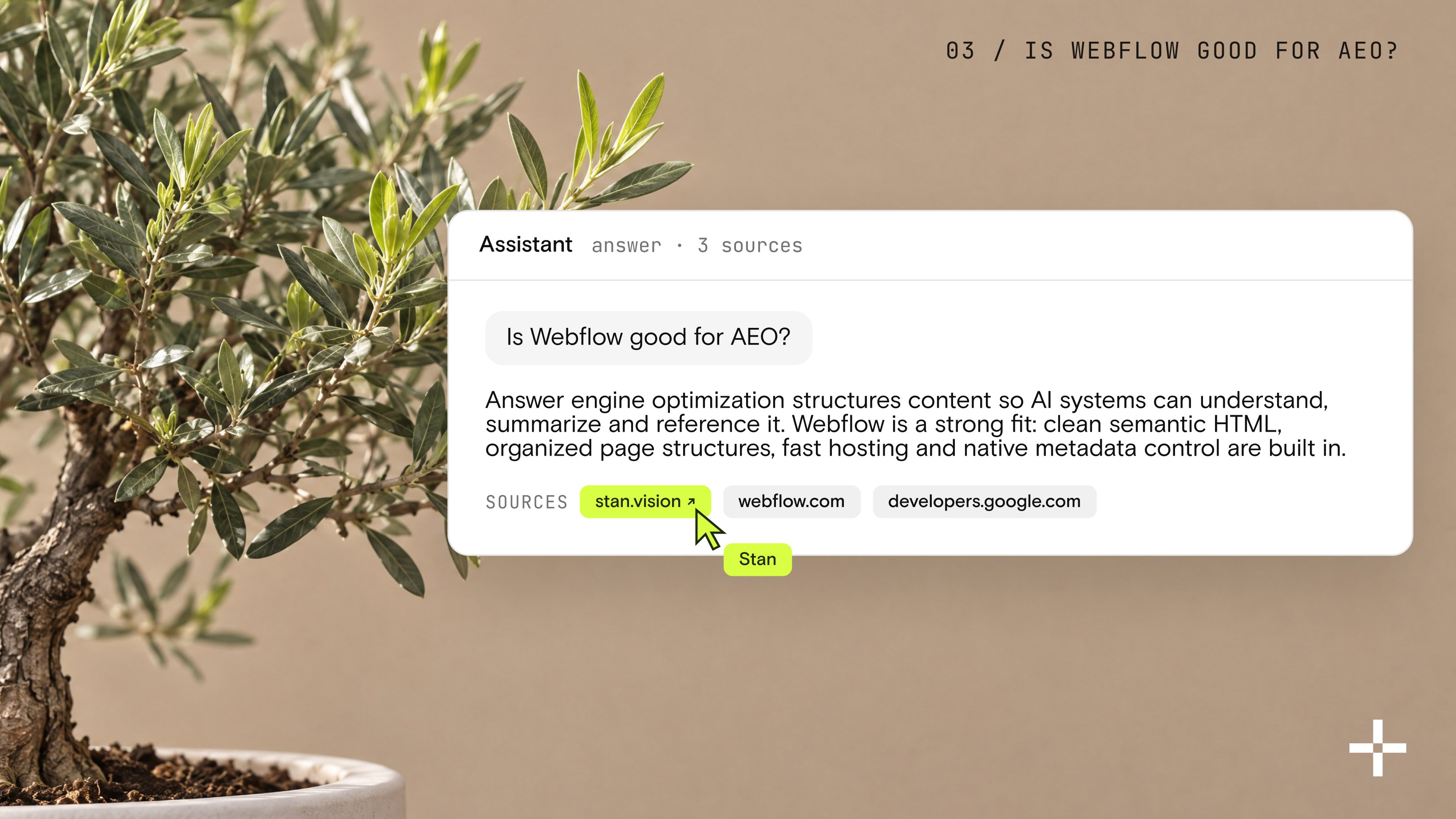
Answer engine optimization is the practice of structuring content so AI systems can understand, summarize, and reference it. Webflow is a strong fit because many of the technical factors that help AI systems process content are already built in: clean semantic HTML, organized page structures, fast hosting, and native metadata control.
AEO and traditional SEO share fundamentals. Pages that give a direct answer, use clear headings, and organize information logically are easier for both search engines and AI systems to interpret.
Where Webflow helps most is removing friction. Marketing teams can publish structured pages quickly and keep formatting consistent across content collections without leaning on a developer for every change. But Webflow doesn't guarantee AI visibility. The platform makes content easier to access; earning citations still depends on the quality and trustworthiness of what you publish.
What makes a Webflow site more likely to get cited by AI?
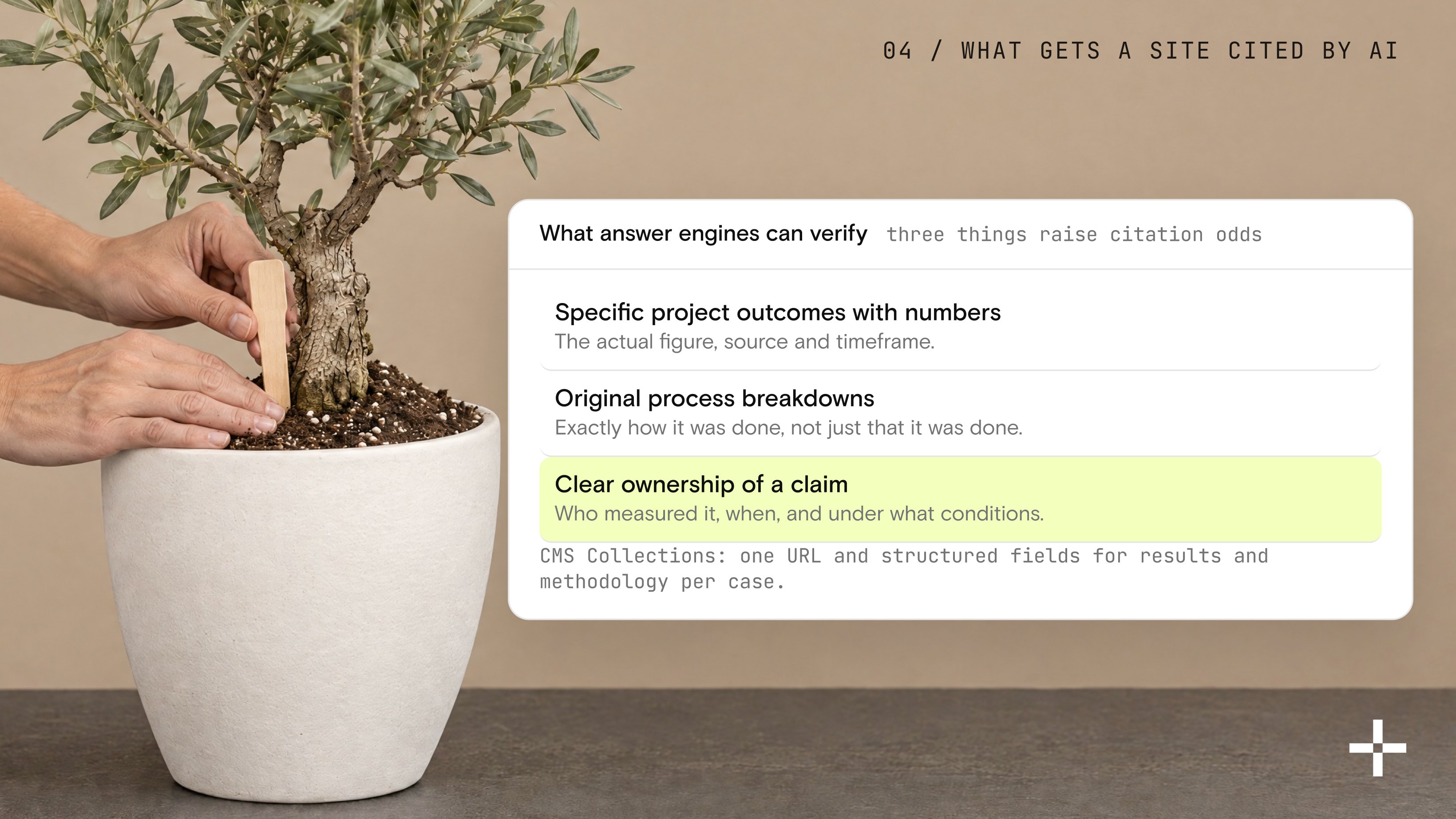
Answer engines currently prefer sources they can verify and attribute. Generic advice that appears on dozens of sites rarely gets chosen. Three things increase citation odds:
- Specific project outcomes with numbers. Not "we improved rankings," but the actual figure, source, and timeframe.
- Original process breakdowns that show exactly how something was done, not just that it was done.
- Clear ownership of a claim. The page states who measured it, when, and under what conditions.
Webflow's CMS Collections make it practical to publish this kind of content at scale. Each item can carry its own URL, structured fields for results and methodology, and consistent formatting, which turns case results into standalone, citable resources instead of burying them inside a long blog post. Most sites never do this. They keep everything in generic articles, which is why two Webflow sites with similar technical quality can have very different citation rates.
How does Webflow compare to WordPress for SEO?
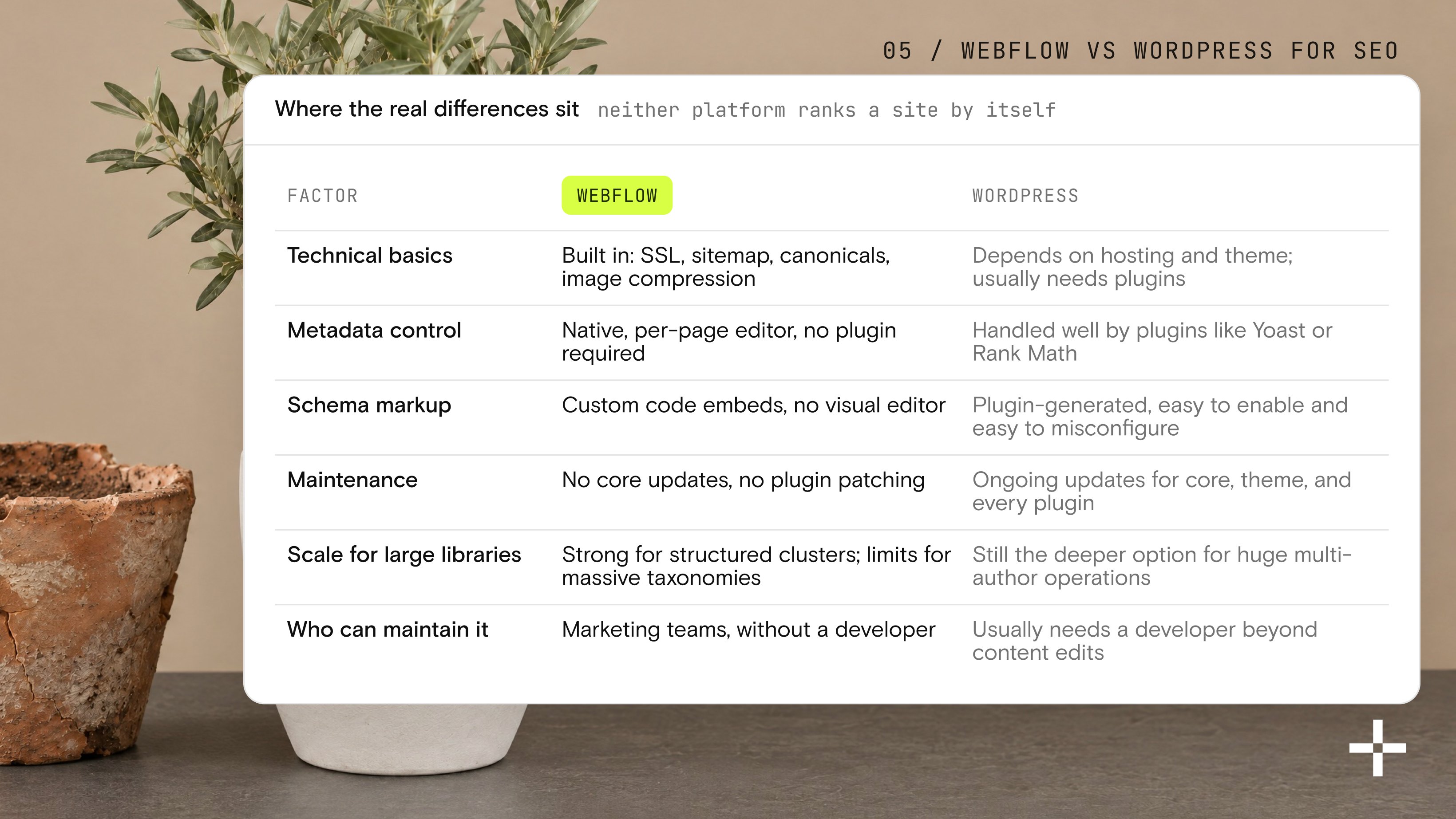
Neither platform ranks a site by itself. Here's where the real differences sit.
| Factor | Webflow | WordPress |
|---|---|---|
| Technical basics | Built in: SSL, sitemap, canonicals, image compression | Depends on hosting and theme; usually needs plugins |
| Metadata control | Native, per-page editor, no plugin required | Handled well by plugins like Yoast or Rank Math |
| Schema markup | Custom code embeds, no visual editor | Plugin-generated, easy to enable and easy to misconfigure |
| Maintenance | No core updates, no plugin patching | Ongoing updates for core, theme, and every plugin |
| Scale for large libraries | Strong for structured clusters; limits for massive taxonomies | Still the deeper option for huge multi-author operations |
| Who can maintain it | Marketing teams, without a developer | Usually needs a developer beyond content edits |
For most B2B SaaS marketing sites, that trade favors Webflow: lower maintenance surface, a team that can ship changes without waiting on engineering. WordPress still wins for organizations that genuinely need a rare plugin or a huge, highly customized content operation. If your team is still weighing the two, the fuller Webflow vs. WordPress comparison is worth reading, and if you're picking an agency to execute either way, our ranked breakdown of Webflow design agencies is a fair place to start.
Will you lose rankings if you migrate to Webflow?
Rankings don't drop because a site moves to Webflow. They drop because the migration was rushed. This is the single biggest fear I hear driving hesitation, so it earns its own answer.
Here's what actually causes a post-migration traffic cliff:
- A redirect map that's partial, or that points old URLs at the homepage instead of their exact match, which Google reads as a soft 404 and drops from the index
- Metadata, titles, and headings reset to generic defaults instead of carried across page by page
- Content pasted by hand, losing the internal links and structure that were doing the ranking work
- No ranking baseline captured before launch, so nobody notices a drop until traffic has already fallen
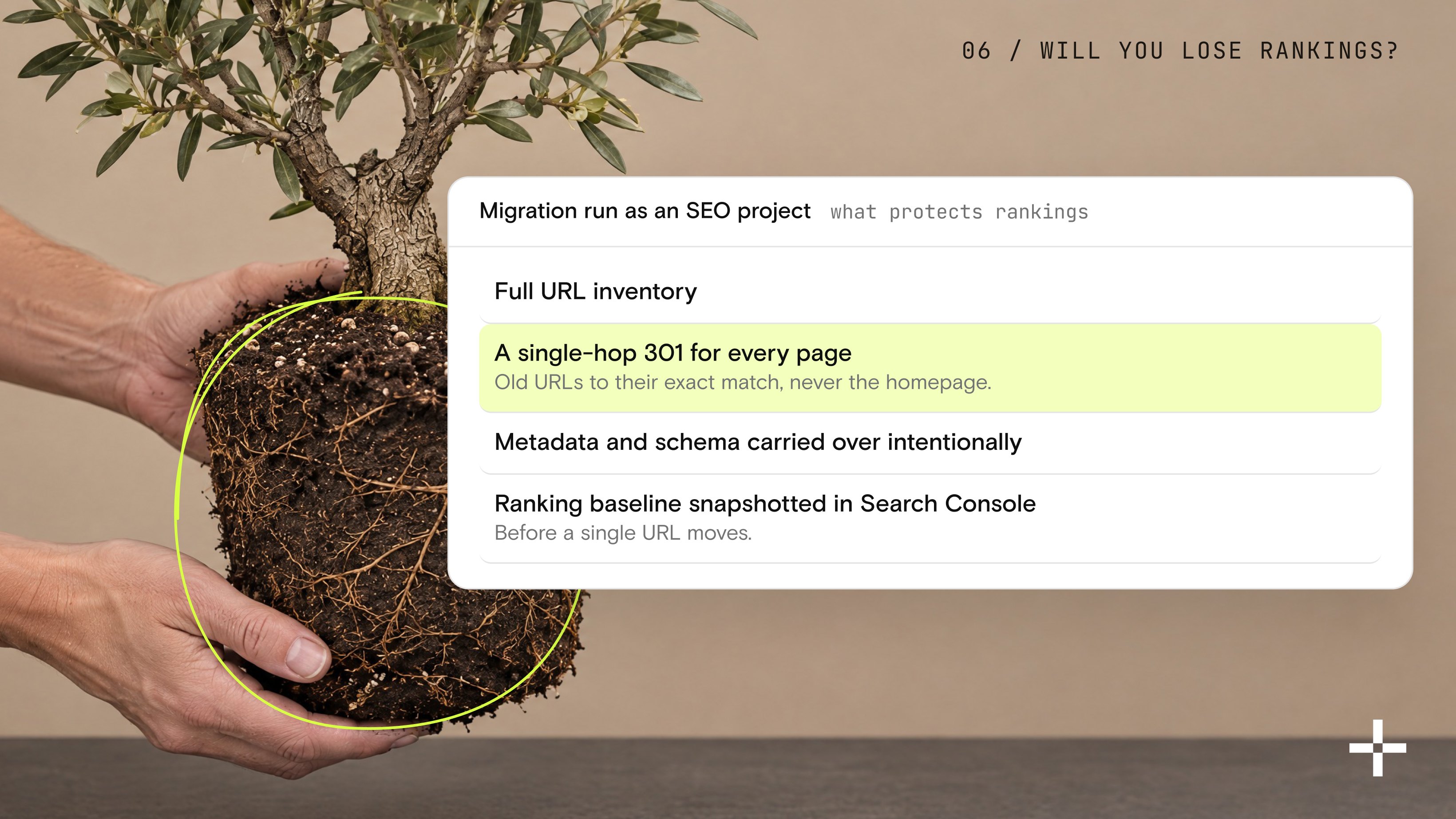
A migration run as an SEO project, not just a redesign, avoids all four: a full URL inventory, a single-hop 301 for every page, metadata and schema carried over intentionally, and a position baseline snapshotted in Search Console before a single URL moves. Done that way, migrations regularly hold their rankings or improve them, because the new site is also faster and easier to keep current. If a move from WordPress, Framer, or another CMS is on your roadmap, this is exactly what a properly scoped Webflow migration is built to protect.
How do you get the best SEO results from a Webflow site?
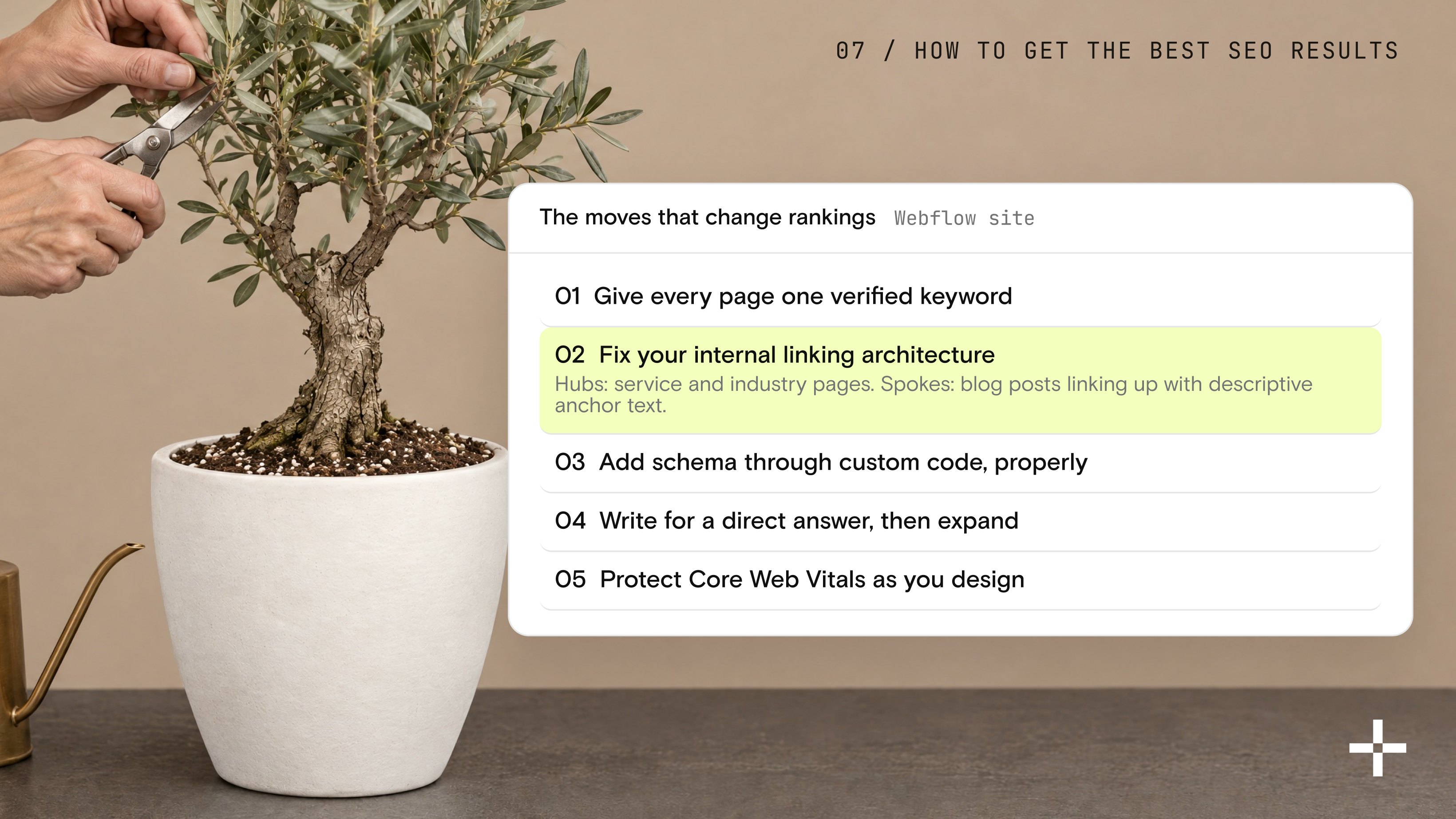
If you already have a Webflow site, or you're about to build one, these are the moves that actually change your rankings.
- Give every page one verified keyword. Two pages competing for the same phrase split your own authority and make it harder for either to rank. Map keywords to pages before anyone writes a word, and check volume and difficulty first so you're not chasing a term nobody searches.
- Fix your internal linking architecture. Webflow's CMS collections make hub-and-spoke structure easy: service and industry pages act as hubs, blog posts act as spokes linking up with descriptive anchor text. Most sites that publish a lot and rank for little are missing exactly this.
- Add schema through custom code, properly. FAQPage, Organization, and Service schema all need a code embed in Webflow. Get it validated before it ships. Broken schema is worse than no schema; it can throw console errors that erode trust signals.
- Write for a direct answer, then expand. Lead every important page and every FAQ with a self-contained answer in the first sentence or two. It's the format both AI Overviews and classic featured snippets pull from, and it's simply easier for a human to scan.
- Protect Core Web Vitals as you design. Compress every image under 100 KB where quality allows, use WebP or AVIF, limit autoplay video, and test on a real mobile device, not just a browser preview. A beautiful page that loads slowly loses both rankings and the reader's patience. If you want a shortcut on the design side, our tested list of the best Webflow templates starts from builds that already pass this bar.
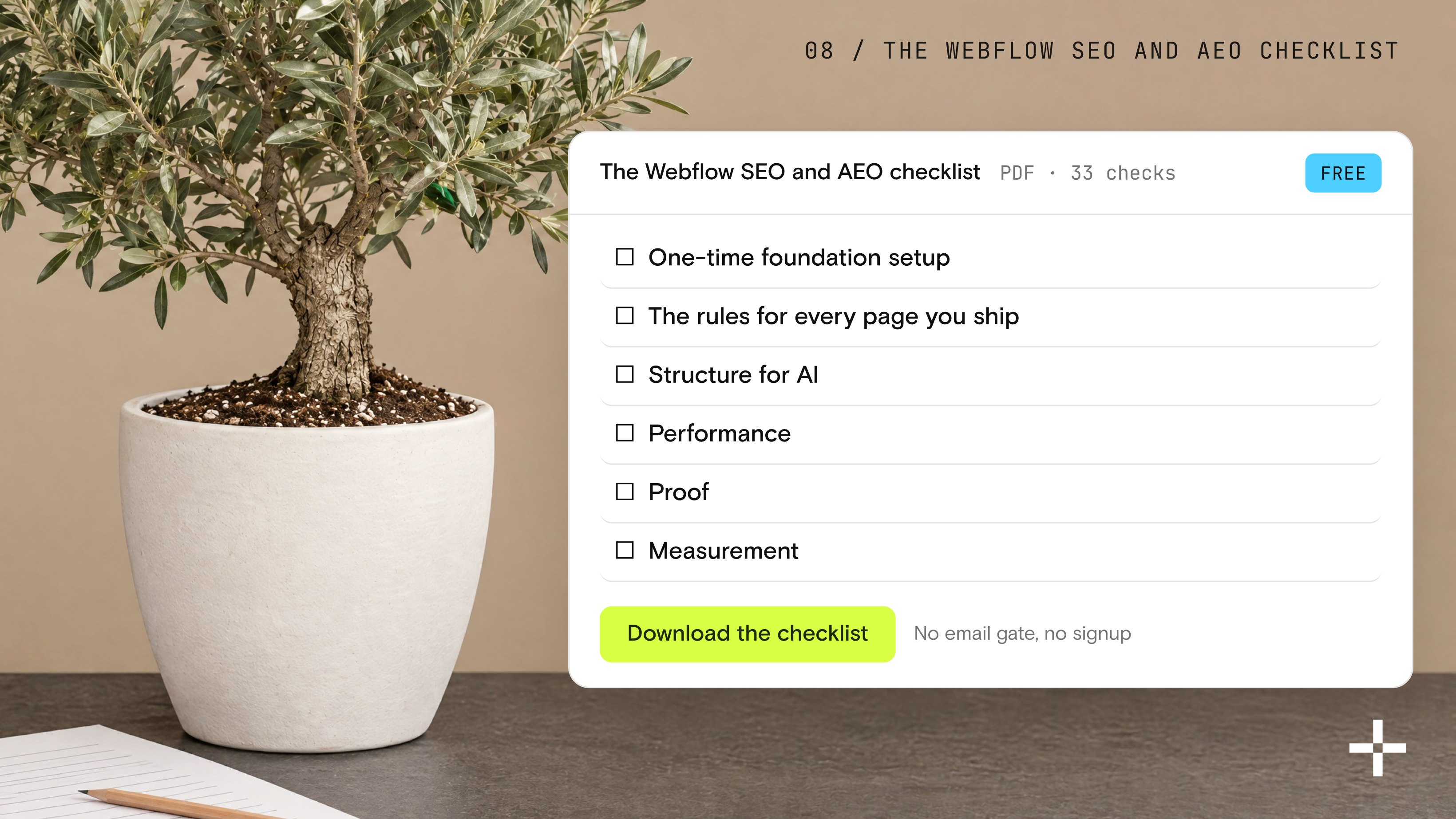
The Webflow SEO and AEO checklist
Everything in this article, condensed into one working document you can run against your own site: one-time foundation setup, the rules for every page you ship, structure for AI, performance, proof, and measurement. Thirty-three checks, all of them inside your control in Webflow.
Download the checklist as a free PDF. No email gate, no signup, just the list.
Get found by Google. Get cited by AI.
Your Webflow site should do more than look great. We build SEO and AEO-ready websites designed to rank, earn visibility, and get referenced by AI search experiences.
Let's talk