Webflow isn't why you don't rank. Your Webflow SEO is. We're the Webflow SEO agency that fixes it.
Technical fixes, content architecture, and migrations that keep the rankings you already earned, shipped natively in Webflow by a Webflow Premium Partner. After we rebuilt Timefold's site, Google Search clicks rose 15% and traffic from AI assistants rose 130%.

B2B SaaS teams that rank with us





















The rankings stalled and the platform is taking the blame
Traffic flatlines, someone forwards a "Webflow SEO problems" thread, and the tool becomes the suspect. It's rarely the tool. Webflow ships with the technical basics handled: canonical tags, automatic sitemaps, fast hosting, editable metadata on every page.
What's missing is everything the basics can't do for you. Four failure modes show up again and again.
Traffic dropped after the move
The migration went live. The redirect map didn't. Old URLs 404, metadata reset to defaults, and rankings you spent years earning bleed out a little more each week.
The blog publishes, nothing ranks
Articles ship every week with no keyword targets, no clusters, and no internal links pointing at the pages that sell. Volume without structure is just typing.
Someone said Webflow is bad for SEO
The myth is circulating internally, and the platform is about to take the blame for a strategy that was never there.
The settings nobody owns
Canonicals, schema, indexing rules, alt text. All sitting at defaults, because marketing runs the site and SEO was never part of the handoff.
What our Webflow SEO services cover
Webflow SEO is the technical, structural, and content work that makes a Webflow site rank: crawlability, site architecture, metadata, schema, and pages mapped to real search demand, all done natively in Webflow.
That last part matters. As Webflow SEO experts and a Webflow Premium Partner, we don't hand you a findings PDF and wish you luck with the dev backlog. We make the fix in the same build, usually the same week, as part of our Webflow design agency practice. Getting cited by ChatGPT and Perplexity is our answer engine optimization work.
Building the overall search strategy first? That starts with our SaaS SEO agency work.
Technical SEO audit
A full crawl of indexation, canonicals, redirects, and Core Web Vitals. You get findings ranked by ranking impact, not a 40-page document nobody actions.
Keyword strategy and mapping
One verified primary keyword per page, checked for volume and difficulty before a word gets written. No two pages competing for the same phrase.
On-page optimization
Titles, meta descriptions, headers, and copy that carry the target terms and still read like a person wrote them.
Site structure and internal linking
Hub and spoke architecture, so authority from your content flows into the pages that sell instead of pooling in the blog.
Schema and structured data
Service, FAQ, breadcrumb, and organization markup that search engines and answer engines can parse. Validated before it ships.
Migration SEO
Redirect maps, metadata carry-over, and a ranking baseline captured before a single URL moves. The core of our Webflow migration services.
Performance tuning
Images, interactions, and load behavior kept inside Core Web Vitals thresholds, because a slow page loses rankings and buyers at the same time. Heavier fixes go through our Webflow development team.
Content architecture in the Webflow CMS
Collections and clusters built so every article has a target, a job, and a link up to a money page.
AI search readiness
Structure and direct answers that get your pages cited in ChatGPT, Perplexity, and Google's AI Overviews. When you want the full program, that's our answer engine optimization service.
Webflow SEO vs WordPress SEO
The short answer: neither platform ranks a site for you. WordPress gives you plugins and the maintenance that comes with them. Webflow gives you native controls and fast, well-structured output, but only if someone configures them. Here's where they genuinely differ.
| Webflow | WordPress | |
|---|---|---|
| Technical hygiene out of the box | SSL, CDN hosting, automatic sitemap, canonical tags, and image compression built in and on by default | Depends on hosting and theme. Most setups need plugins and configuration to reach the same baseline |
| Metadata control | Per-page titles, descriptions, and Open Graph fields in the native editor. No plugin required | Handled well by SEO plugins like Yoast or Rank Math. One more thing to install, update, and configure |
| Page speed | Consistently fast output on Webflow hosting. Heavy interactions and oversized images can still drag it down | Ranges from excellent to poor depending on theme weight, plugin load, and hosting choices |
| Schema and structured data | Added through custom code embeds. Full control, no plugin conflicts, needs someone who knows what to write | Plugin-generated schema is easy to switch on, and easy to duplicate or get wrong |
| Who maintains it | Marketing owns the site day to day. No core updates, no patching, no plugin audits | Ongoing updates for core, theme, and plugins. Skipping them creates security and SEO risk |
| Editorial workflows at scale | Strong for structured content clusters. Very large multi-author newsrooms may find it limiting | Still the deeper option for massive multi-author editorial operations and niche plugin needs |
You can't improve what you didn't measure first
Every engagement runs the same sequence, because the order is what protects your existing rankings.
Results our clients reached
Real business milestones the teams we partnered with hit during the engagement. The work is ours; the wins are theirs.
$200M+
Raised at a $1B valuation. All three rounds closed after our redesign went live.
$175M
Raised while scaling its global payment infrastructure.
$13M
Raised while building its AI planning platform.

$73M
Combined value of the SMSBump and NitroPack exits.
Average partnership
3+ years
Average length of a client partnership. People stay when the work keeps shipping.
7 years
Across strategy, branding, and product, 2018 to 2025.
AI portfolio
15+ companies
AI companies designed for, from first launch to scale.
Enterprise portfolio
10+ clients
Enterprise clients, the kind with procurement departments.
24%
Higher conversion rate after the website relaunch.
Products launched
10+
Software products designed and taken to market with our clients.
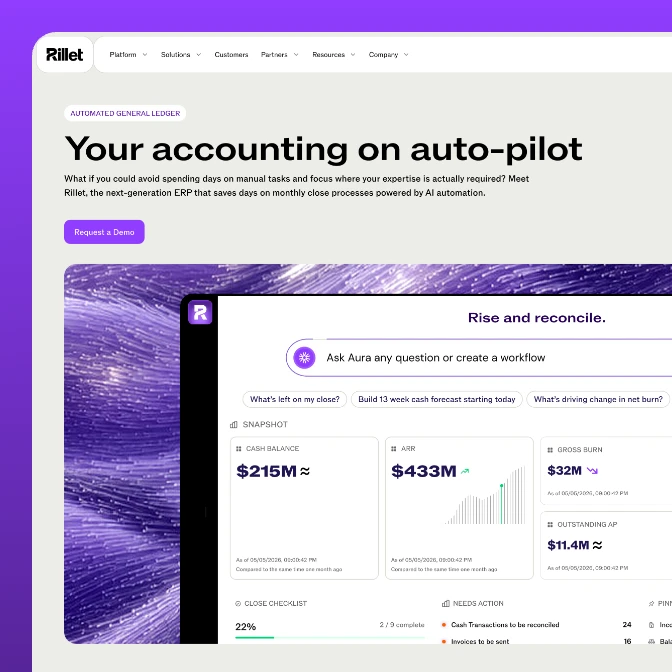
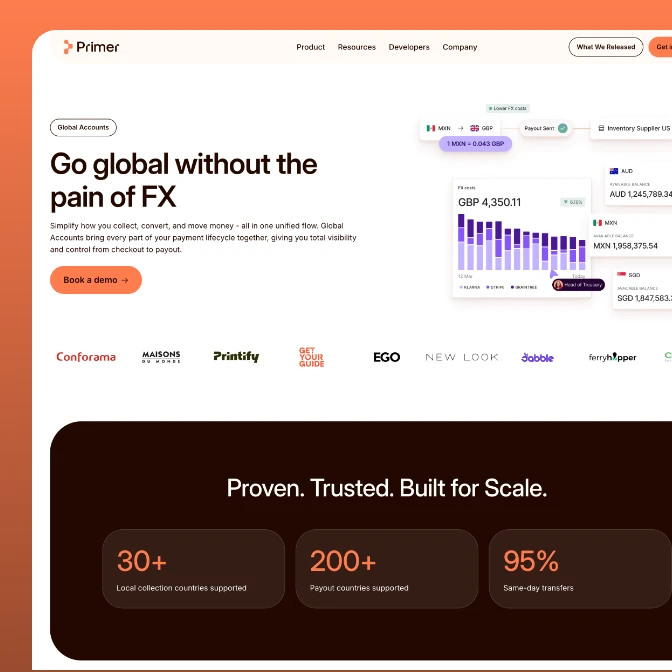
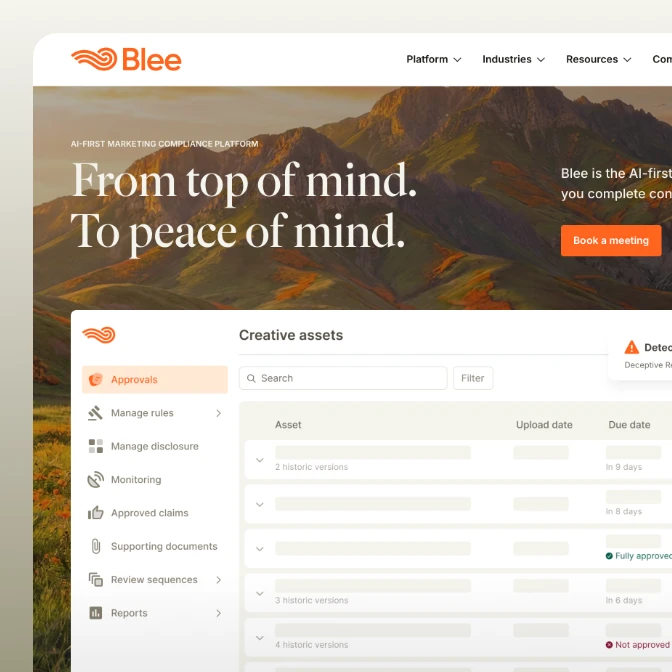
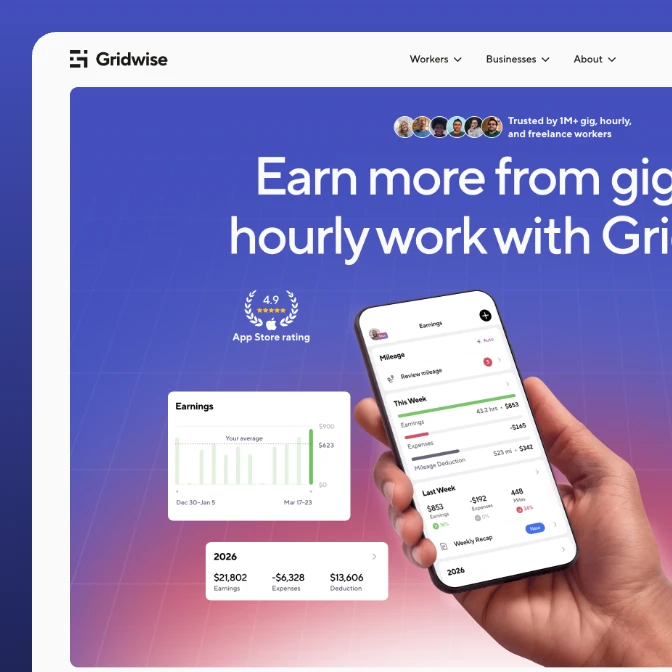
Rankings that survived the move
Most of our SEO work happens inside migrations and rebuilds, the moments rankings are most likely to die. The projects below moved onto Webflow or rebuilt on it with organic visibility protected from day one: baseline captured before launch, tracked after.

4.6x
more inbound form submissions
7x
higher visit-to-lead rate
200+
pages migrated off Craft CMS

3x
organic search traffic after launch
90%
total session growth in seven weeks
54%
more direct traffic after the rebrand
58%
more sessions in the first two months after launch
2x
total traffic two years on, with almost no paid spend
2.3x
organic search traffic since the relaunch

2.8x
increase in website traffic post-launch
2.4x
boost in new sign-ups within 3 months
100%
redesigned multi-role platform experience
Why a Webflow SEO agency, not a generic one
A fair question. SEO agencies are everywhere. The difference is what happens after the audit.
| StanVision | Generic SEO agency | Freelancer | In-house | |
|---|---|---|---|---|
| Knows the platform | Webflow Premium Partner. We build in it daily | Platform-agnostic. Recommendations often assume WordPress | Varies widely, and it's hard to verify before you commit | Knows your site well, rarely deep in Webflow specifics |
| Who implements the fixes | We do, in the same build, usually the same week | You do. Findings go into your dev queue | Depends on scope. Implementation is often a separate bill | You do, when the roadmap allows it |
| Design and content in one team | SEO, design, and Webflow development under one roof, so fixes don't break the design | SEO only. Design changes need another vendor | Usually one discipline | Depends on team size and hiring budget |
| Migration experience | WordPress, Craft CMS, and custom CMS to Webflow, with a ranking baseline on every move | Sometimes, rarely Webflow-specific | Occasionally | Usually their first one |
| Cost shape | Project or retainer, scoped to the audit findings | Retainer-heavy, with reporting included whether or not things move | Lowest rate. Capacity and continuity vary | A salary, plus tools, plus ramp-up time |
| Day-to-day context | A dedicated team, not a seat at your standup | Monthly calls | Async, on their schedule | In the room every day. Unbeatable for constant context |
Industries
we go deep in
We specialize where design and growth decisions carry the most weight.
Awards
25 awards from Awwwards, CSS Design Awards, and Behance. And since 2023 Stan sits on the Awwwards jury, which is rarer than winning.
1x SOTD + 1x DEV + 13x HM
1x Jury member

Awwwards: 15 awards in total. 1 Site of the Day (SOTD), 1 Developer Award (DEV) and 13 Honorable Mentions (HM). Stan Kirilov is an Awwwards jury member.
2 SOTD + 4 SK
1x ex. Jury member

CSS Design Awards: 6 awards in total. 2 Sites of the Day (SOTD) and 4 Special Kudos (SK). Stan Kirilov is a former CSS Design Awards jury member.
4x Featured in Web design

Behance: StanVision projects featured 4 times in the Behance Web Design gallery.
Frequently asked questions
Webflow SEO questions, answered.
What does a Webflow SEO agency do?
A Webflow SEO agency makes a Webflow site rank: technical audits, keyword mapping, site structure, schema, on-page work, and content architecture in the CMS, with the fixes built straight into Webflow instead of handed to your developers. For B2B SaaS, that also means protecting rankings through redesigns and migrations, the moments they're most likely to drop.
Is Webflow good for SEO?
Yes. Webflow handles the technical foundation most platforms make you assemble yourself: fast hosting on a global CDN, automatic sitemaps, canonical tags, editable metadata on every page, and image compression by default. Sites don't rank or fail to rank because of Webflow. They rank on keyword strategy, site structure, content, and authority, and no platform provides those out of the box. When a Webflow site underperforms in search, the cause is almost always missing structural work, not the platform. The long answer is in our article Is Webflow good for SEO?
How do you do SEO on Webflow?
Start with a technical audit and a position baseline, then work in sequence: fix crawl and indexation issues, set titles and meta descriptions per page, add schema through custom code embeds, build the internal linking, then publish content mapped to verified keywords. Webflow's native settings cover the mechanics: metadata fields, 301 redirects, automatic sitemaps. The ranking work is the strategy layered on top of them.
How do you structure SEO on a Webflow site?
Hub and spoke. Service and industry pages act as hubs that each own one primary keyword. Supporting articles in the CMS act as spokes that link up into them with descriptive anchors, so authority flows toward the pages that convert. In Webflow specifically, that means planning Collections around content clusters, keeping the URL structure flat and readable, and never letting two pages target the same phrase.
What should a Webflow SEO checklist cover?
Six things, in order: indexing and canonical settings, a sitemap and clean redirects, unique titles and meta descriptions per page, one H1 and a logical heading structure, schema for services, FAQs, and breadcrumbs, and image alt text and Core Web Vitals. Then the part no checklist covers: one target keyword per page and internal links that point your content at the pages that sell.
Can you migrate from WordPress to Webflow without losing SEO?
Yes, if the migration is run as an SEO project and not just a rebuild. That means a full URL inventory and a one-to-one redirect map before launch, metadata and schema carried over page by page, and a ranking baseline captured in advance so any movement is visible within days. This is the core of our WordPress to Webflow migration service, and it's why the baseline comes before a single URL moves.
How do you evaluate a Webflow agency for an SEO migration?
Ask three things. One: do they capture a ranking baseline before launch, and will they show it to you afterward? Two: do they produce a one-to-one redirect map, not a blanket redirect to the homepage? Three: do they build in Webflow themselves, or hand findings to your developers? A Webflow Premium Partner running baseline-first migrations answers all three. If an agency can't show you a redirect map from a past migration, keep looking.
Is Webflow or Framer better for SEO?
For most B2B SaaS marketing sites, both are technically capable: fast output, editable metadata, automatic sitemaps. Webflow has the more mature CMS, which matters once your content strategy involves clusters, Collections, and hundreds of pages. Framer is quicker for small sites with light content needs. The honest answer is that platform choice moves SEO results far less than strategy and execution do.
Can a marketing team manage Webflow SEO without developers?
Mostly, yes, and it's one of the reasons we build on Webflow. Titles, metadata, redirects, publishing, and content updates all live in the visual editor, with no deployment cycle. The parts that still need specialist hands are the setup: schema markup, technical audits, site architecture, and migrations. Our usual model is that we handle those, then hand the site to your team to run day to day, with ongoing Webflow maintenance available if you'd rather not.

Website redesign checklist: everything to plan before design starts
Most redesigns go wrong before anyone opens a design file. Here's what I plan first, from business goals to the traffic you can't afford to lose.

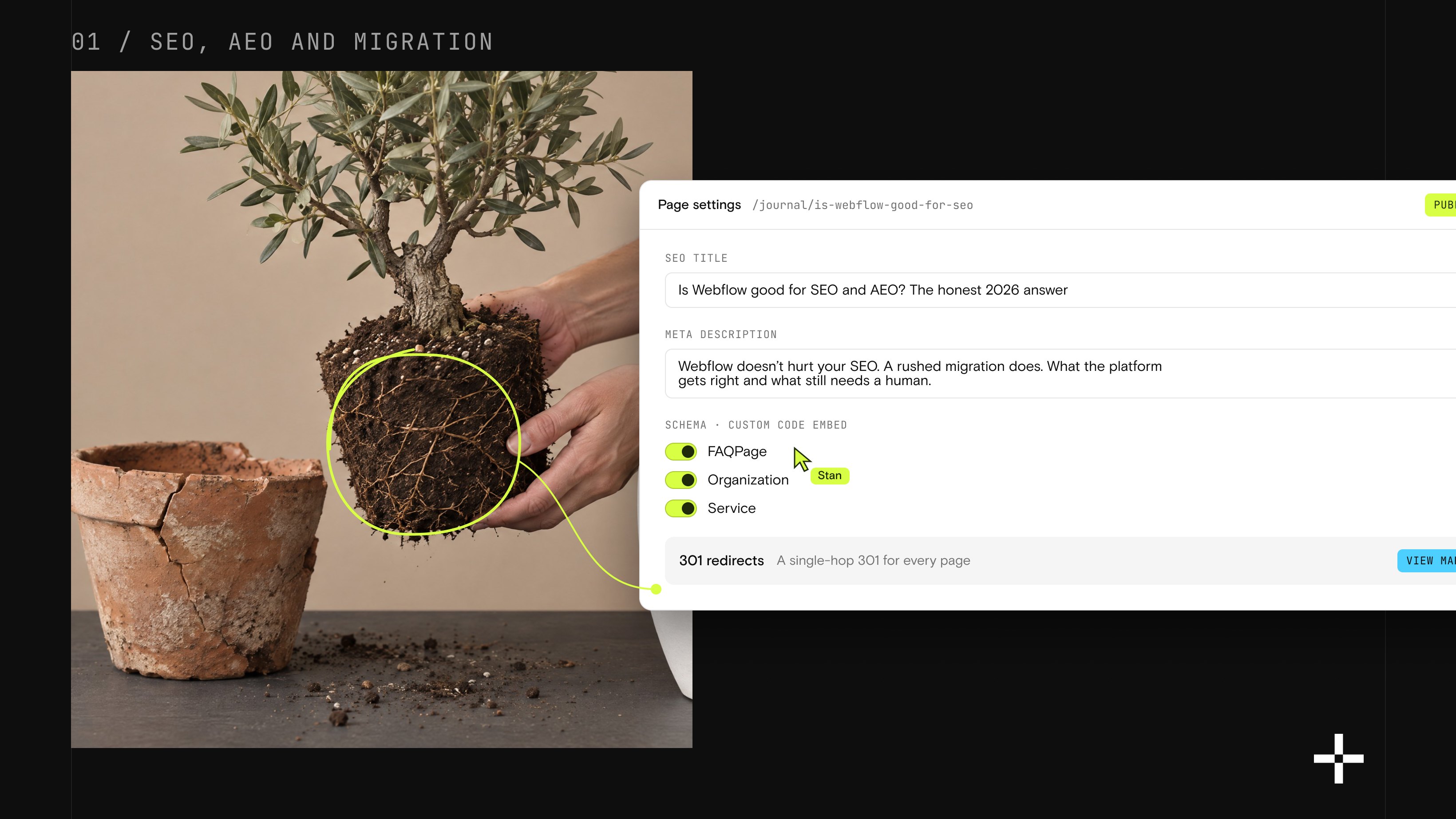
Is Webflow good for SEO and AEO? The honest 2026 answer
Webflow doesn't hurt your SEO. A rushed migration does. Here's the honest breakdown of what the platform gets right, what still needs a human, and how not to lose your rankings moving over.
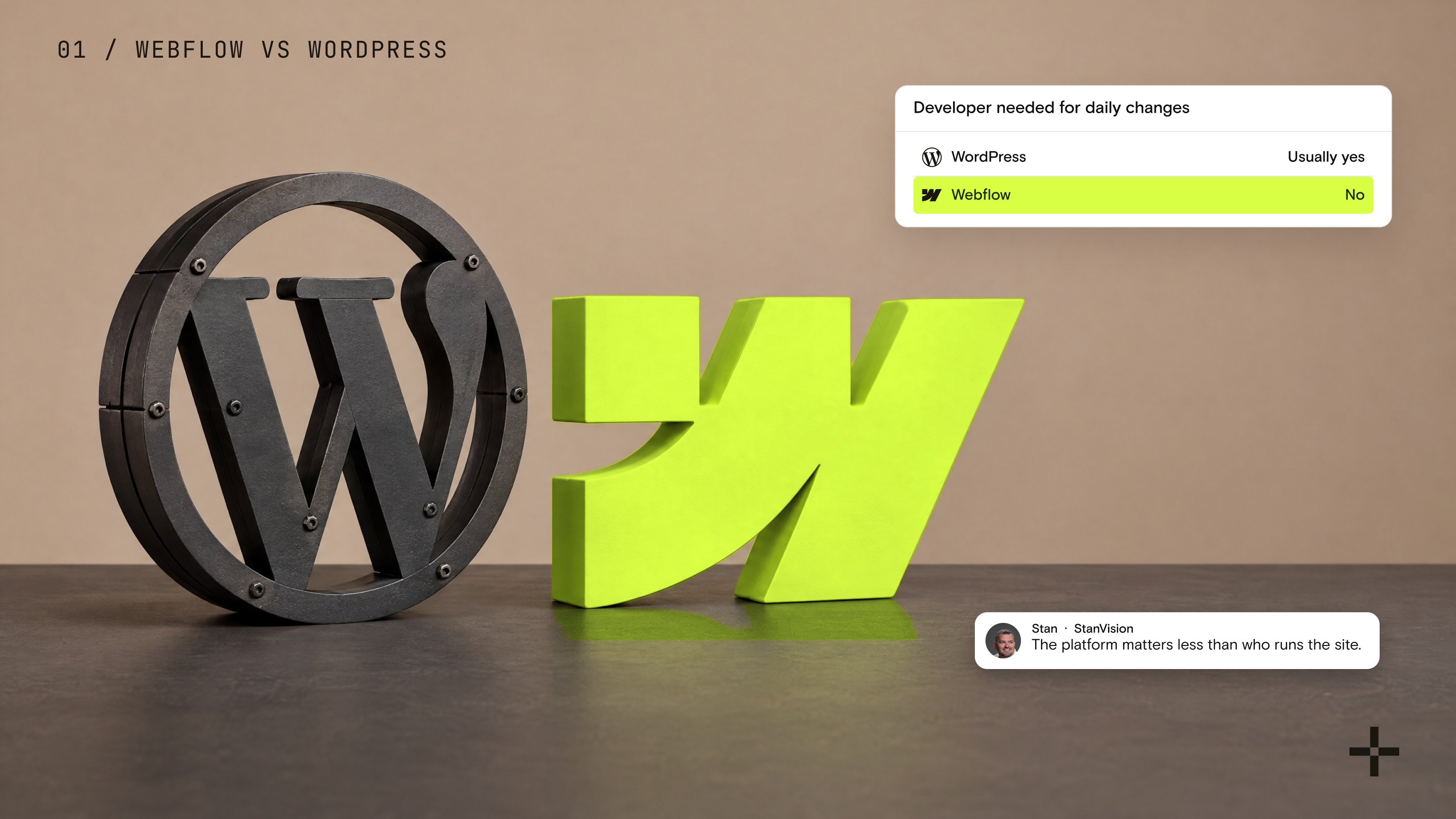
Webflow vs WordPress: which CMS will save your team more time?
I ran this agency on WordPress before I ran it on Webflow. Here is the honest comparison, from someone who has shipped both, on which CMS actually saves your marketing team time.

How to add Google Analytics to Webflow (and know it's actually tracking)
Installing GA4 on Webflow takes two minutes. Trusting the numbers it shows you is the part everyone skips.