Moving to Webflow shouldn't cost the rankings you spent years earning. We're the Webflow migration agency that keeps them.
We move B2B SaaS sites off WordPress, Craft CMS, or a custom CMS with every URL mapped, every ranking baselined, and every redirect tested before launch. A like-for-like migration takes 3 to 4 weeks. Webflow Premium Partner. Gridwise held every ranking through its WordPress move, and Primer saw 58% more sessions after leaving Craft.

B2B SaaS teams who moved to Webflow with us





Most migrations lose traffic in the first month.
A site doesn't drop in search because Webflow is worse than WordPress. It drops because the move skipped the unglamorous parts: the redirect map, the on-page SEO transfer, the QA before launch.
The new design gets all the attention and the ranking signals get rebuilt by hand, badly. Here is where it goes wrong.
The post-launch traffic cliff
Rankings hold for a week, then fall off. Almost always a redirect map that was rushed, partial, or never built. Google re-crawls, can't find the old pages, and drops them.
Redirects pointed at nothing
Temporary 302s instead of permanent 301s, redirect chains three hops deep, or every old URL dumped on the homepage. Google reads a homepage dump as a soft 404 and removes the pages from the index.
Content that arrives stripped
Posts, case studies, and resource pages get re-pasted by hand, and the meta titles, descriptions, and internal links that were doing the ranking get left behind in the old CMS.
A rebuild that forgets why you ranked
The new site looks sharp and ranks worse, because the H1s, schema, and page structure that earned the positions were never carried across.
What our Webflow migration services cover
Moving the pages is the easy part. We handle everything around them that can't afford to get lost, broken, or rebuilt badly when Webflow takes over.
A Webflow migration rebuilds your site in Webflow and moves every page, post, and ranking signal across without losing search position. We plan the SEO before we touch the design, because the order is what protects your rankings. A migration is also the cheapest moment to make the new site ready for AI agents, which is what our agentic website development adds.
Pre-migration SEO baseline
We snapshot every ranking, top page, and traffic source in Google Search Console and Semrush before anything moves. That record is how we prove the migration held.
URL mapping and a 301 plan
Every old URL gets a single-hop 301 redirect to its exact match on the new site. No chains, no dead pages sent to the homepage.
Rebuild in Webflow
We rebuild the site like-for-like, or redesign it through our Webflow design agency team, structured so your marketing team can update it without a developer.
Content and CMS migration
Posts, case studies, and resource libraries move into the Webflow CMS, Webflow's built-in content database, with their structure and SEO fields intact. Not hand-pasted.
On-page SEO transfer
Titles, meta descriptions, headings, schema, and internal links carry across page by page, because those signals earned the rankings in the first place. The ongoing side is our Webflow SEO work.
Technical setup
Canonical tags, the XML sitemap, robots.txt, and Core Web Vitals handled before launch, not patched afterward.
Source-specific handling
WordPress, Craft CMS, and custom-built CMS sites each migrate differently. We handle the quirks of yours, including the parts that need Webflow development to rebuild cleanly.
Staged launch and QA
We stage every redirect, test each one, validate the schema, and launch against a checked map. Then we inspect the changed URLs in Search Console the same day.
Post-launch monitoring and care
We watch rankings through the window where drops happen, and stay on for Webflow maintenance if you want us to.
What changes when you move to Webflow, by platform
The work depends on where you're coming from. WordPress carries the most SEO history to protect. Craft CMS is content-rich and structured, so the work is mapping its sections into Webflow Collections. A custom CMS has no export button, so the content gets extracted first. We've done all three: Gridwise, Supy, Inveztor, Bambassadors, and Shopeaks from WordPress, Timefold and Primer from Craft, and J Point from a custom CMS. More on the WordPress side in our Webflow vs WordPress comparison.
| WordPress | Craft CMS | Custom CMS | |
|---|---|---|---|
| Why teams leave | Plugin bloat, slow load, a developer for routine edits | Developer-heavy templates, slow page launches | Every change needs the original developers |
| What transfers cleanly | Content, structure, most SEO signals | Structured content and sections | Content, once it's extracted |
| CMS handling | Posts and custom post types map to Webflow Collections | Sections and entry types map to Collections | Content models designed fresh in Webflow |
| Main redirect work | Heavy: years of URLs, permalinks, plugin paths | Moderate: depends on the route structure | Varies: often undocumented routes |
| Typical gotcha | Old plugin URLs that still rank | Matrix fields that need rethinking as components | No clean export, so extraction comes first |
How we run a Webflow migration
A like-for-like migration takes 3 to 4 weeks. If you're redesigning at the same time, it follows our 10 to 12 week design and build. Either way, the SEO baseline starts on day one, not at the end.
Results our clients reached
Real business milestones the teams we partnered with hit during the engagement. The work is ours; the wins are theirs.
$200M+
Raised at a $1B valuation. All three rounds closed after our redesign went live.
$175M
Raised while scaling its global payment infrastructure.
$13M
Raised while building its AI planning platform.

$73M
Combined value of the SMSBump and NitroPack exits.
Average partnership
3+ years
Average length of a client partnership. People stay when the work keeps shipping.
7 years
Across strategy, branding, and product, 2018 to 2025.
AI portfolio
15+ companies
AI companies designed for, from first launch to scale.
Enterprise portfolio
10+ clients
Enterprise clients, the kind with procurement departments.
24%
Higher conversion rate after the website relaunch.
Products launched
10+
Software products designed and taken to market with our clients.
Webflow migrations that kept the traffic
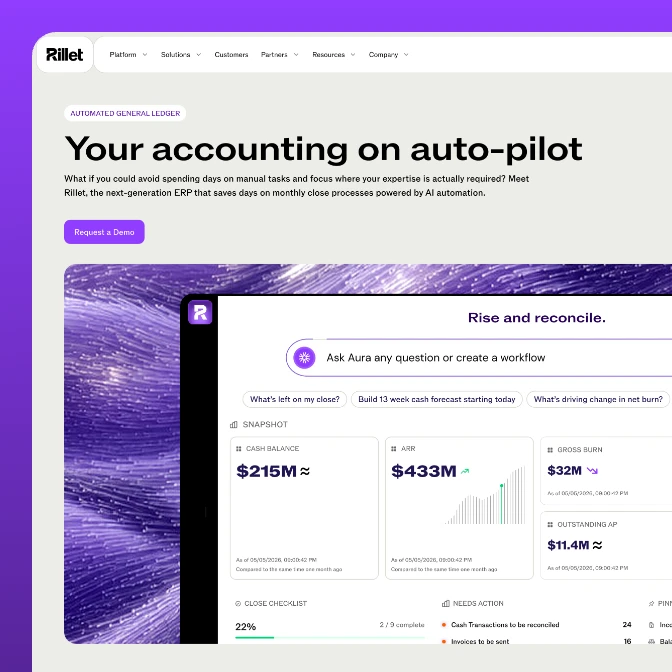
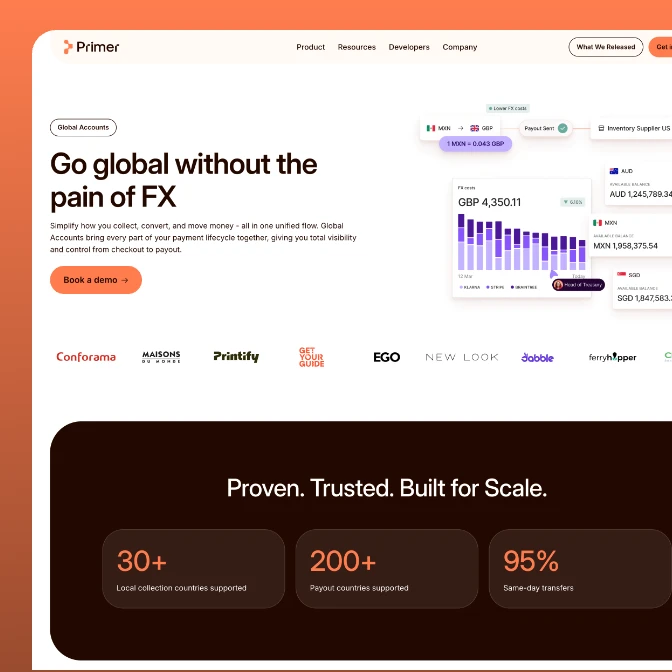
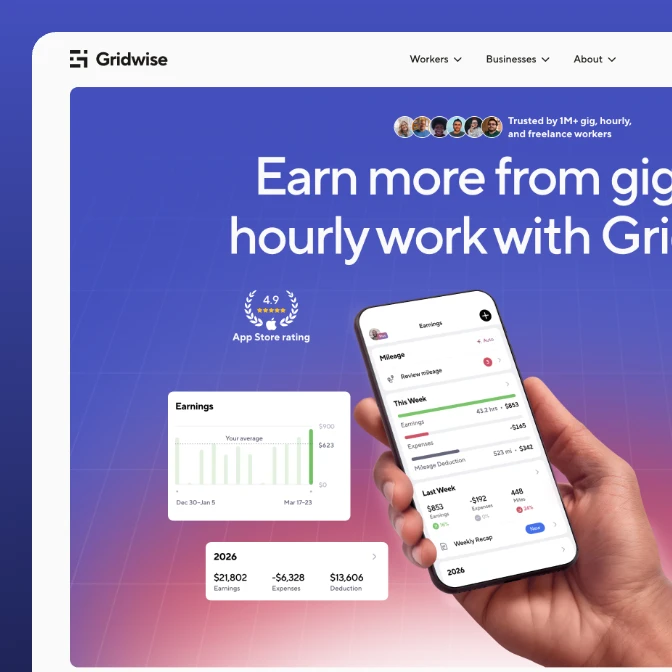
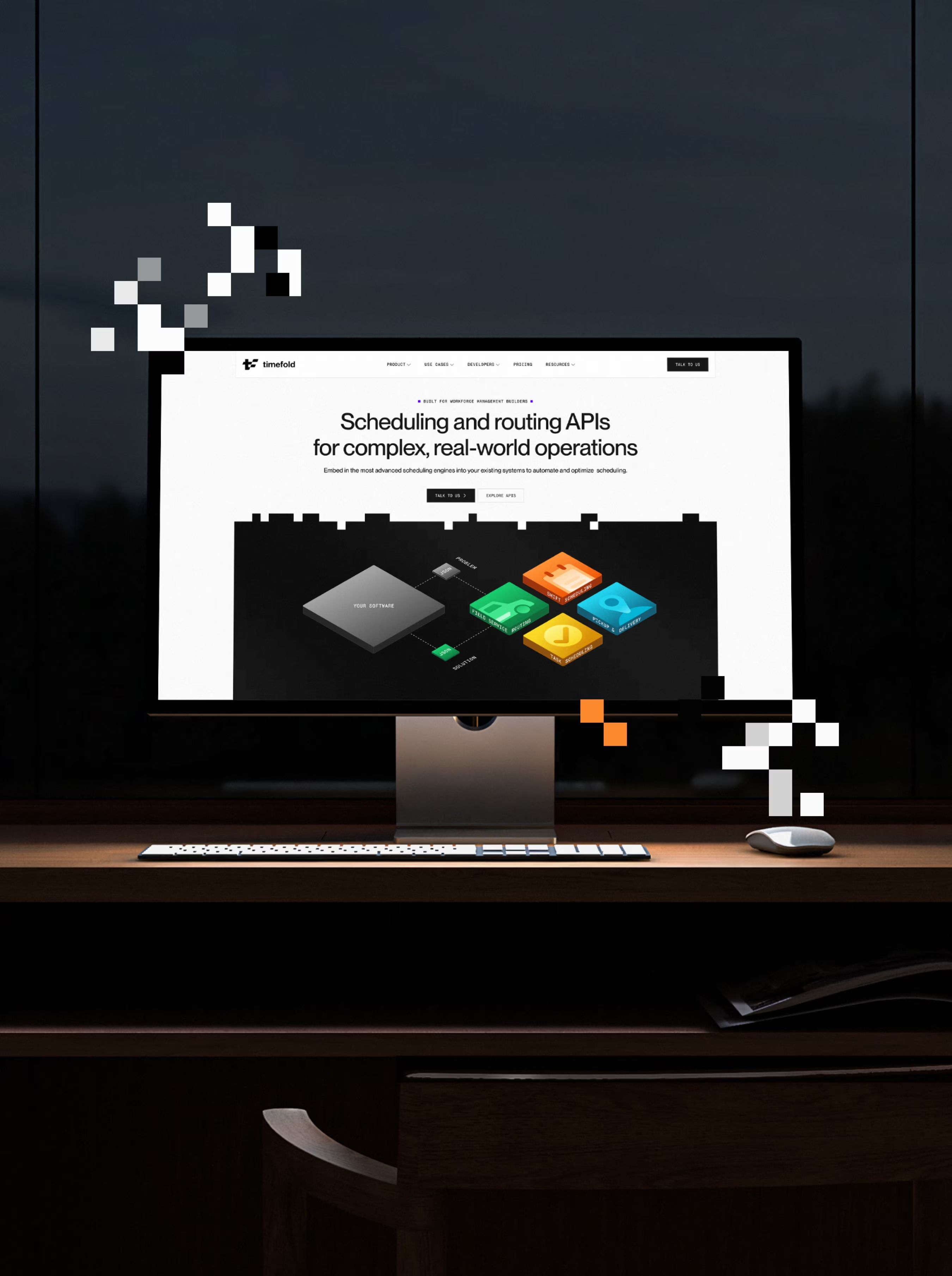
The real test of a migration is the month after launch. Gridwise moved off WordPress, held every ranking, and lifted conversions 24%. Primer left Craft CMS and saw 58% more sessions in the first two months. Timefold moved 200+ pages off Craft and got 4.6x more inbound form submissions. Bambassadors grew traffic 2.8x after its move. A closer look below:
4.6x
more inbound form submissions
7x
higher visit-to-lead rate
200+
pages migrated off Craft CMS

3x
organic search traffic after launch
90%
total session growth in seven weeks
54%
more direct traffic after the rebrand
58%
more sessions in the first two months after launch
2x
total traffic two years on, with almost no paid spend
2.3x
organic search traffic since the relaunch

2.8x
increase in website traffic post-launch
2.4x
boost in new sign-ups within 3 months
100%
redesigned multi-role platform experience
Migrating it yourself vs handing it to a Webflow migration agency
You have three real alternatives to a specialist. Here's the honest version of each.
| StanVision | DIY / in-house | Freelancer | Generalist agency | |
|---|---|---|---|---|
| SEO baseline before the move | Always | Often skipped | Sometimes | Sometimes |
| Single-hop 301 map | Built before the rebuild | Depends on time | Varies by person | Varies |
| Migration experience | WordPress, Craft CMS, custom CMS | First time, usually | Mixed | A web project, migration second |
| Like-for-like timeline | 3 to 4 weeks | Fits around other work | Depends on availability | Varies |
| Holds the rankings | Planned and monitored | At risk | At risk | Often unmonitored after launch |
| Webflow partner status | Premium Partner | n/a | Rarely | Sometimes |
Industries
we go deep in
We specialize where design and growth decisions carry the most weight.
Awards
25 awards from Awwwards, CSS Design Awards, and Behance. And since 2023 Stan sits on the Awwwards jury, which is rarer than winning.
1x SOTD + 1x DEV + 13x HM
1x Jury member

Awwwards: 15 awards in total. 1 Site of the Day (SOTD), 1 Developer Award (DEV) and 13 Honorable Mentions (HM). Stan Kirilov is an Awwwards jury member.
2 SOTD + 4 SK
1x ex. Jury member

CSS Design Awards: 6 awards in total. 2 Sites of the Day (SOTD) and 4 Special Kudos (SK). Stan Kirilov is a former CSS Design Awards jury member.
4x Featured in Web design

Behance: StanVision projects featured 4 times in the Behance Web Design gallery.
Frequently asked questions
Webflow migration questions, answered.
What does a Webflow migration agency do?
A Webflow migration agency moves your existing site onto Webflow without losing the rankings, content structure, and workflows you already have. That means a pre-migration SEO baseline, a single-hop 301 redirect for every live URL, on-page signals transferred page by page, CMS content moved with its fields intact, and Search Console monitoring after launch. The rebuild is the visible part. The transfer decides whether traffic survives.
Can you migrate from WordPress to Webflow without losing SEO?
You preserve the three things that earn rankings: the URLs, the on-page signals, and the site's crawlability. We map every old URL to a single-hop 301 redirect, carry titles, meta, headings, and schema across page by page, and set the sitemap and canonicals before launch. Then we monitor Search Console through the re-crawl. Done this way, traffic holds.
How long does it take to migrate to Webflow?
A like-for-like migration takes 3 to 4 weeks with us. If you're redesigning at the same time, plan on 10 to 12 weeks for design and build. The SEO baseline starts in week one either way, so nothing about your current rankings is guessed at later.
What's included in a professional Webflow migration?
A pre-migration SEO baseline, a full URL-to-URL redirect map, the rebuild in Webflow, content and CMS migration, on-page SEO transfer, technical setup (canonicals, sitemap, Core Web Vitals), staged-redirect QA, and post-launch monitoring. Scope depends on site size, so we price it after one call.
How do you audit a website before migrating to Webflow?
Start with a full crawl and a list of every URL that gets traffic or backlinks. Snapshot rankings and top pages in Search Console and an SEO tool, note each page's title, meta, headings, and schema, and flag templates, forms, and integrations that need rebuilding. That audit becomes the redirect map and the baseline you measure the launch against.
Do you handle 301 redirects during the migration?
Yes, and it's the part that protects your rankings most. Every old URL gets a single 301 redirect straight to its match on the new site. No temporary 302s, no redirect chains, and no pointing dead pages at the homepage, which Google reads as a soft 404 and drops from the index.
How involved does our team need to be?
Less than you'd expect. We need access, your current analytics, and your sign-off at a few points: the redirect map, the design, and the staging site before launch. Day to day, your team keeps working while we handle the migration mechanics.
Can our marketing team keep doing SEO and content work during the rebuild?
Yes. We build on a staging site, so your live site stays up and your team keeps publishing until launch. Anything published mid-project gets added to the redirect map, so no new page gets orphaned in the move.
Do we need ongoing support after the migration?
Not necessarily. After launch you can take the keys and run the site yourself, which is the point of Webflow, or keep us on for Webflow maintenance. The sites that stay healthy usually have someone owning them.
When should you stay on WordPress instead of migrating to Webflow?
When your site depends on what Webflow doesn't do well: complex web apps, heavy database logic, or a store with thousands of SKUs and deep inventory rules. For a marketing site or a content-heavy B2B SaaS site, Webflow is usually the right move. If it isn't yours, we'll tell you.
WordPress to Webflow migration: how to move your site and keep your rankings
A WordPress to Webflow migration is the only project where "nothing changed" is the best outcome for your rankings. Here's how to get there, step by step.

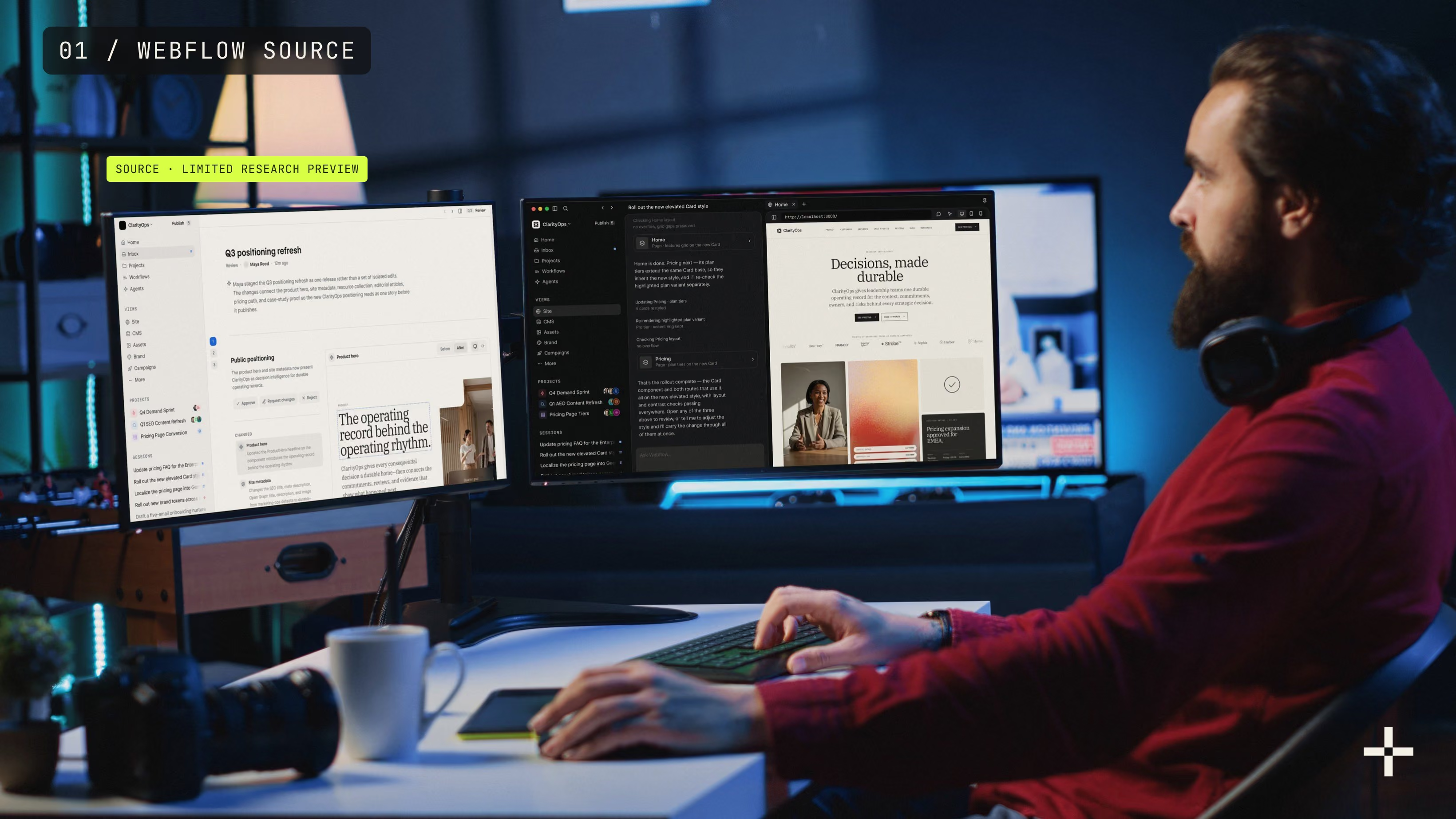
Webflow Source explained: what it means for your Webflow site
Source is Webflow's bet on sites run by marketers and agents together. You don't need to wait for it to start getting ready.

Website redesign checklist: everything to plan before design starts
Most redesigns go wrong before anyone opens a design file. Here's what I plan first, from business goals to the traffic you can't afford to lose.

Framer vs Webflow: 7 questions to ask before you choose
Framer is faster to start with. Webflow is easier to grow. Here are seven questions to help you figure out which one your site needs.