A Webflow site doesn't maintain itself after launch. That's what Webflow maintenance is for.
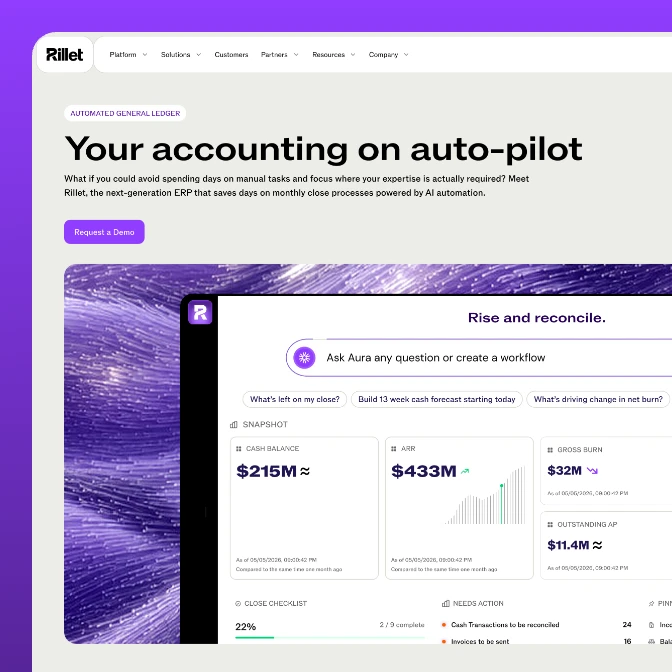
We run Webflow maintenance for B2B SaaS teams on a monthly retainer: CMS updates, bug fixes, performance and SEO upkeep, and the steady stream of small changes that pile up after launch. Webflow Premium Partner. Our partnerships average past three years, and Rillet's site has grown past fifty pages with us still on it.

Teams that kept us on after launch








Your Webflow site was in great shape at launch. It won't stay that way on its own
This is rarely a build-quality problem. The site shipped fine. The issue is that a live site is a moving target. The CMS fills with content nobody documented, integrations change under you, Google shifts how it ranks pages, and the people who knew where everything lived have moved on to other work.
Maintenance is not fixing a bad build. It's keeping a good one good.
Every change waits in a queue
A landing page tweak, a new case study, a pricing update: each one sits until someone with Webflow access has a free afternoon. Marketing moves at the speed of whoever has the keys.
Performance slipped and nobody noticed
Unoptimized images and heavy embeds crept in over months. Your Core Web Vitals quietly went red, and the first sign was a ranking drop you couldn't explain.
The CMS has become a minefield
Collections nobody mapped, fields added ad hoc, broken references. Adding content feels risky because no one is sure what it touches.
Your SEO is leaking
Redirects went stale, meta got overwritten on a careless edit, broken links piled up. The rankings you paid to build erode one small neglect at a time.
What our Webflow maintenance services cover
Webflow website maintenance is the ongoing care of a live Webflow site after launch or migration: content and CMS updates, bug fixes, performance and SEO upkeep, integration and security checks, and the small design iterations a growing site needs. It's the after-launch side of our Webflow design agency work.
A Webflow retainer runs one of two ways: a set number of hours every month, or a pack of hours you top up when it runs out. Either way you get the same team, one point of contact, and a Webflow Premium Partner looking after the site. If you need designers working inside your sprints rather than a site looked after, that's our ongoing partnership.
CMS edits and content updates
New pages, blog posts, case studies, pricing changes. You send the content, we publish it correctly in the CMS, usually inside the same week.
Bug fixes and QA
Broken layouts, dead forms, interactions that stopped firing. We catch and fix them, and re-check the site after every Webflow platform update.
Performance upkeep
Image optimization, embed cleanup, and Core Web Vitals monitoring, so LCP, CLS, and INP stay in the green and your speed scores hold.
SEO maintenance
Redirect hygiene, meta and schema checks, broken-link sweeps, and sitemap upkeep. The rankings you built don't erode because nobody was watching. Bigger ranking work is our Webflow SEO service.
Design iterations
Small design changes as the product moves: a new section, a refreshed component, a tightened hero. Not a redesign, the steady polish a live site needs. Bigger conversion work routes into conversion rate optimization.
CMS structure and cleanup
We document your collections, repair broken references, and keep the structure sane, so your team can add content without breaking three other things.
Integration and embed checks
Analytics, forms, chat, marketing tools. We make sure the third-party pieces keep working as those platforms change on their end.
Accessibility and browser checks
Ongoing checks against WCAG basics and across browsers and devices, so the site stays usable for everyone who lands on it.
Reporting and a single point of contact
One owner who knows your site, a clear request channel, and a record of what changed and when. No more chasing whoever built it.
What Webflow takes care of, and what it doesn't
Webflow runs the platform: hosting, security patches, and uptime. That's why people ask whether a Webflow site needs maintenance at all. It does, because everything you put on top of the platform keeps changing. Here's who handles what.
| Webflow (the platform) | Webflow maintenance (us) | |
|---|---|---|
| Hosting, SSL, and uptime | Handled. Global CDN, no servers to patch | Nothing to do |
| Platform updates | Shipped automatically | We re-check your site after updates that touch layout, interactions, or the CMS |
| Content changes | Your editors, in the visual editor | New templates, Collection changes, and anything structural |
| Performance | Fast hosting and lazy loading by default | The images, embeds, and scripts that creep in after launch |
| SEO | Sitemap, canonicals, and metadata fields | Redirects, broken links, meta and schema checks, Core Web Vitals |
| Integrations | Native apps and embed support | Checks when your analytics, forms, or chat tools change on their end |
How a Webflow maintenance retainer works
No long onboarding, no mystery. We learn your site, set up one clear way to send requests, and start clearing the backlog that's been waiting.
Results our clients reached
Real business milestones the teams we partnered with hit during the engagement. The work is ours; the wins are theirs.
$200M+
Raised at a $1B valuation. All three rounds closed after our redesign went live.
$175M
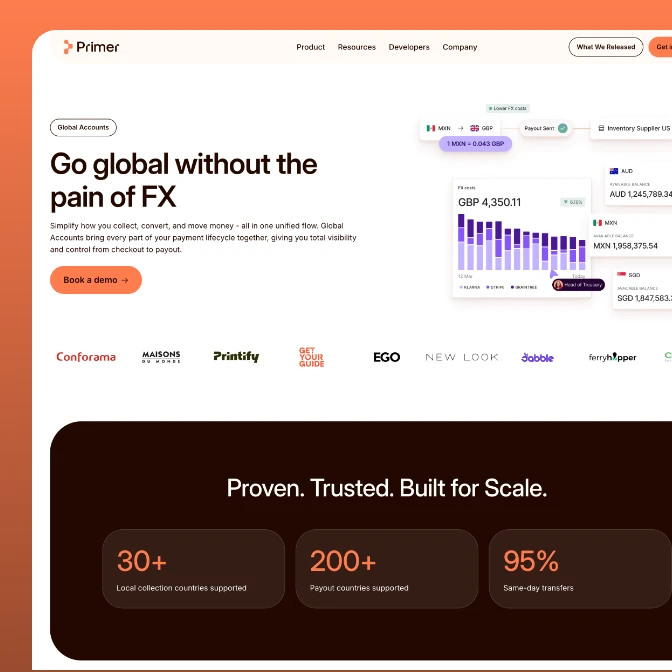
Raised while scaling its global payment infrastructure.
$13M
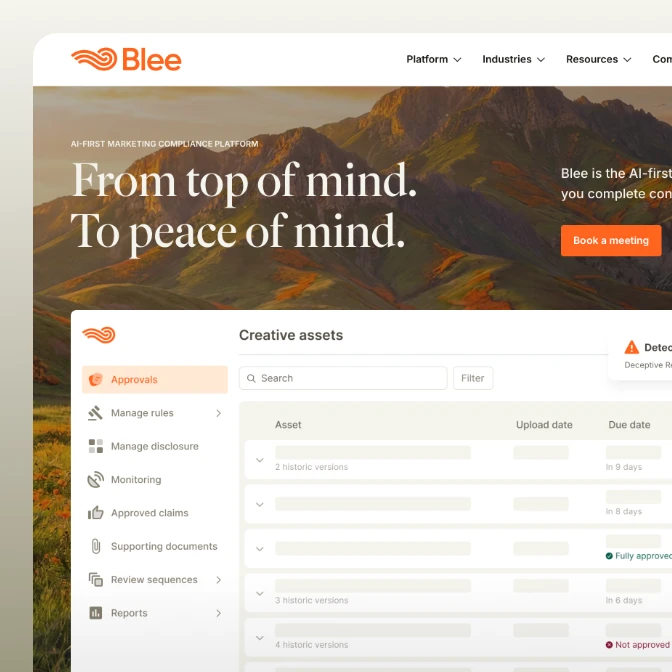
Raised while building its AI planning platform.

$73M
Combined value of the SMSBump and NitroPack exits.
Average partnership
3+ years
Average length of a client partnership. People stay when the work keeps shipping.
7 years
Across strategy, branding, and product, 2018 to 2025.
AI portfolio
15+ companies
AI companies designed for, from first launch to scale.
Enterprise portfolio
10+ clients
Enterprise clients, the kind with procurement departments.
24%
Higher conversion rate after the website relaunch.
Products launched
10+
Software products designed and taken to market with our clients.
We don't disappear after launch
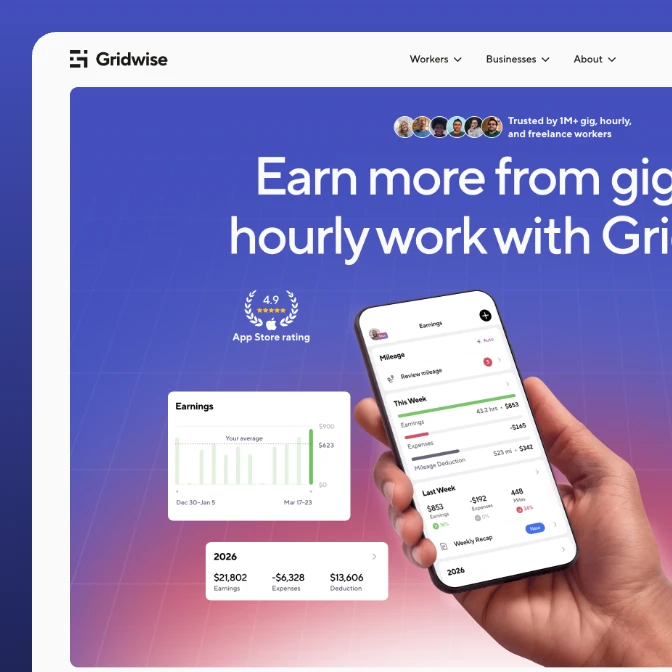
The real proof that maintenance works is how long the relationship lasts. Our average partnership runs past three years, and several clients have stayed far longer: emerchantpay for seven and counting, Tolstoy for seven. These are teams that launched a site with us and kept us on to grow it, fix it, and keep it fast. The work below shows what a long Webflow partnership looks like in practice.
$1B
valuation reached 15 months after the site went live
3x
traffic in the two months after launch
50+
pages designed and shipped, up from 5
58%
more sessions in the first two months after launch
2x
total traffic two years on, with almost no paid spend
2.3x
organic search traffic since the relaunch
4.6x
more inbound form submissions
7x
higher visit-to-lead rate
200+
pages migrated off Craft CMS

3x
organic search traffic after launch
90%
total session growth in seven weeks
54%
more direct traffic after the rebrand
Four ways to keep a Webflow site healthy. The honest version
After launch, someone has to own the site. Most teams choose between a retainer with a specialist team, a freelancer, an in-house developer, or letting marketing handle it. Here's where each one actually wins.
| StanVision | Freelancer | In-house developer | Marketing team | |
|---|---|---|---|---|
| Knows your site's build | Audit and handover first, whether we built the site or not | Depends who built it. Knowledge leaves when they do | Deep, once they've ramped up | Knows the content, not the build decisions |
| Turnaround on routine requests | Defined turnaround, one point of contact | On their schedule, between other clients | Fast, when it's their priority that week | Instant for copy, stuck for anything structural |
| Proactive monitoring | Watched monthly: Core Web Vitals, redirects, broken links, meta | Reactive. Tickets get fixed, drift goes unnoticed | Possible, if it's in the job description | Nobody's watching the technical side |
| Coverage in one place | Design, development, CMS, and SEO upkeep in one retainer | Usually one discipline | One person, one skill set | Content edits only |
| Cost shape | Monthly retainer that scales with the workload | Hourly. Cheap until availability disappears | A salary for what's rarely a full-time need | Free, until something breaks |
| Where they win | A site that stays fast and current without a hire | Small, bounded fixes at the lowest rate | Constant availability and full context | Day-to-day publishing they should own anyway |
Industries
we go deep in
We specialize where design and growth decisions carry the most weight.
Awards
25 awards from Awwwards, CSS Design Awards, and Behance. And since 2023 Stan sits on the Awwwards jury, which is rarer than winning.
1x SOTD + 1x DEV + 13x HM
1x Jury member

Awwwards: 15 awards in total. 1 Site of the Day (SOTD), 1 Developer Award (DEV) and 13 Honorable Mentions (HM). Stan Kirilov is an Awwwards jury member.
2 SOTD + 4 SK
1x ex. Jury member

CSS Design Awards: 6 awards in total. 2 Sites of the Day (SOTD) and 4 Special Kudos (SK). Stan Kirilov is a former CSS Design Awards jury member.
4x Featured in Web design

Behance: StanVision projects featured 4 times in the Behance Web Design gallery.
Frequently asked questions
Webflow maintenance, answered.
Does a Webflow site need ongoing maintenance?
Yes. A live Webflow site is not static. Content grows, integrations change, Google updates how it ranks pages, and Webflow ships platform changes that can affect how your site behaves. Without upkeep, performance drifts, SEO erodes, and small bugs accumulate. A five-page brochure site needs little. A content-heavy B2B SaaS site, with a CMS and a marketing team shipping weekly, needs steady care.
What does Webflow maintenance include?
It covers content and CMS updates, bug fixes, performance upkeep (image optimization and Core Web Vitals), SEO hygiene (redirects, meta, broken links, sitemaps), integration and accessibility checks, and small design iterations. It is the ongoing care of a live site, not a redesign. We handle all of it on a monthly retainer with one point of contact.
Do you need a Webflow retainer after launch?
If your site is more than a few static pages and your team ships changes regularly, a retainer usually pays for itself. The alternative is a request queue that stalls every time the one person with Webflow access is busy, plus performance and SEO that slip with no one watching. A retainer gives you defined turnaround and an owner who already knows your site.
Who maintains a Webflow site after the agency that built it leaves?
Whoever you put on it: an in-house Webflow developer, a freelancer, your marketing team, or a maintenance agency. The risk when a build agency walks is that nobody fully understands the CMS structure or the decisions baked into the site. We take over sites we didn't build by starting with an audit and handover, so that knowledge lives with us, not with whoever left.
Do you take over maintenance after a migration?
Yes. Moving from WordPress, Craft CMS, or a custom CMS to Webflow is the moment a site is most fragile: redirects, rankings, and integrations all need watching in the weeks after the move. We maintain sites we migrated through our Webflow migration services and sites migrated by others, with extra attention on holding rankings through the transition.
How do you vet a Webflow maintenance agency?
Ask three things. Do they document your site and CMS, so you're never locked in? What's their turnaround on a routine request? And do they monitor performance and SEO proactively, not just react to tickets? Then ask for retention numbers. An agency that keeps clients for years is one whose maintenance actually works. Ours average past three years.
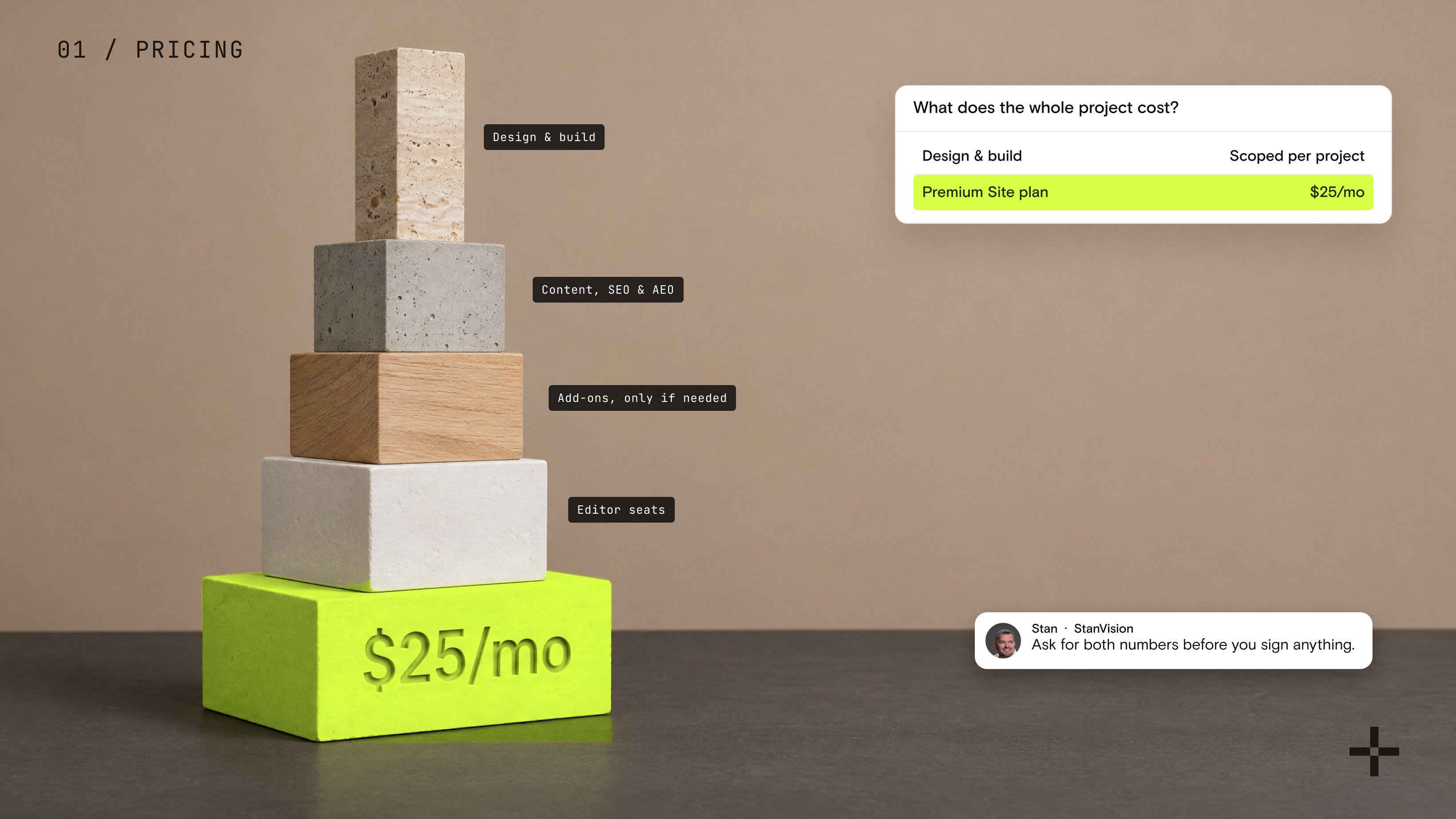
Webflow pricing in 2026: what a real site actually costs
Webflow's own plan starts at $15 a month. Here's what the rest of a real project budget covers, and why.

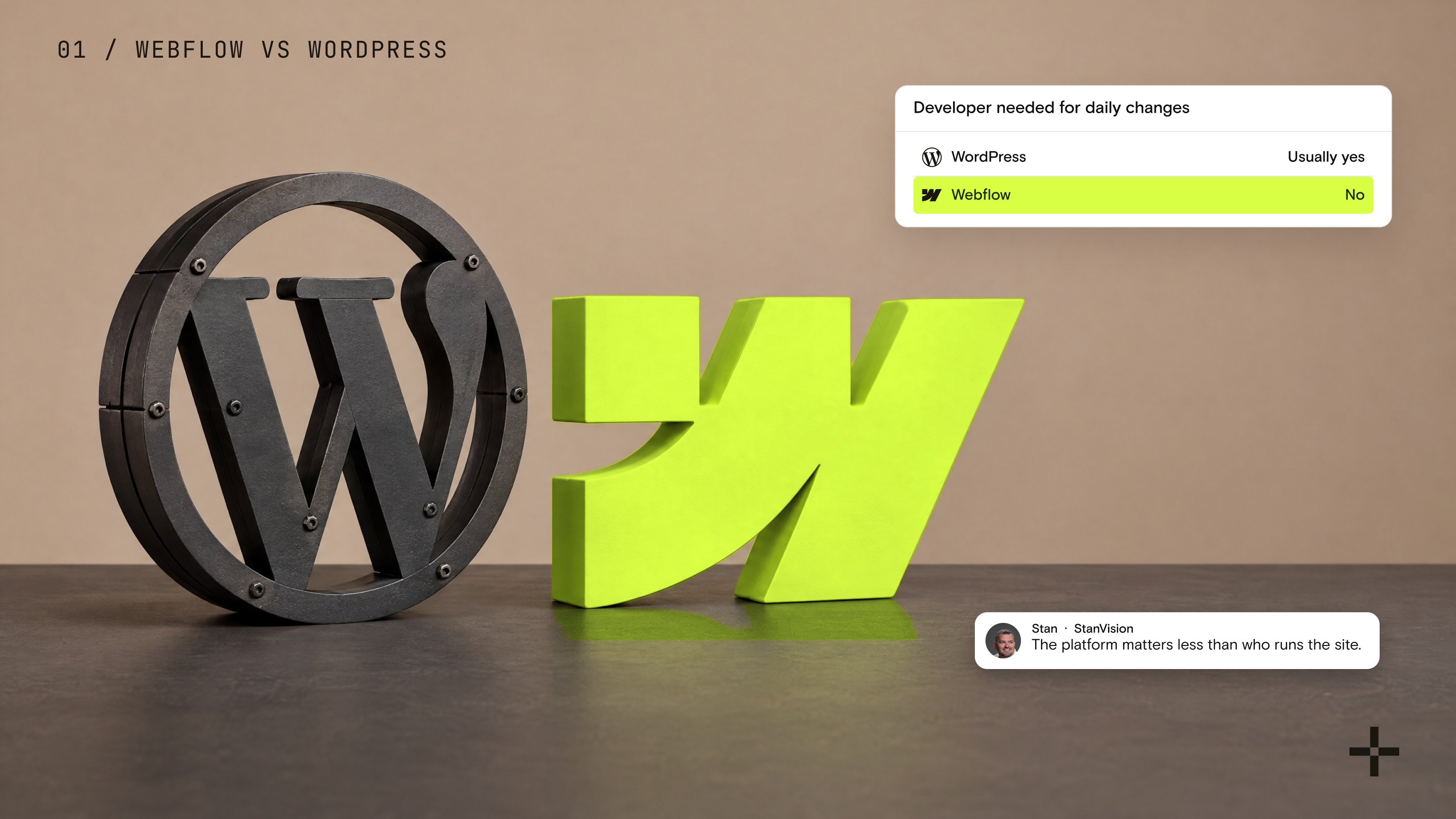
Webflow vs WordPress: which CMS will save your team more time?
I ran this agency on WordPress before I ran it on Webflow. Here is the honest comparison, from someone who has shipped both, on which CMS actually saves your marketing team time.

How to add Google Analytics to Webflow (and know it's actually tracking)
Installing GA4 on Webflow takes two minutes. Trusting the numbers it shows you is the part everyone skips.
The most useful speed optimisation tactics for Webflow websites
Speed is the first thing your users will notice when visiting your website. It’s part of the entire experience and that’s why it matters the most. We've colected some tips and tricks based on our own experience with Webflow to help you build faster loading websites.